Manufacturing asset management is the system for coordinating the identification, use, maintenance, and movement of the physical assets you rely on. A solid program helps you improve equipment reliability, control costs, and make better operational decisions. This guide will walk you through the essential components, from defining your assets and understanding the business benefits to implementing a program and choosing the right software.
Key Takeaways
- Manufacturing asset management goes beyond machine maintenance to include tools, parts, raw materials, WIP, facilities, and vehicles.
- Accurate identification, tracking with barcodes or RFID, and clear maintenance history are the foundation for reliable decision-making.
- Instead of digitizing everything at once, manufacturers should prioritize assets based on their criticality and business risk.
- CMMS, EAM, and ERP systems serve different purposes; evaluate them based on your specific workflow and integration needs.
What Asset Management Means in Manufacturing
In a manufacturing context, asset management is the coordinated process of planning, acquiring, identifying, tracking, operating, maintaining, and eventually retiring the physical items used to support production. It's about knowing what you have, where it is, what condition it's in, and how it's being used at all times.
The assets involved can be broken down into several main categories:
- Production Assets: The core machinery that makes your products. This includes CNC machines, conveyors, presses, robots, pumps, and inspection equipment.
- Operational Assets: Items that support production activities. Think of tools, forklifts, vehicles, fixtures, gauges, and mobile equipment.
- Inventory-Related Assets: All the materials that flow through your facility, such as raw materials, spare parts, components, work-in-process (WIP), and finished goods.
- Supporting Assets: The infrastructure that keeps the plant running, including the facility itself, utilities, IT hardware, sensors, and production software.
While they overlap, asset management is distinct from inventory management, maintenance management, and production management. Inventory management focuses on stock levels, maintenance management handles repairs and upkeep, and production management oversees scheduling and output. A strong asset management program provides the reliable data that all these other functions need to succeed.
Why Asset Management Matters in Manufacturing
Effective asset management directly impacts production continuity, cost control, and quality. When you have accurate, real-time data about your assets' location, status, and condition, your teams can spot constraints before they interrupt an order and bring operations to a halt.
Improve Uptime and Reliability
Unplanned downtime is a massive drain on resources. A large plant faces an average of 27 hours of unplanned downtime per month, according to a Siemens 2024 report. A structured asset management program helps you shift from a reactive to a proactive maintenance culture.
Different approaches fit different asset risk profiles:
- Reactive: "If it ain't broke, don't fix it." This is the most expensive and disruptive approach, reserved for non-critical, easily replaced items.
- Preventive: Maintenance is performed on a fixed schedule (for example, every 500 operating hours) to prevent failures.
- Condition-Based: Monitoring triggers maintenance when an asset's condition shows signs of a developing problem.
- Predictive: Uses data analysis to predict failures before they happen.
A NIST study found that manufacturers relying more on predictive maintenance experienced 18.5% less unplanned downtime than those focused on preventive schedules.

Support Quality and Safety
Asset management supports compliance and safety. Detailed equipment records help you:
- Prove compliance with calibration and inspection schedules.
- Trace work history to specific tools, machines, and operators.
- Control procedures by ensuring only certified employees can check out and use specific equipment.
- Document asset condition with images before and after use to enforce accountability.
Control Lifecycle Costs
The cheapest asset to buy isn't always the cheapest one to own. Total Cost of Ownership (TCO) provides a more accurate financial picture.
A U.S. Department of Energy guide shows that lifecycle costs include purchase, installation, energy use, maintenance, downtime, and disposal. Tracking these costs helps you decide when to repair, upgrade, or replace an asset.
Gain Visibility for Continuous Improvement
You can't improve what you don't measure. Asset management provides the data to track Key Performance Indicators (KPIs) and drive continuous improvement.
Key KPIs for Manufacturing Asset Management:
- Mean Time Between Failures (MTBF): The average time a repairable asset operates before it fails. A higher MTBF indicates better reliability.
- Mean Time To Repair (MTTR): The average time it takes to repair a failed asset. A lower MTTR shows maintenance efficiency.
- Asset Availability: The percentage of time an asset is available to run when it is scheduled for production.
- Planned Maintenance Compliance: The percentage of scheduled preventive maintenance tasks that are completed on time.
- Spare Parts Turnover: A measure of how efficiently spare parts inventory is being used.
Start by establishing a baseline for these metrics so you can set realistic targets for improvement.
The 5 Core Components of Manufacturing Asset Management
A successful asset management program is built on five interconnected components.
1. Asset Inventory and Identification
Start with a reliable asset register as your single source of truth. Capture key details for each asset:
- ID, category, and location
- Manufacturer, model, and serial number
- Condition and maintenance history
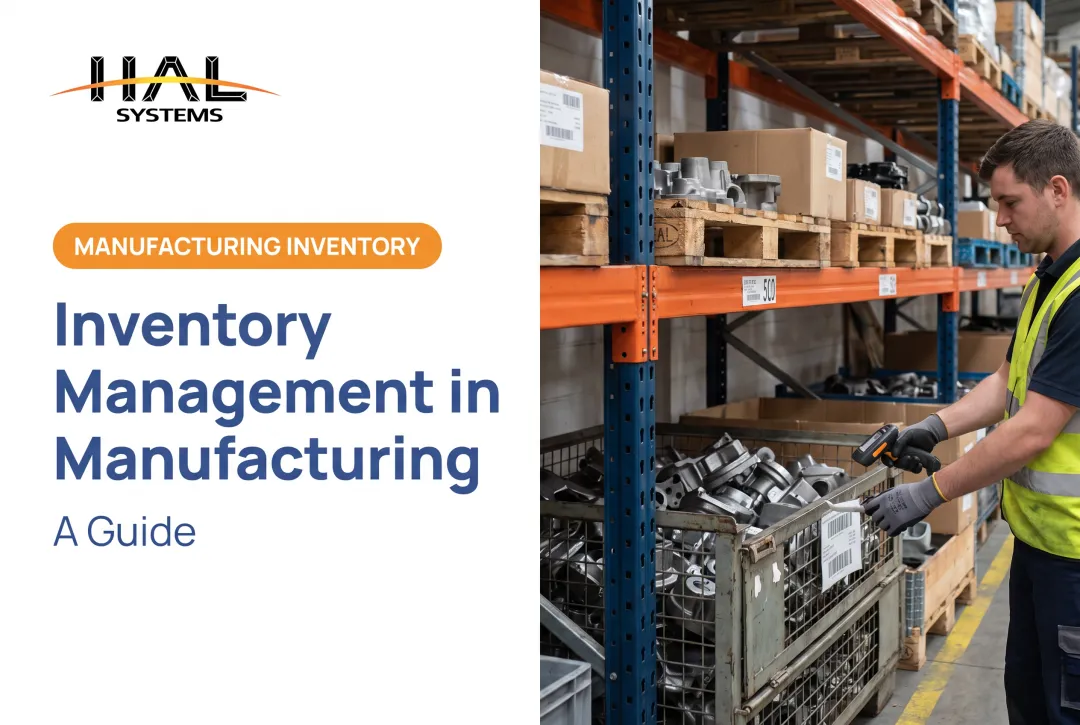
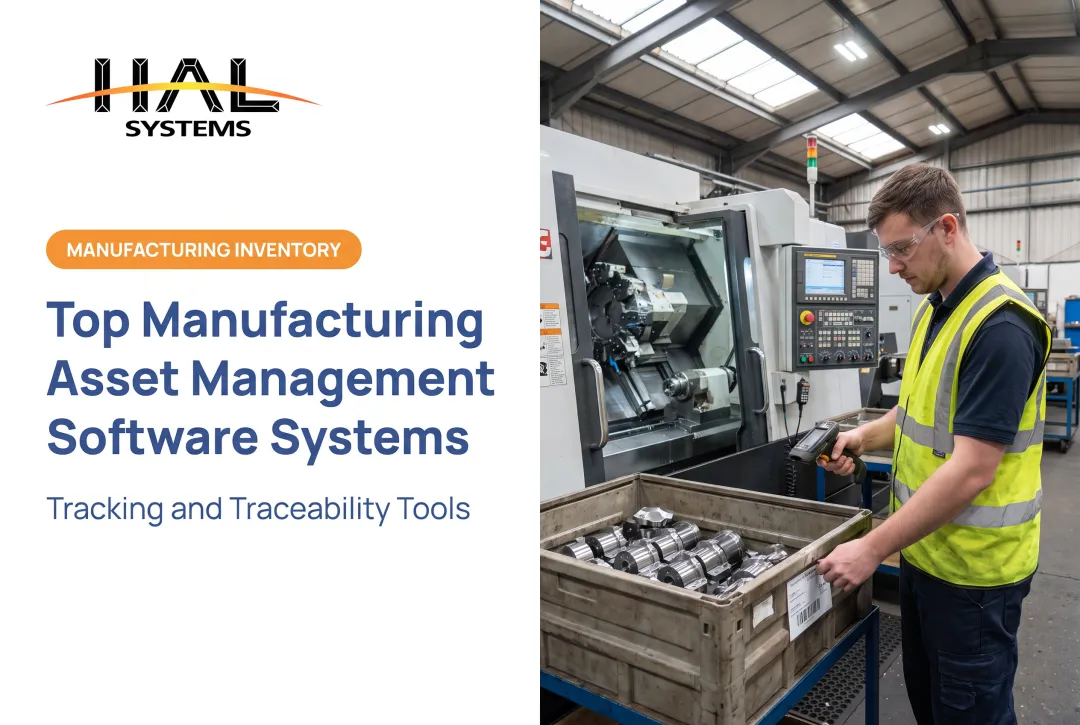
To make this data actionable, identify and track assets as they move. Barcodes, QR codes, and RFID tags support quick mobile scanning, cut manual entry errors, and give real-time location updates for tools, spare parts, or machines moving between departments.
2. Preventive Maintenance and Work Management
This component translates manufacturer recommendations, operating hours, and failure history into a concrete plan. The goal is to create preventive maintenance schedules and work orders before a failure occurs. A complete work management workflow includes:
- Issue reporting and approval
- Planning and scheduling
- Assignment of parts and labor
- Execution and documentation
- Closure and performance review
3. Condition Monitoring and Predictive Maintenance
While preventive maintenance works on a schedule, condition monitoring uses real-time data to spot trouble. Operator observations, inspections, and sensor data (like vibration, temperature, and pressure) can reveal developing problems.
For example, a Frito-Lay plant case study showed how remote vibration monitoring on its top 50 critical assets helped detect a blower motor issue, preventing a shutdown of the entire potato chip department. The key is to start with your most critical assets and have a clear plan for how to respond to alerts.
4. Asset Lifecycle and Spare Parts Management
This component covers an asset's entire journey, from planning and acquisition through installation, operation, maintenance, and eventual disposal. A major part of this is managing the spare parts needed to support your assets.
By analyzing usage history, lead times, and criticality, you can set appropriate min/max inventory levels. That balance limits stockout risk and downtime without carrying excess inventory.
5. Documentation, Reporting, and Continuous Improvement
Standardized records are essential for audits, compliance, root-cause analysis, and transferring knowledge when experienced employees retire. Dashboards and regular reports help you visualize trends and identify opportunities. By reviewing data, you can spot repeat failures, find underused equipment, or address a chronic maintenance backlog, feeding directly into your Lean or Six Sigma improvement initiatives.

How to Build and Implement an Asset Management Program
Implementing an asset management program is a structured project, not a single event. Follow these steps to build a program that delivers measurable results.
1. Assess the Current State and Define Objectives
Start by documenting how things are done now. Map out your current use of spreadsheets, manual handoffs, and disconnected systems. Identify recurring failures, reporting gaps, and untracked assets.
Then tie the program to clear business objectives, such as increasing production availability by 10%, improving inventory accuracy to 98%, or reducing maintenance response times.
2. Prioritize Assets by Criticality and Risk
Don't try to boil the ocean. A plant-wide rollout is risky and expensive. Instead, focus on a targeted group of high-value or high-risk assets first. Create a simple scoring system based on factors like:
- Impact on production if it fails
- Safety or compliance consequences
- Cost and lead time to repair or replace
- Frequency of failure
This allows you to get a quick win and demonstrate value before expanding the program.
3. Standardize Data and Workflows
Before you implement any technology, get teams to agree on standards. Cover naming conventions, location hierarchies, status codes, failure codes, and required fields for work orders.
Buy-in from operators, maintenance technicians, warehouse staff, and planners keeps the data you collect clean, consistent, and useful.
4. Select Technology and Plan Integration
With your workflows and data standards defined, you can now evaluate software. Map your required processes before looking at demos. Consider mobile access, barcode support, reporting capabilities, and how the system will integrate with your existing technology.
Decide whether a standalone tool, a CMMS, an EAM, or a configurable platform is the right fit. For example, a configurable platform like HAL Traxx can be tailored to support specific asset tracking, inventory, warehouse, and WIP workflows. Because it's built from modular software blocks, it can start small and grow with your business, integrating with ERP, factory automation, and accounting systems as needed.
5. Train Users, Launch a Pilot, and Improve Continuously
Involve shop-floor users in the design and testing process. Provide role-specific training and launch the new system with a pilot group (for example, one asset class or a single production line).
Monitor adoption by tracking data completeness, scan compliance, and user feedback.
Use that data to adjust the approach and guide the broader rollout. Apply Lean and Six Sigma principles to refine processes as you scale.

Technology and Software for Manufacturing Asset Management
The software landscape can be confusing. Knowing what each system does helps you pick the right fit for your operation.
- Enterprise Resource Planning (ERP): The system of record for broad business functions like finance, purchasing, and sales. Some ERPs have asset management modules, but they may lack the deep functionality of specialized systems.
- Computerized Maintenance Management System (CMMS): Focused on managing maintenance. It excels at work orders, preventive maintenance schedules, and tracking labor and parts for repairs.
- Enterprise Asset Management (EAM): Broader than a CMMS, an EAM system manages the entire asset lifecycle, from acquisition to disposal, including risk and compliance.
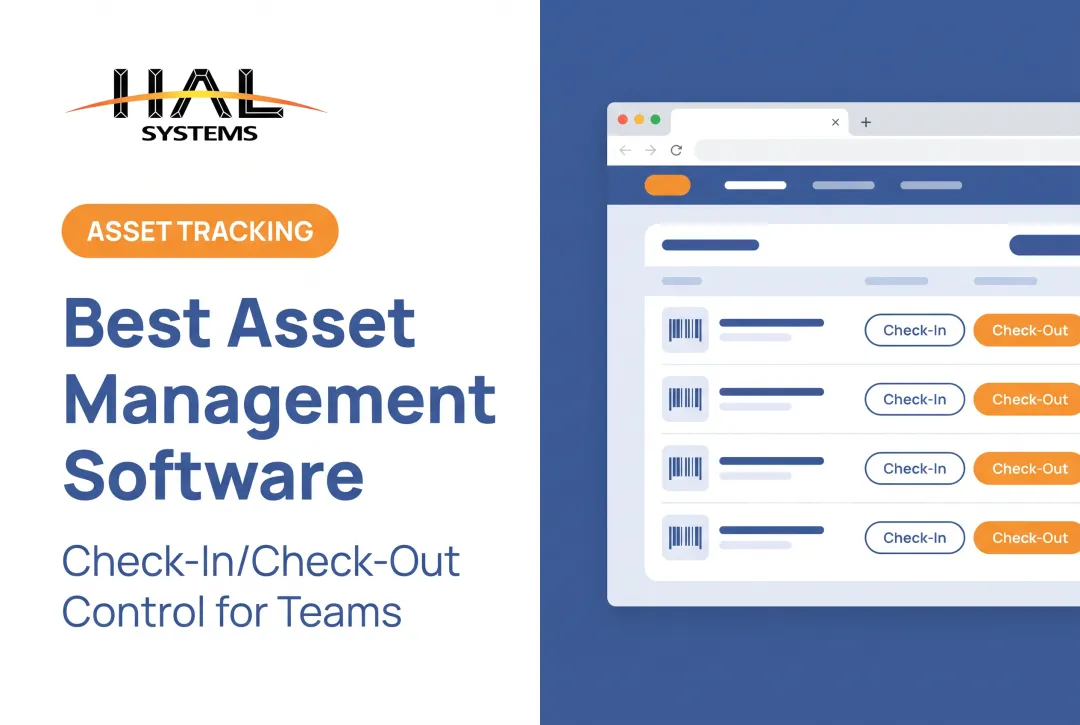
- Configurable Manufacturing or Asset Tracking Software: These platforms are designed for flexibility. They can be tailored to your specific workflows for inventory, barcode tracking, WIP, or tool check-in/check-out, often integrating with a larger ERP or EAM. HAL Traxx is an example of a system that can function as an asset tracking, inventory management, or WIP solution, or all three at once.
When evaluating software, use a checklist to compare options based on your needs:
- Ease of use and configurability
- Mobile and barcode scanning support
- Integration capabilities (APIs, ODBC, etc.)
- Implementation support and training
- Reporting and dashboard features
- Total cost of ownership
- Ability to add functionality as you grow
Remember, technology should solve a defined workflow problem, not just add another layer of complexity.
Frequently Asked Questions
What are the 5 P's of asset management?
A common framework covers People (roles and skills), Processes (workflows), Products (the assets themselves), Performance (KPIs), and Planning (strategy and lifecycle).
What are the 5 stages of asset management?
A typical asset lifecycle has five stages: planning and acquisition, installation and commissioning, operation and maintenance, upgrades or modification, and disposal or retirement.
What is the difference between EAM and ERP in asset management?
An ERP manages broad business resources like financials and purchasing. An EAM focuses on the physical asset lifecycle, including maintenance, reliability, and risk. The two often integrate, with the EAM feeding maintenance cost data into the ERP financial ledger.
What is asset management in manufacturing?
Asset management in manufacturing is the systematic process of tracking, operating, maintaining, and optimizing equipment, tools, materials, and facilities to maximize value and reliability throughout their lifecycle.
How can manufacturers improve asset management?
Start with an accurate asset register and prioritize assets by criticality. Standardize workflows, run preventive maintenance, capture data with barcodes on mobile devices, and review KPIs regularly to drive continuous improvement.