Inventory records matter more than most teams assume. One Management Science study of 37 stores found that 65% of records were inaccurate, and store complexity made the problem worse.
Multi-location inventory software gives every site one shared system for stock, movements, replenishment, and accountability. This guide covers the benefits, essential features, implementation steps, and how to pick a platform.
Key Takeaways
- One reliable view by location, plus a consolidated company-wide total, prevents most stock disputes.
- Location-specific transfers, reorder points, permissions, and cycle counts stop discrepancies.
- Barcode and mobile workflows cut manual entry at receiving, picking, counting, and transfers.
- Pick a platform that integrates with your systems and grows with your operation.
What Is Inventory Management Software for Multiple Locations?
Inventory management software for multiple locations is a centralized or connected system that records quantities, status, movements, and replenishment needs across more than one physical site. A location can be a warehouse, showroom, service van, construction site, production work center, or a client's stock held by a 3PL.
Multi-location is broader than multi-warehouse. A company with one traditional warehouse, five trucks, and two job sites already has a multi-location problem. Microsoft's documentation treats a location as a place where items are bought, stored, or sold, with bins as the structure inside a warehouse.
Multi-location is also different from multichannel. Locations describe where stock sits. Channels, such as stores, ecommerce sites, and marketplaces, describe where demand originates. Good software connects both views.
Centralized, decentralized, and hybrid models
- Centralized: One central warehouse buys, stores, and feeds everything else, such as service vehicles. Global decision-making can optimize the whole system.
- Decentralized: Each branch buys and replenishes independently. This suits geographically separate branches, but MIT research notes it can drive hoarding, extra stockouts, and larger safety stocks.
- Hybrid: Fast-moving items stay local; slow movers stay central.
Inventory types versus management models
Don't confuse categories of stock with management models. ASCM lists five groups: raw materials, parts and components, work in progress, finished products, and maintenance, repair and operations (MRO) supplies. Terminology varies by industry, and some sources fold components into raw materials.
Software tracks all of these across warehouses, production areas, vehicles, and job sites. HAL Traxx, for example, tracks raw materials and WIP in manufacturing and parts usage on field service trucks.
Why Multi-Location Inventory Management Matters
Location-level visibility delivers fewer stockouts, less excess stock, faster fulfillment, smarter purchasing, and better use of working capital.
IHL Group's 2026 study puts global retail inventory distortion at $1.7 trillion, or 6.2% of retail sales. Out-of-stocks make up 65.6% of that. The figure is global and retail-focused, but it shows the scale.
Transfer or buy?
Say Site A has 40 units and no demand, while Site B has 2 units and a surge of orders. Without shared visibility, B orders 50 more. With it, the manager transfers 25 units overnight and skips the purchase order.

What bad records cost
- Duplicate purchasing and emergency shipping
- Delayed jobs and unproductive searching
- Wrong promises to customers
- Painful reconciliation between physical counts and the system
Those mismatches drive stockouts, lost revenue, and higher ordering and holding costs at every site you run.
What Makes Multi-Location Inventory Difficult?
Accuracy and transit gaps
Every site needs accurate counts. Stock in transit is the classic blind spot: material has left the sender but hasn't reached the receiver. Oracle describes posting the transfer into in-transit inventory, then moving it to the receiver through a receipt. Without that step, stock vanishes between sites.
Isolated records are the other risk. When one branch runs its own spreadsheet, the company-wide view becomes inaccurate.
One average doesn't fit every site
Demand and lead times differ by location, so reorder points and safety stock should too. ASCM's formula is order point = demand during lead time + demand during review interval + safety stock. Run it per location, not once for the company.
Accountability
- Inconsistent item names create phantom duplicates
- Unauthorized adjustments hide errors
- Unclear ownership leaves nobody responsible
- Missing history leaves no record of who moved or consumed an item
Essential Features to Compare in Multi-Location Inventory Software
Location-level visibility
Look for these statuses by location, plus a consolidated multi-site view:
- On-hand and available
- Allocated and reserved
- Consumed, damaged, and in-transit
Sublocations matter too, such as aisles, shelves, bins, vehicle compartments, and job-site storage points.
Barcode scanning and mobile workflows
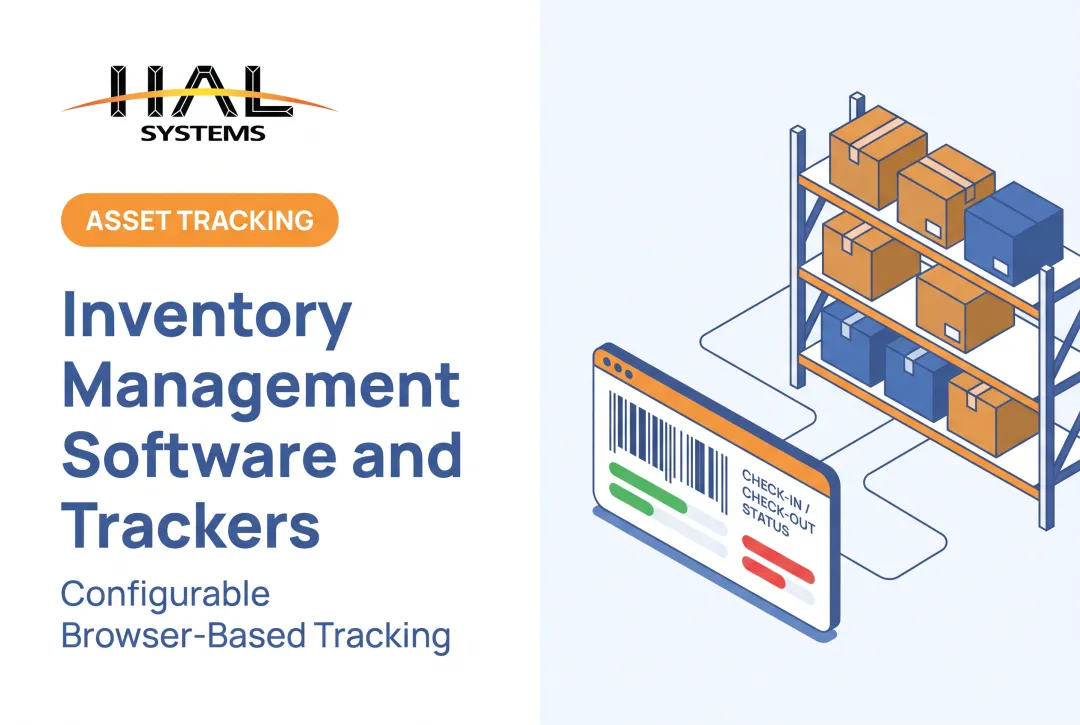
Scanning handles receiving, picking, issuing, counting, transfers, returns, and asset check-in/check-out. It removes typing errors and lets people update records where the work happens.
Ask these questions in every demo:
- Which scanners and mobile devices work?
- Does it work offline or on weak connections?
- Who designs and prints labels?
- Does it run on iOS, Android, and Windows?
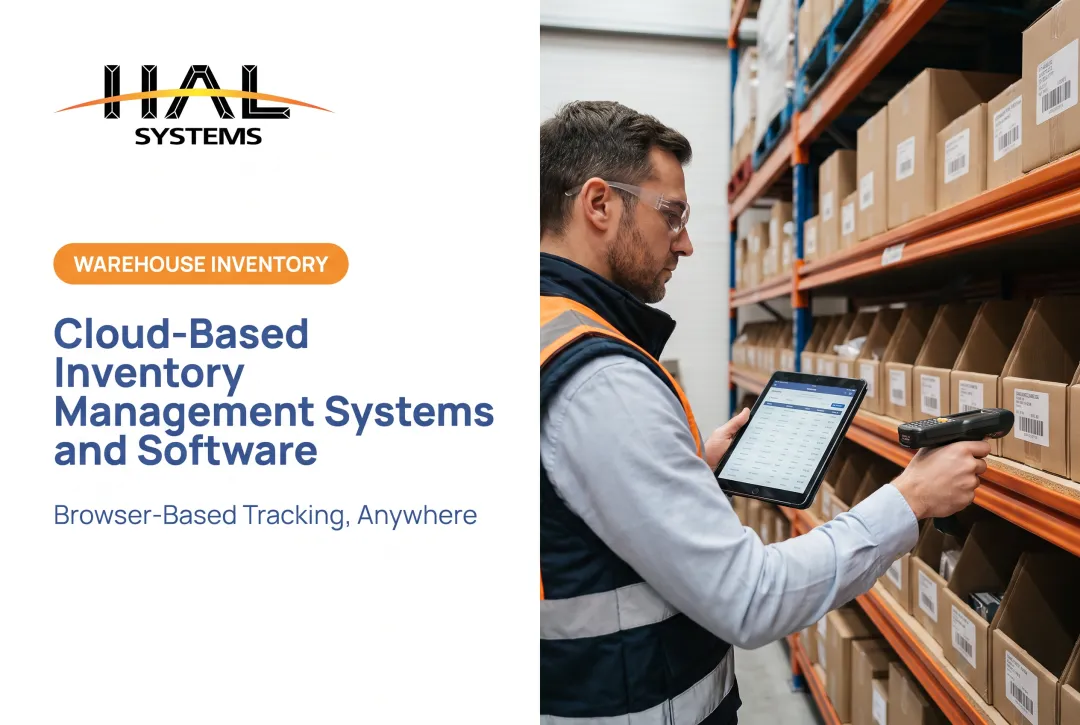
HAL Traxx runs in a web browser on handhelds, tablets, and smartphones, with no device-side software installation, and accepts barcode, RFID, lookup, or manual entry.
Transfers, replenishment, and planning
Multi-location control depends on clean movement and replenishment tools:
- Transfer requests, approval or dispatch, in-transit status, and receiving confirmation
- Location-level audit history
- Reorder points, minimum and maximum levels, and supplier lead times by location
Flexible min/max levels pay off in practice. Oregon's Egg Press, a NIST MEP case, set them by product lifecycle and demand, and cut inventory 35%, saving over $32,000.
Integrations and reporting
Inventory events shouldn't be retyped into accounting or ERP. Evaluate connections to accounting, ERP, purchasing, manufacturing, shipping, and ecommerce, and confirm which methods each vendor supports:
- APIs, ODBC, transfer files, or EDI
- Dashboards and location comparisons
- Audit reports and exports
Configuration, deployment, and scalability
Fit and growth path matter as much as day-one features:
- Configurable fields, workflows, roles, and approval rules
- Location-based permissions and audit trails
- Cloud or on-premises deployment
- Room to add functions later
Compare commercial and delivery factors as well:
- Implementation effort, support hours, and partner help
- Pricing, user limits, and data ownership
- Security documentation and vendor experience in your industry
How to Implement and Operate a Multi-Location Inventory System
Map the network and standardize data
Build a location hierarchy: warehouses, branches, vehicles, job sites, production areas, bins, and client-owned or consigned stock. Define who owns and who may adjust each category.
Clean item data before importing balances: SKUs, descriptions, units of measure, barcodes, pack quantities, serial or lot fields, and naming conventions.
Document the workflows
Map the full lifecycle: purchasing, receiving, put-away, picking, transfers, in-transit stock, consumption, returns, adjustments, damage, counts, and disposal. Write standard procedures and decide which events require scanning, approval, or receiving confirmation.

Configure replenishment and KPIs
Set reorder points, safety stock, lead times, suppliers, and alerts per location. Track a short KPI set:
- Inventory accuracy (APQC reports 95.0% at the 25th percentile)
- Stockout frequency
- Order fill rate (ASCM calls 97-98% typically acceptable)
- Inventory turnover (annual cost of sales divided by average inventory)
- Transfer cycle time and adjustment value
Managers should review trends by location monthly, not just company totals.
Roll out in phases
Pilot at one representative location. SAP describes a pilot as a small-scale test to surface issues and user feedback before wider deployment. Test data, devices, permissions, integrations, reports, and exceptions.
Then train by role: warehouse staff, drivers, technicians, production employees, buyers, managers, and administrators. Measure adoption by scan rates and error counts, then fix gaps.
Maintain accuracy after launch
- Schedule cycle counts weighted toward high-value, fast-moving, serialized, or frequently adjusted items, and rotate through every site.
- Investigate discrepancies through transaction history, transfers, receipts, user activity, and physical conditions. Don't just overwrite the balance.
- Review reports regularly for improvement
Lean methods pay off. Island Components Group cut WIP from 717 to 156 pieces and raised output from 75 to 120 units a day, NIST reports.
Choosing a Multi-Location Inventory System and Next Steps
How to compare vendors
Score each vendor on:
- Location visibility and mobile scanning
- Transfers and replenishment
- Reporting and integrations
- Security, deployment, and configuration
- Implementation support and training
- Total cost of ownership
Include integration, training, security, and maintenance in cost, not just licenses.
Then run realistic demo scenarios:
- Receive stock at one warehouse
- Transfer it to a service vehicle
- Consume a component in production
- Correct a discrepancy
- Report inventory by location

How HAL Traxx may fit
HAL Traxx from HAL Systems is a configurable platform that can work as inventory management, warehouse management, asset tracking, or work-in-process manufacturing software. That suits distributors, manufacturers, field service firms, contractors, and 3PLs.
Points to evaluate:
- Configurable software blocks, with features added without a platform change
- Amazon Web Services cloud hosting or on-premises installation
- Integrations via APIs, ODBC, transfer files, and other methods
- Professional services and Lean/Six Sigma process expertise
- Local resellers for in-person implementation, plus 24/7 technical support
Confirm fit for your own locations, transactions, integrations, and reports through a conversation or demo. Reach HAL Systems at 770-927-0700 or sales@halsystems.com.
Next steps
Accurate processes, standardized data, location-level accountability, and a shared system make multi-location inventory work. Review your current workflows first, then see whether a configurable platform like HAL Traxx can simplify them.
Frequently Asked Questions
How to track inventory in multiple locations?
Use one shared system with standardized item records and quantities by location. Add barcode or mobile transactions, tracked transfers, and regular cycle counts.
How to manage inventory across multiple channels?
Separate sales channels from physical locations. Synchronize orders, available stock, reservations, fulfillment, returns, and location data across every connected channel.
What are the four types of inventory management?
Stock categories are not management methods. Common categories are raw materials, work in process, finished goods, and MRO supplies, though ASCM also lists components separately. Terminology varies by industry.
What features should inventory management software for multiple locations have?
Look for real-time location visibility, barcode support, transfers with in-transit status, and location-specific replenishment. Add reporting, integrations, permissions, and flexible deployment.
How do you implement inventory software across multiple locations?
Clean data, map locations, standardize processes, and configure workflows. Pilot at one site, train by role, test integrations, then keep cycle counting.