These aren't rare events. 49% of respondents in Modern Materials Handling's 2026 survey already use warehouse or inventory management software, yet integration gaps, user adoption, and total cost of ownership remain common complaints. That tells you something important: buying software isn't the hard part. Knowing which requirements actually matter is.
This guide breaks down what a modern inventory management system needs to do, how to evaluate vendors against your real workflows, and where to look when your current setup isn't keeping up anymore.
Key Takeaways
- Real-time visibility into stock, assets, and transactions is the foundation of any working system.
- Barcode or RFID capture, mobile workflows, and clean item master data cut manual errors.
- Integration with ERP, accounting, and shipping systems prevents duplicate data entry across departments.
- Match the system to your workflow: distribution, manufacturing, field service, or 3PL warehousing.
- Implementation costs, training, and ongoing support matter as much as the feature list.
What Is an Inventory Management System?
An inventory management system is software that records, organizes, and controls inventory and related assets through every stage: receiving, storage, movement, production use, fulfillment, counting, and reporting. It works as an operational record that connects item data, locations, transactions, users, and reporting into one workflow.
Before comparing vendors, it helps to know what you're actually shopping for. These terms get used interchangeably, but they cover different ground:
| Term | What It Actually Covers |
|---|---|
| Inventory tracking | Monitoring product movement, quantities, and location |
| Inventory management | Using stock and demand data to decide order timing and quantity |
| Inventory management system | Software that updates records as items are received, used, or sold |
| Warehouse management system (WMS) | Software that manages and executes warehouse operations |
| Asset tracking | Tracking individual physical assets, including condition and location |
| ERP | An integrated suite sharing data across finance, distribution, and manufacturing |
Core Components That Actually Matter
Three elements separate a real inventory system from a glorified spreadsheet:
- Item identification and master data: SKUs, units of measure, locations, suppliers, serial numbers, lot numbers, and expiration dates. Clean, standardized data supports accurate receiving, picking, replenishment, and audits. Messy master data breaks everything downstream.
- Transaction and location control: Receiving, putaway, transfers, picking, shipping, returns, adjustments, and cycle counts. A complete transaction history creates accountability and closes the gap between what's on the shelf and what's in the system.
- Workflow and decision support: Alerts, reorder points, purchase orders, dashboards, and exception reporting. This is what turns raw data into fewer stockouts, better purchasing calls, and less manual reconciliation.
Why Meeting These Requirements Pays Off
Accurate, connected inventory data doesn't just look better on a dashboard. APQC's analysis links higher inventory accuracy to higher order fill rates, fewer expedited shipments, and lower carrying costs as a share of inventory value.
Track your progress against measurable indicators, not vague impressions:
- Inventory accuracy rate
- Order fulfillment time
- Stockout frequency
- Carrying cost percentage
- Cycle-count variance
- Receiving time per shipment
- Asset recovery rate
What to Consider When Choosing the Best Inventory Management System
The "best" system is relative. A 3PL managing client-separated stock has different requirements than a job-shop tracking work-in-process through five production cells. Before you talk to vendors, document your current pain points and separate must-haves from nice-to-haves. It saves you from buying features you'll never touch.
Functional Coverage Across the Inventory Lifecycle
Confirm the system handles your complete workflow, not just pieces of it:
- Purchasing and receiving
- Identification and putaway
- Storage, transfers, and location tracking
- Picking, shipping, and returns
- Adjustments, cycle counting, and reconciliation
Manufacturers need work-in-process and raw-material tracking. Regulated or high-value goods need lot and serial traceability. Field service and asset-heavy organizations need check-in/check-out records for tools and equipment.

Real-Time Data Capture and Mobile Usability
Barcode, QR code, or RFID support only matters if it fits how your team actually works. A warehouse team scanning from a forklift has different needs than a field technician logging a part swap from a job site with spotty signal.
Evaluate:
- Scanner, printer, and mobile-device compatibility with your point-of-work processes
- Support for intermittent connectivity where teams work outside steady Wi-Fi coverage
- Impact on inventory accuracy, transaction time, and cycle-count variance
For organizations in regulated food or beverage operations, this isn't optional. FDA's traceability readiness report found properly assigned lot codes in only 40% of participating companies' records during tabletop exercises—a gap that starts with how (or whether) data gets captured at the point of work.
Multi-Location Visibility and Scalability
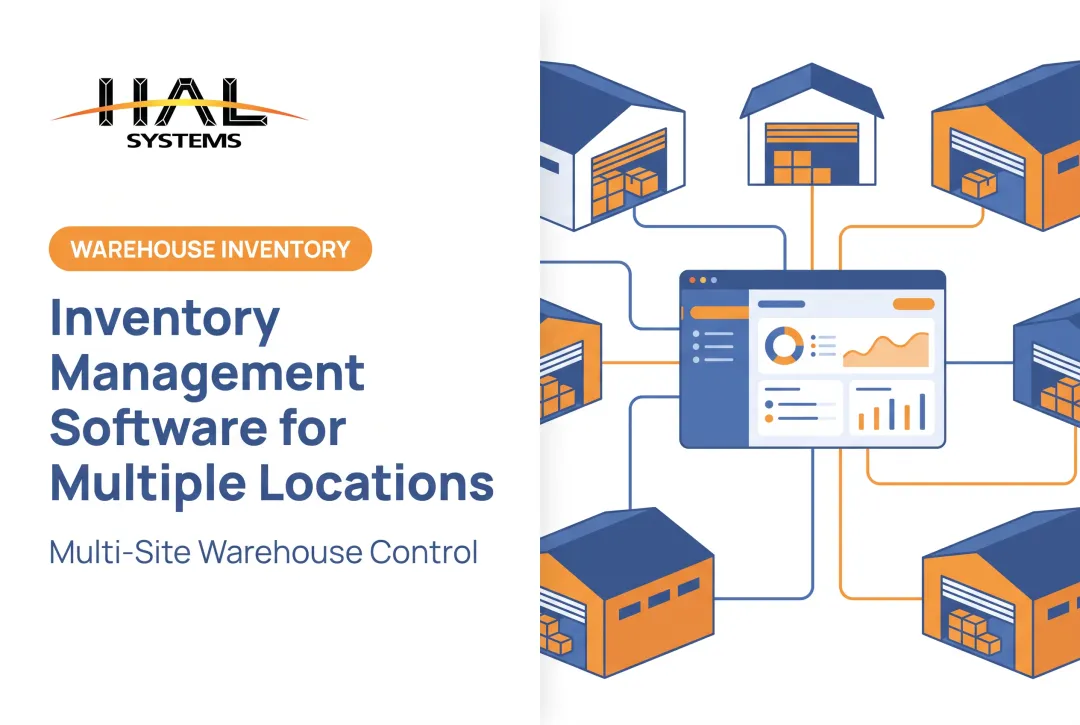
Can the system manage multiple warehouses, bins, trucks, job sites, or asset custodians while keeping records separated and consolidated where needed? This matters more as you grow.
Ask vendors directly:
- Can functionality be added without replacing the platform?
- How does licensing scale with SKUs, users, and transaction volume?
- What happens to performance as location count increases?
A platform that handles one warehouse well but buckles at five isn't scalable, no matter what the sales deck says.
Integrations and Data Exchange
Disconnected systems create duplicate work. 29% of respondents in MMH's 2026 survey cite integration with existing applications as an ongoing issue—and 31% cite compatibility problems specifically.

Check for:
- APIs, ODBC connections, and transfer-file options
- Reliable sync with ERP, accounting, e-commerce, shipping, and production systems
- Clear ownership of integration maintenance once you're live
Judge integration quality by outcomes: fewer duplicate entries, consistent records across systems, and faster information flow between departments.
Reporting, Analytics, and Control
A system that captures data but doesn't surface it usefully isn't worth much. You need configurable dashboards covering stock levels, turnover, aging stock, purchase orders, and exceptions—filterable by item, location, customer, supplier, or work order.
KPIs worth tracking here include stockout rate, order accuracy, supplier lead time, and the variance between physical counts and system records.
Security, Deployment, and Total Cost of Ownership
Role-based permissions, audit trails, and backup procedures aren't glamorous, but they matter. So does the deployment decision—cloud, on-premises, or hybrid—based on your IT resources and connectivity, not just the label.
32% of organizations cite total cost of ownership as a concern, according to MMH's 2026 survey, and 28% report insufficient resources to implement and maintain new systems. Factor in configuration, data cleansing, hardware, training, and ongoing administration before you sign anything.
Usability, Support, and Continuous Improvement
Test the actual workflows during a demo: receiving, scanning, transfers, picking, cycle counting, and exception handling. User acceptance is a real risk—roughly 30% of organizations in the same survey flag it as an implementation issue. If your warehouse team can't use it comfortably in week one, adoption suffers.
Look for strong training resources, responsive support, and a provider who can adapt workflows without heavy custom development.
How HAL Systems Can Help
HAL Systems has built configurable business software since 1983, with applications covering inventory, asset tracking, warehouse operations, manufacturing, and field service. The company's approach, "We Make the Complex Simple," fits organizations that need real functionality without committing to a rigid, oversized platform.
The Configurable HAL Traxx Platform
HAL Traxx is built from integrated software blocks that adapt to inventory management, warehouse management, asset tracking, and work-in-process manufacturing. Instead of forcing every operation into the same template, workflows can be configured around how your team actually receives, tracks, transfers, and reports.
A few examples of what that looks like in practice:
- Inventory Control – Warehousing automates receipts, orders, deliveries, and shipping documents, with delivery confirmation by scanning directly from the vehicle
- Inventory Control – Manufacturing interfaces with existing purchase, work, and sales orders, applying bills of materials and real-time dashboards for order status
- Track & Traceability scans specific raw-material lots to finished-goods batches, supporting recall tracing for compliance and quality control

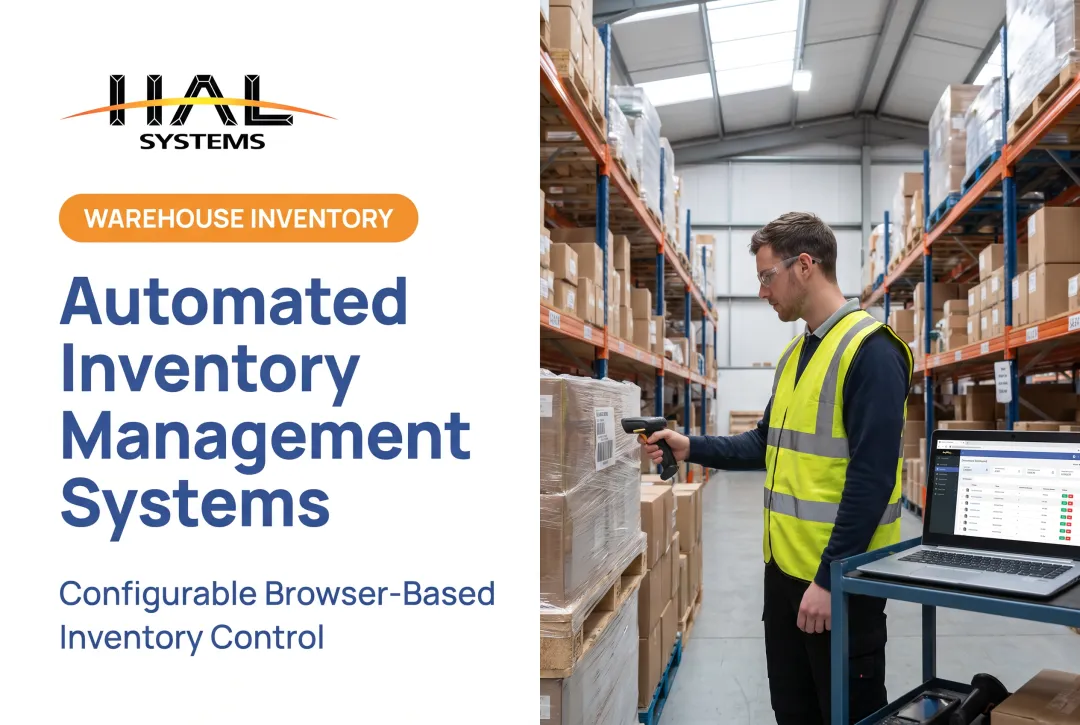
HAL Traxx accepts barcode, RFID, and manual-entry input through a browser-based interface, which opens up hardware choice instead of locking you into specific devices.
Integration, Deployment, and Implementation Support
HAL Systems' in-house programmers build interfaces to ERP, factory automation, shipping, e-commerce, and accounting systems using APIs, ODBC, and transfer files. Each integration follows a technical assessment of your existing environment. Deployment runs on-premises or through Amazon Web Services cloud hosting, depending on your infrastructure and governance needs.
Implementation covers more than software installation. HAL Systems' professional services include process consulting and Lean/Six Sigma expertise (led by a certified Black Belt with decades of industry experience) to improve workflows before and during rollout, alongside data preparation, training, and testing.
Experience and Ongoing Support
HAL Systems has operated since 1983, developing its software in-house and supporting customers across manufacturing, food and beverage, healthcare, transportation, field service, and government sectors. Support runs through a network of trained local resellers. HAL Traxx can expand as your inventory, asset, or production requirements change without replacing the underlying platform.
Conclusion
The strongest inventory management system is the one that accurately supports how your organization actually operates, not the one with the longest feature list. Weigh lifecycle coverage, data capture methods, integrations, reporting depth, security, deployment fit, usability, and total cost of ownership together, not in isolation.
Once you're live, don't treat the system as finished. Review performance against defined KPIs periodically, and adjust workflows or functionality as your locations, products, and business needs evolve.
Frequently Asked Questions
What are the key requirements for an effective inventory management system?
Real-time visibility, accurate item and location records, barcode or mobile data capture, replenishment alerts, configurable reporting, integrations with existing business systems, role-based security, and usability for frontline staff.
What is the most important feature of an inventory management system?
It depends on your operation, but reliable transaction capture and accurate, timely visibility form the foundation everything else builds on: replenishment, fulfillment, production, and reporting all depend on it.
How does barcode scanning improve inventory management?
Scanning records transactions at the point of work instead of after the fact, cutting manual entry errors and speeding up receiving, picking, transfers, cycle counts, and audits.
Should an inventory management system integrate with ERP and accounting software?
Yes. Integration reduces duplicate data entry and keeps inventory, purchasing, sales, and financial records consistent across departments, typically through APIs, ODBC connections, or transfer files.
What inventory management requirements are important for manufacturers?
Raw-material and work-in-process tracking, bills of materials, production-related transactions, lot or serial traceability, replenishment alerts, and warehouse visibility tied to live reporting.
How do I choose an inventory management system for a small or mid-size business?
Document current workflows and pain points first, then prioritize must-have capabilities. Test usability with the employees who'll actually use it, confirm integration and deployment options fit your IT setup, and compare full implementation costs, not just license price.