Introduction
A stockout halts an order. A misplaced pallet stalls a production line. An inaccurate count turns a confident delivery promise into an apology email. These aren't rare events. They're daily friction for businesses running inventory on spreadsheets, paper logs, or disconnected software.
A stock management system is the combination of software, processes, and data a business uses to record, track, control, and plan inventory as it moves from receiving dock to customer, job site, or production line.
This article breaks down the features that matter most, how they support different workflows (warehousing, manufacturing, asset tracking, 3PL operations), and what to evaluate before you commit to a platform.
Key Takeaways
- Accurate visibility from receiving through reporting prevents costly stockouts and overstock
- Barcode scanning and mobile access cut manual entry and reduce discrepancies
- Replenishment controls, traceability, and reporting matter as much as basic counting
- Integration and deployment flexibility determine how well the system fits your existing stack
- The right features depend on whether you manage warehouse stock, WIP, assets, or client inventory
Why Stock Management Systems Matter
Spreadsheets and paper logs create a gap between what's physically on the shelf and what the records say. That gap drives bad purchasing decisions, missed production deadlines, and unreliable customer promises.
Inventory management covers far more than counting items. It spans:
- Receiving and inspection
- Putaway and location control
- Internal movement and transfers
- Picking, packing, and fulfillment
- Replenishment and cycle counting
- Reporting and audit trails
The financial stakes are significant. Worldwide retail inventory distortion (the combined cost of stockouts and overstocks) reached $1.7 trillion annually, or roughly 6.2% of global retail sales, according to IHL Group's 2026 study.

That figure spans multiple causes, not inaccurate records alone, but it shows how much is riding on dependable inventory data.
A reliable system answers three questions at any moment: what's available, where it's located, and what activity last changed the quantity. Without that, every downstream decision (purchasing, production scheduling, order fulfillment) runs on guesswork.
Key Stock Management System Features
No single feature makes or breaks a system. What matters is whether these capabilities work together across the full stock lifecycle, from the moment goods arrive to the report your finance team pulls at month-end.
Real-Time Inventory Visibility and Location Control
The system should show current quantities, item status, and exact storage location at all times, not just a daily snapshot. That includes:
- Allocated versus available stock
- In-transit inventory between facilities
- Movement history by location
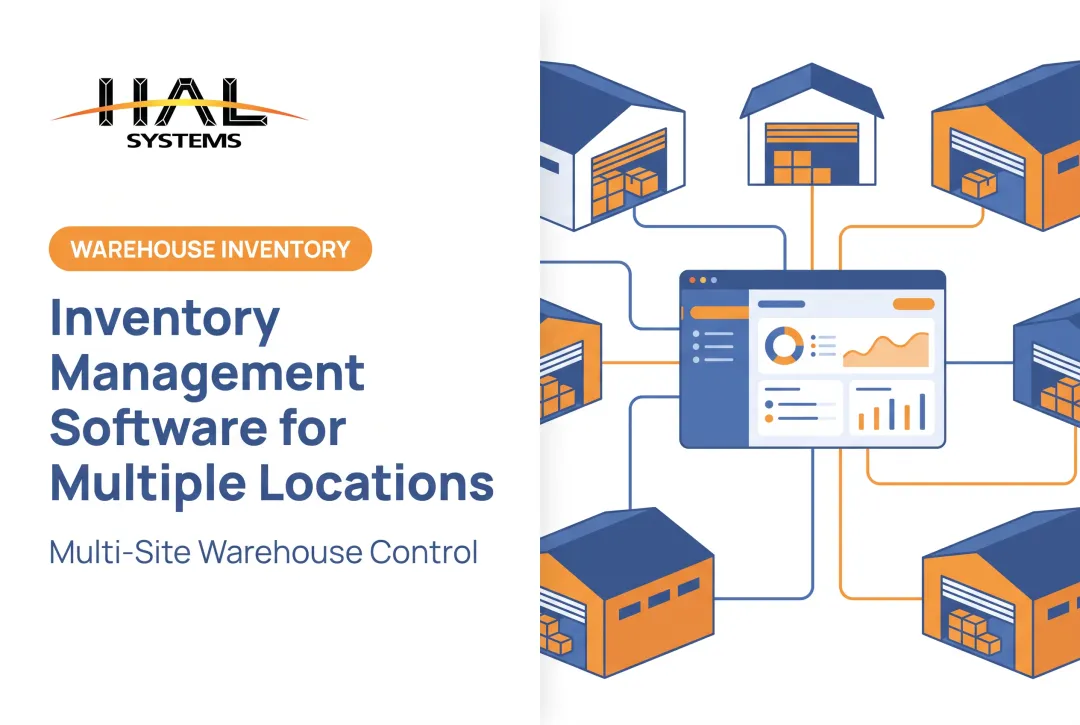
- Bin, zone, or warehouse-level detail across multiple sites
Different teams need different views of the same data. Purchasing wants reorder visibility; production wants WIP status; finance wants valuation. A system configured around real-time tracking and multi-location operations lets each group see what's relevant without digging through irrelevant transactions.
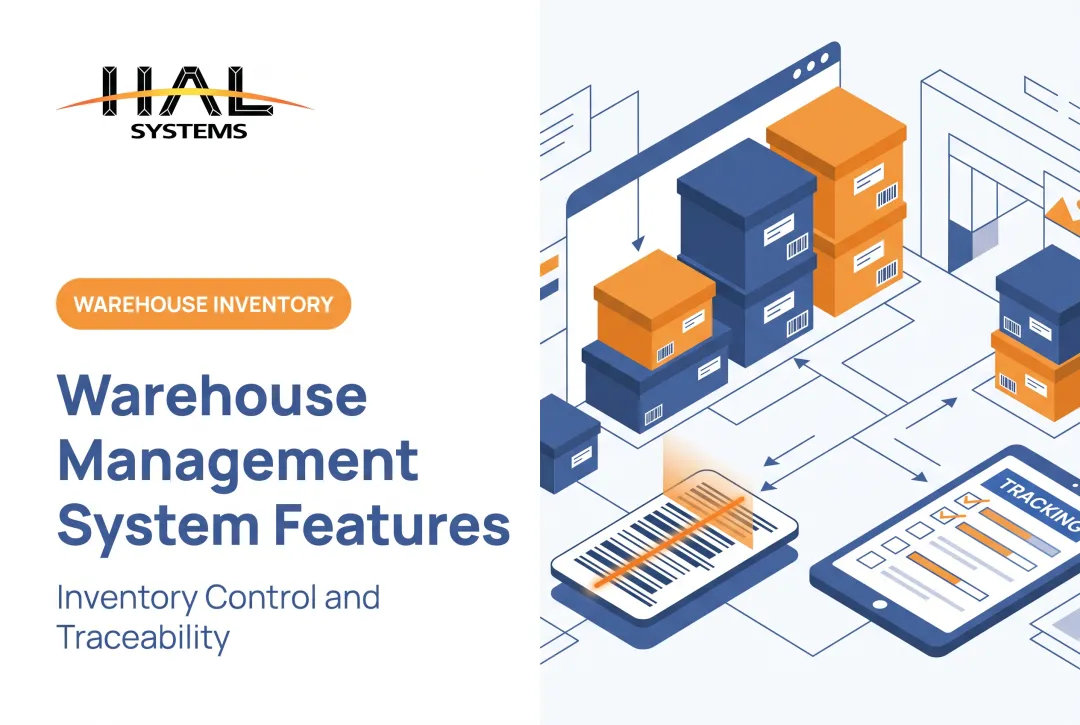
Barcode, Mobile, and Automated Data Capture
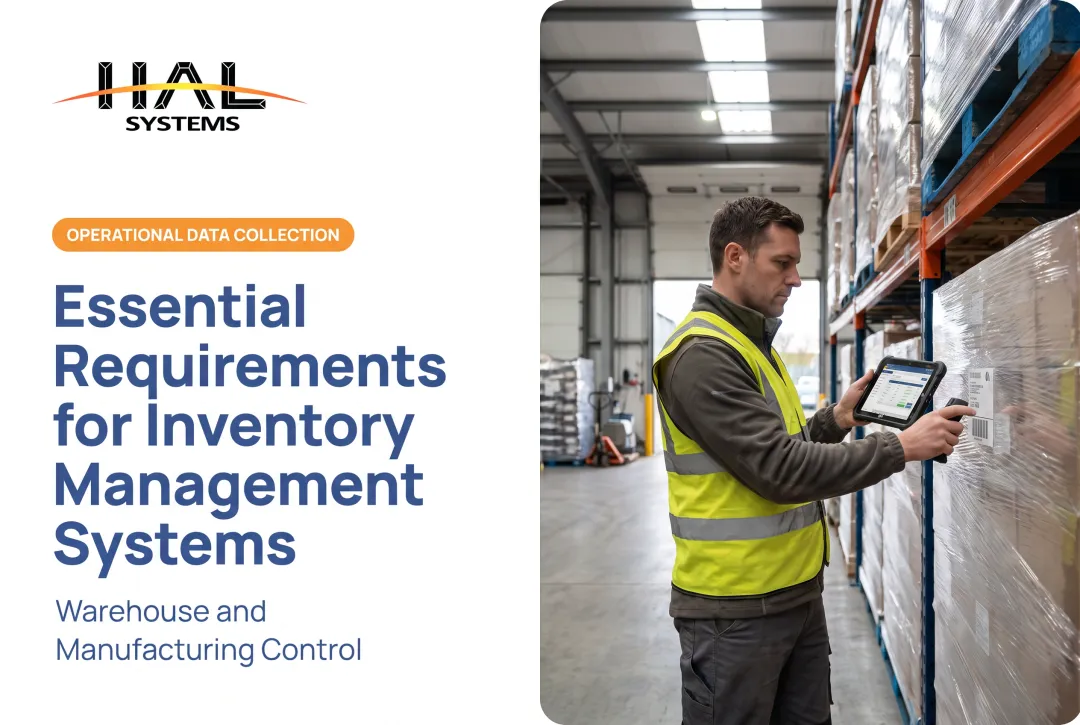
Manual data entry is slow and error-prone. Barcode or QR-code scanning speeds up receiving, putaway, picking, packing, cycle counting, and dispatch while cutting repeated keystrokes.
Mobile devices extend this further. Workers can record transactions at the point of work (on a warehouse floor, in a production bay, from a delivery truck, or at a remote job site) instead of walking back to a terminal. A browser-based platform that accepts barcode, RFID, lookup, or manual input gives flexibility for operations that mix technology levels across locations.
Replenishment, Purchasing, and Stock-Level Controls
Replenishment logic prevents both stockouts and excess inventory. Core mechanics include:
- Reorder points: triggered when stock on hand plus stock on order falls to or below a set level
- Min-max systems: order placed when inventory hits the minimum, sized to bring stock back to the maximum
- Safety stock: a buffer against demand or supply fluctuation, not the entire replenishment quantity
According to the ASCM Supply Chain Dictionary, min-max calculations factor in on-order inventory, not just what's physically on the shelf, an easy point to miss if your system only looks at on-hand counts. Automated recommendations can flag what to order, but approval workflows, partial receipts, and backorder handling still require human judgment, especially for new suppliers or unusual order sizes.
Traceability and Inventory Accuracy
Traceability requirements vary sharply by industry. Food and beverage operations need lot-code linkage across critical tracking events, as outlined in FDA's traceability rule. Pharmaceutical distributors need serialized product identifiers. Medical device handlers need device and production identification. Public-sector asset teams need a defensible audit trail for annual inventories.
Core accuracy tools apply across all of them:
- Cycle counting on a recurring schedule, not just annual counts
- Variance management with adjustment approval workflows
- Lot and serial-number tracking
- Expiration and status controls
- Full audit trails tied to each transaction
Cycle counting's real value is identifying why errors happened so you can fix the root cause.
Reporting, Dashboards, and Analytics
Raw transaction data isn't useful until it's turned into something a manager can act on. Reports worth prioritizing include:
- Stock-on-hand and inventory movement
- Aging or obsolete stock
- Adjustment history and variance
- Replenishment status
- Location utilization
- Order fulfillment performance
Role-specific dashboards matter here. A warehouse supervisor needs different information than a purchasing manager or a plant controller. A system that surfaces the same cluttered report to everyone defeats the purpose of having real-time data in the first place.
Integration, Security, and Deployment Flexibility
An inventory system that doesn't talk to your other platforms creates new manual work instead of eliminating it. Look for:
- APIs, ODBC connections, and file-transfer options
- Connectors to ERP, accounting, e-commerce, shipping, and factory automation systems
- Role-based permissions and user activity logs
- Backup and data-protection procedures
Deployment choice also matters:
| Factor | Cloud | On-Premises |
|---|---|---|
| Access | Available anywhere with internet | Works without internet connectivity |
| IT responsibility | Provider manages upgrades and hosting | Internal IT handles patches and hardware |
| Cost pattern | Subscription-based, lower upfront cost | Larger upfront investment, predictable over time |
Neither option is universally better; it depends on your IT staffing, connectivity, and internal security requirements.
How the Features Support Different Inventory Workflows
Features only matter in context. Here's how they play out across the actual steps of managing stock.
Receiving, Storage, and Internal Movement
Accuracy starts the moment goods arrive. Scanning at receiving, inspection, labeling, directed putaway, and bin-level tracking establish a clean baseline before anything moves. This matters most for distributors, 3PLs, and manufacturers juggling multiple warehouses or client-separated inventory, where a single misplaced pallet can cascade into a fulfillment error.
Manufacturing, Work-in-Process, and Traceability
Manufacturing workflows add complexity: raw-material issuance against a bill of materials, WIP movement through production stages, unit-of-measure conversions, and finished-goods receipt. Lot or serial traceability lets a team trace a finished product back to its source materials, essential for a recall and useful for quality troubleshooting.
Connected data reduces reliance on paper travelers. Instead of a clipboard following a job through the floor, scans at each stage update the system directly, so anyone can see where materials sit in the process.

Fulfillment, Field Service, and Asset Use
Fulfillment and asset tracking serve different goals, even though both run through the same type of system:
- Sale inventory: picking, packing, shipping, returns, and order status tracking
- Production materials: consumption tracking tied to work orders, not replenishment
- Reusable assets: check-in/check-out, custody history, truck or job-site assignment, maintenance status, and loss prevention
A tool checked out to a crew needs different logic than a pallet picked for shipment: accountability and return condition matter more than inventory replenishment.
Reporting, Planning, and Continuous Improvement
Transaction history forms the foundation for better purchasing decisions, demand planning, and exception management. Before choosing a system, confirm it can export clean data to finance, operations, and quality teams without manual reformatting.
How to Evaluate and Choose a Stock Management System
Buying decisions go more smoothly when you start with your own operation, not a vendor's feature list.
Assess Your Current State and Priority Workflows
Document stock types, facility count, user roles, transaction volumes, and compliance requirements before looking at software. From there, build a must-have list:
- Receiving and barcode scanning
- Mobile use on the floor or in the field
- Cycle counting and location management
- Replenishment and traceability
- Manufacturing or 3PL-specific needs
Separate essentials from advanced extras like AI forecasting or RFID. It's easy to get drawn into features you won't use for years.
Test Integrations and Usability
Ask vendors to demonstrate actual data flow between the stock system and your ERP, accounting, e-commerce, or field-service platforms — not a general claim that "we integrate with everything." Confirm specifics: API availability, ODBC support, file-transfer methods, and how errors get handled when a sync fails.
Then test usability with your own scenarios: receive a partial shipment, correct a variance, issue materials to a job, check out an asset. Watch how many clicks and screens it takes. Evaluate training, implementation support, and how much ongoing effort item and location data will require.

Review Scalability, Security, and Vendor Support
Confirm whether you can add locations, fields, reports, or integrations as you grow without replacing the whole platform. Check permissions, audit history, backup and recovery procedures, and data ownership terms.
Finally, ask for references relevant to your industry and size, and verify any ROI claims before taking them at face value.
How HAL Traxx Can Fit Configurable Stock Management Needs
HAL Systems has built configurable business software since 1983, with experience spanning warehouse inventory, manufacturing materials and WIP, asset tracking, and specialized tracking workflows. HAL Traxx is built from configurable software blocks that can be arranged to match your actual operational sequence, rather than a fixed, one-size-fits-all design.
Depending on what you need, HAL Traxx can function as:
- A warehouse management solution for receiving, putaway, and shipping
- An inventory management system across multiple facilities
- A work-in-process manufacturing tracker with lot and serial traceability
- An asset-tracking solution for tools, equipment, and fixed assets
Functionality can be added as your operation evolves, without migrating to a new platform. On the integration side, HAL Traxx connects to ERP, factory automation, shipping carrier, e-commerce, and accounting systems through APIs, ODBC, or file-transfer methods.
HAL Traxx also runs on Amazon Web Services cloud hosting or on-premises, so deployment can align with your IT resources, access needs, and security requirements.
If you're weighing stock workflow requirements or integration options, contact HAL Systems at 770-927-0700 or sales@halsystems.com to talk through what configurable software could look like for your operation.
Bringing Stock Management Features Together
The best stock management system is the one that accurately captures every transaction, supports your highest-priority workflows, connects with the systems you already run, and stays usable as your operation grows. Feature count matters less than fit.
Work through evaluation in this order:
- Establish your workflow and data requirements
- Verify core transaction and traceability features
- Test integrations and usability with real scenarios
- Assess advanced planning or automation capabilities last
HAL Systems built its approach around a simple idea: We Make the Complex Simple. If you're weighing whether configurable HAL Traxx fits your inventory, warehouse, manufacturing, or asset-tracking needs, bring your workflows to that conversation.
Frequently Asked Questions
What are the key features of a stock management system?
Look for real-time visibility, barcode or mobile data capture, multi-location management, replenishment controls, traceability, and reporting. Integration with ERP or accounting systems, security permissions, and flexible deployment matter just as much as basic stock counting.
What are the steps of inventory management?
The core steps are purchasing or receiving, inspection and storage, location and movement tracking, issuing or fulfillment, replenishment, cycle counting, and reconciliation. Reporting ties it all together by turning transaction data into decisions.
What are the benefits of inventory management?
Better stock accuracy, fewer manual errors, and smarter purchasing and fulfillment decisions top the list. It also reduces disruption from shortages or excess stock, strengthens traceability, and gives management clearer operational reporting.