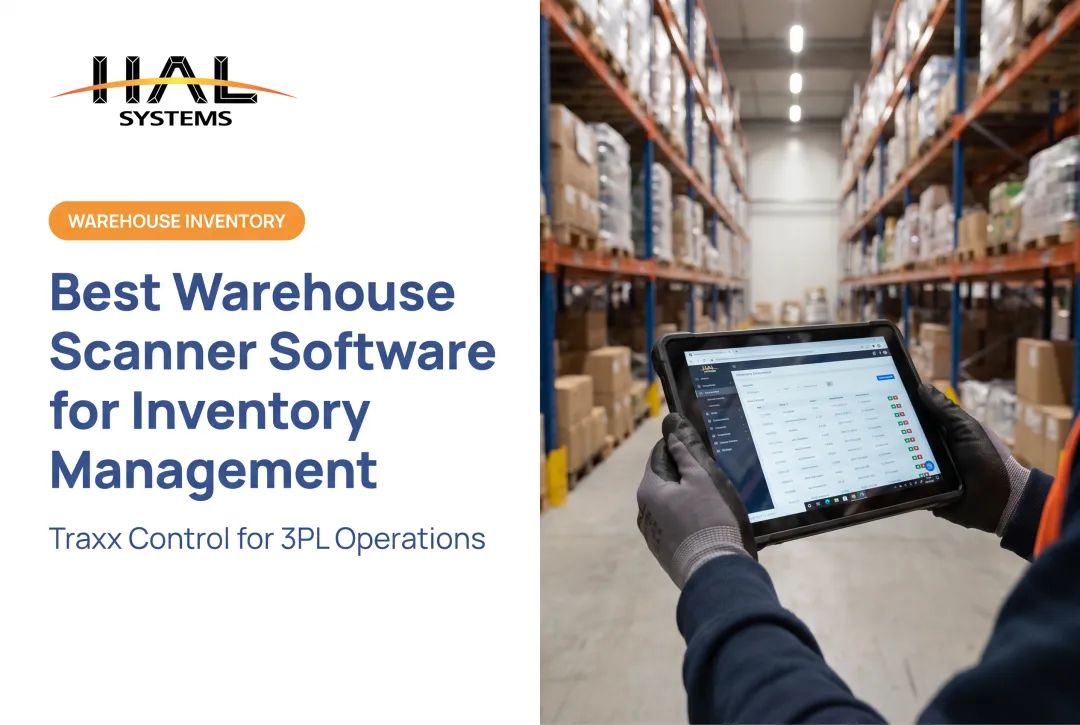
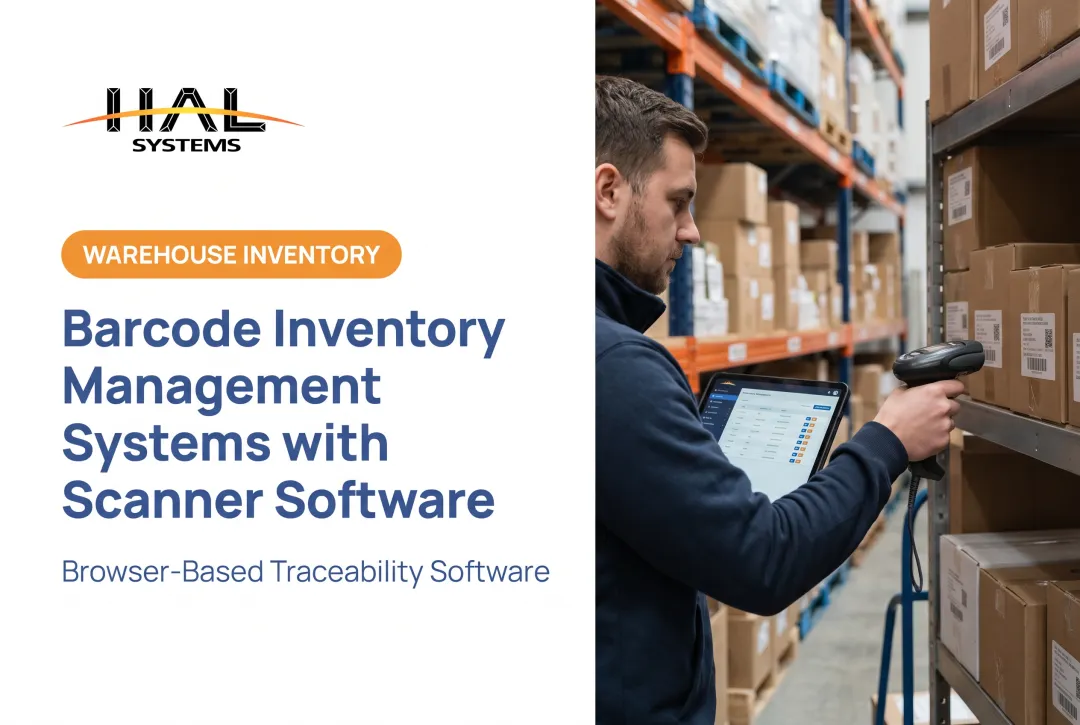
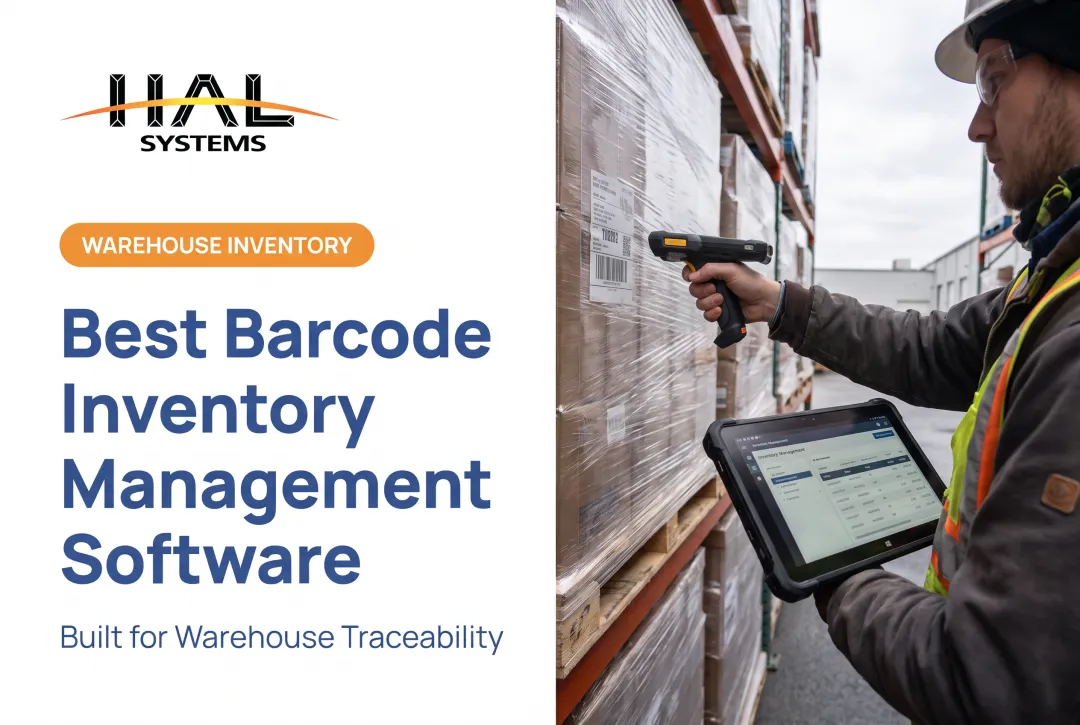
Does that scan update your on-hand quantity? Flag a mispick? Trigger a reorder? Create an audit record you can defend six months later? The scanner captures data. Inventory software decides what that data means and what it does next.
This guide is for distributors, manufacturers, warehouses, 3PLs, field service teams, construction firms, and asset managers who are outgrowing spreadsheets or standalone scanning apps. We'll cover how barcode inventory software actually works, which features matter, how to choose and implement a system, what it costs, and when a configurable platform makes more sense than an off-the-shelf app.
Key Takeaways
- Barcode hardware reads an identifier; inventory software validates it, adds context, and updates your records.
- Locations, lot or serial tracking, and integrations determine which software tier you need.
- Growing operations need real-time visibility, permissions, and audit trails, not just faster scanning.
- Integration, configurability, and total cost of ownership matter more than raw scan speed.
What Is Barcode Scanner Software for Inventory and How Does It Work?
Barcode scanner software is the layer that receives a decoded identifier and connects it to a product record, a quantity, a location, an order, or a production step. Without it, a scan is just a string of characters.
Scanner, App, or System?
These terms get used interchangeably, but they mean different things:
- Barcode scanner: hardware (or a phone camera) that reads and decodes the symbol
- Scanning app: software that captures the decoded data and may do basic lookups
- Inventory management system: software that validates scans, manages stock levels, locations, and transactions
- Warehouse management system (WMS): adds full warehouse execution, including receiving, putaway, picking, packing, and shipping
A typical scan-to-transaction flow looks like this:
- Identify the item
- Validate it against expected data (a purchase order or pick list)
- Capture quantity and location
- Update inventory records
- Surface the result in reporting or connected systems
Connection Methods and Sync Timing
Scanners connect through USB, Bluetooth, keyboard-wedge input, or network connections. Each option has trade-offs around mobility, range, and setup complexity.
Sync timing matters just as much as the cable or radio link:
- Real-time systems process every scan immediately, so records stay current
- Batch systems store scans locally and upload later, which suits remote sites with poor connectivity but leaves a window of stale data
What Barcodes Actually Carry
Not all barcodes hold the same information. A standard UPC typically stores just a product identifier. GS1-128 and GS1 DataMatrix formats can carry batch or lot numbers, expiration dates, and serial numbers using structured application identifiers, according to GS1 US's barcode guide. That distinction matters if your operation needs lot traceability: the barcode format has to support it before your software ever sees the data.
Which Inventory Workflows Can Barcode Scanner Software Improve?
Scanning touches almost every physical inventory movement. Here's where it tends to deliver the clearest gains.
Receiving and Put-Away
Scans validate incoming shipments against purchase orders, capture lot or serial data, and route stock to the correct bin. One warehouse that added mobile data collection saw receiving speed increase up to 40%, and put-away shrink from four or five separate system transactions down to two scans, according to RFgen's Carlisle case study.
Picking, Packing, and Shipping
Guided pick lists validate item and quantity in real time, flag mispicks before they leave the building, and keep a transaction trail through shipment confirmation. This is usually where error reduction is most visible — and most costly to ignore.
Cycle Counting and Physical Inventory
Mobile scanning organizes counts by location or item, logs discrepancies on the spot, and supports recounts without re-keying anything. No more clipboards, no more re-entering paper counts into a spreadsheet days later.
Manufacturing and Work-in-Process
Barcode transactions can track raw materials, components, work orders, and completed goods through each production stage, though the depth of tracking depends entirely on the system configured for it, not just the scanner used.
Asset, Tool, and Field-Service Tracking
For organizations tracking equipment rather than saleable stock, scanning supports check-in/check-out, custody assignment, job-site location, and maintenance history. HAL Traxx's Check In/Check Out application, for example, records item condition with photos at checkout and return, and can restrict checkout based on calibration or repair status.
Multi-Location, 3PL, and Client-Separated Inventory
When multiple facilities or clients share a warehouse, location, owner, and status fields become essential. A 3PL needs to answer "whose inventory is this, and where is it right now" without ambiguity, which requires software built around ownership tracking, not just a shared item list.
Quick comparison: basic stock-lookup apps tell you what an item is. Operational inventory software validates the scan, enforces who can do what, records every change, and feeds that history to other systems. If your operation needs the second category and you're using the first, that gap shows up as discrepancies you can't explain.

What Features Should You Look for in Inventory Barcode Software?
Not every platform needs every feature below, but know which ones apply to your operation before you start comparing vendors.
Core Inventory and Workflow Capabilities
| Category | What to look for |
|---|---|
| Item master | SKUs, units of measure, variants, kits/BOMs, lot and serial numbers, expiration dates |
| Workflow controls | Receiving, transfers, picking, packing, cycle counts, configurable approvals |
| Traceability | Validation rules, duplicate-scan prevention, timestamps, user IDs, audit trails |
Traceability deserves extra attention. If you ever need to trace a finished-goods batch back to a specific raw-material lot for a recall, that capability has to exist in the system from day one. It's not something you bolt on afterward.
Integration, Deployment, and Support
- Integration: Does the software connect to your ERP, accounting, or shipping systems through APIs, ODBC, or file transfers? Confirm which objects and transactions are actually supported.
- Deployment: Cloud hosting, on-premises installation, and offline-capable mobile workflows all serve different IT environments. Match the option to your connectivity reality, not your ideal one.
- Reporting and permissions: Role-based access, operational dashboards, and exception reporting let you catch problems before they become write-offs.
- Security and support: Ask about authentication, backups, update cadence, and what implementation assistance actually looks like.
A platform that's built from configurable blocks, rather than hard-coded screens, lets you add functionality like lot control or client-separated visibility later, without a full system replacement.
How Do You Choose the Right Barcode Scanner Software for Your Business?
Start With the Workflow, Not the Scanner
Document your current pain points first: transaction types, number of facilities and users, barcode formats already in use, scan volumes, and which systems need to receive updated inventory data. The scanner is the easy decision. The software behind it is what you're actually buying.
Match Capabilities to Operational Complexity
A free counting app might be fine if you're tracking 200 items in one storeroom. Distributors, manufacturers, 3PLs, and field-service teams usually need more: location control, purchasing integration, order fulfillment, asset custody, or client-separated records.
Calculate the Full Cost of Ownership
Published software pricing varies widely by what's included. As one reference point, Zoho's pricing page lists plans starting around $29/month with just one user and one location, scaling up past $249/month as user counts, locations, and API allowances increase. Beyond the subscription, budget for:

- Devices: scanners or mobile hardware for every user who'll need one
- Labels and printers: especially if you're generating your own barcodes
- Implementation and training: often underestimated, rarely optional
- Integration work: connecting to your ERP or accounting system isn't always included in the base price
- Ongoing support and upgrades: ask what happens after year one
Test Usability in Real Conditions
Run a pilot with your actual labels, not sample codes. Test in your warehouse lighting, with gloves on if your team wears them, and in your known Wi-Fi dead zones. A scanner that works perfectly in a demo can fail on a damaged, low-contrast label in a cold-storage aisle.
Vendor Evaluation Checklist
- Does the software fit your workflow without forcing process changes you don't want?
- Who owns implementation: the vendor, a reseller, or your internal IT team?
- What's the actual support response time, not the marketed one?
- Can you export your data if you ever need to switch platforms?
How Should You Implement Barcode Scanner Software for Inventory?
Implementation success usually comes down to preparation, not the software itself.
- Clean your master data first: standardize item IDs, units of measure, locations, and lot/serial rules before go-live. Messy data in means messy data out.
- Map each workflow: define the scan sequence, validation rules, and exceptions for every process you're automating.
- Test hardware and labels: check scan distance, symbology compatibility, and label durability in your actual environment.
- Pilot one workflow or location: reconcile against a physical count, track error types, and fix integration issues before expanding.
- Train by role: cover failed scans, damaged labels, and offline transactions, not just the happy path.
- Maintain ongoing controls: scheduled cycle counts, permission reviews, and periodic accuracy checks keep the system honest over time.
How Can HAL Traxx Fit a Barcode-Driven Inventory Operation?
HAL Traxx is a configurable platform built from software blocks. It can function as inventory management, warehouse management, asset tracking, or work-in-process manufacturing software, or any combination, depending on what your operation needs.
That matters for the segments covered in this guide:
- Distributors running one or more warehouses get receiving, lot control, inventory visibility by owner, and automated shipping documentation.
- Manufacturers track raw materials and components through bills of materials, with real-time dashboards showing order status and work-in-process by stage.
- Field service and asset-heavy teams use Check In/Check Out to track condition, location, and checkout time, with restrictions tied to calibration or repair status.
- 3PLs and institutional asset teams get client-separated inventory visibility without building custom software from scratch.
On integration, HAL Systems' in-house programmers connect HAL Traxx to ERP, factory automation, shipping, eCommerce, and accounting systems through APIs, ODBC, or transfer files. Integrations are built case by case rather than limited to a fixed set of pre-built connectors.
Deployment is flexible too: on-premises installation for operations that want full IT control, or cloud hosting on Amazon Web Services for teams that would rather skip the infrastructure overhead. Either way, licensing follows a straightforward model: upfront with annual support and maintenance, or combined annual SaaS billing.
HAL Systems has built business applications since 1983, developing every line of its own software rather than reselling someone else's platform. Implementation runs through a network of trained resellers who provide hands-on, local support, backed by technical support from the people who actually built the system.
If your inventory workflow doesn't fit neatly into an off-the-shelf app (multi-client ownership rules, lot-level recall tracing, or asset custody tied to certifications), that's a reasonable signal to ask for a demonstration rather than force-fit a generic tool.

Conclusion: Build the Inventory Workflow Around Reliable Scan Data
A fast scanner is table stakes. What separates a real inventory solution from a glorified lookup tool is whether every scan becomes a validated, traceable, actionable record : one you could defend in an audit or trace back to a specific lot months later.
When evaluating options, prioritize these factors over scan speed alone:
- Workflow fit and data quality
- Integration depth and device compatibility
- Deployment flexibility and total cost of ownership
Document your current process in detail, then test any prospective software against your real labels, real lighting, and real transaction volume, not a polished demo environment.
Frequently Asked Questions
How much does barcode scanner software cost?
Cost depends on licensing model, number of users and devices, modules needed, deployment type, and integration requirements. Published software subscriptions often start under $50/month for single-user plans but climb with more users, locations, or API access, and that is before implementation and hardware costs.
Do I need barcode scanner software to use a barcode scanner?
Many scanners can send decoded data into any active text field or spreadsheet without dedicated software. But you'll need actual inventory software for product lookups, stock validation, location tracking, reporting, and audit trails.
How does a barcode system work?
A label gets scanned or photographed, the scanner or camera decodes the identifier, and software validates it against expected data, updates the inventory database, and records the transaction. Many systems also push that update to ERP, accounting, or shipping platforms.
What is the best barcode scanner software for small businesses?
The best fit depends on workflow complexity, user and location counts, integration needs, and growth plans. Compare a simple counting app against configurable inventory software before committing. What works at 200 SKUs may not work at 2,000.
Are there free barcode inventory systems or apps for small businesses?
Free tools can handle basic scanning and item lists, but check the fine print on user limits, real-time sync, reporting depth, and support. Many free tiers cap you at a single user or location, which gets restrictive fast.
Is there an API for barcode scanner software?
Many inventory and scanning platforms offer APIs or file-based integration methods, but availability and depth vary by vendor and plan tier. Confirm authentication requirements, supported data objects, and documentation before assuming integration will be straightforward.