Introduction
When warehouse, production, or field employees log transactions at the end of a shift, or rely on paper and spreadsheets, the ERP drifts away from physical reality.
The system shows stock that isn't on the shelf. Material gets consumed with no record. Nobody trusts the numbers.
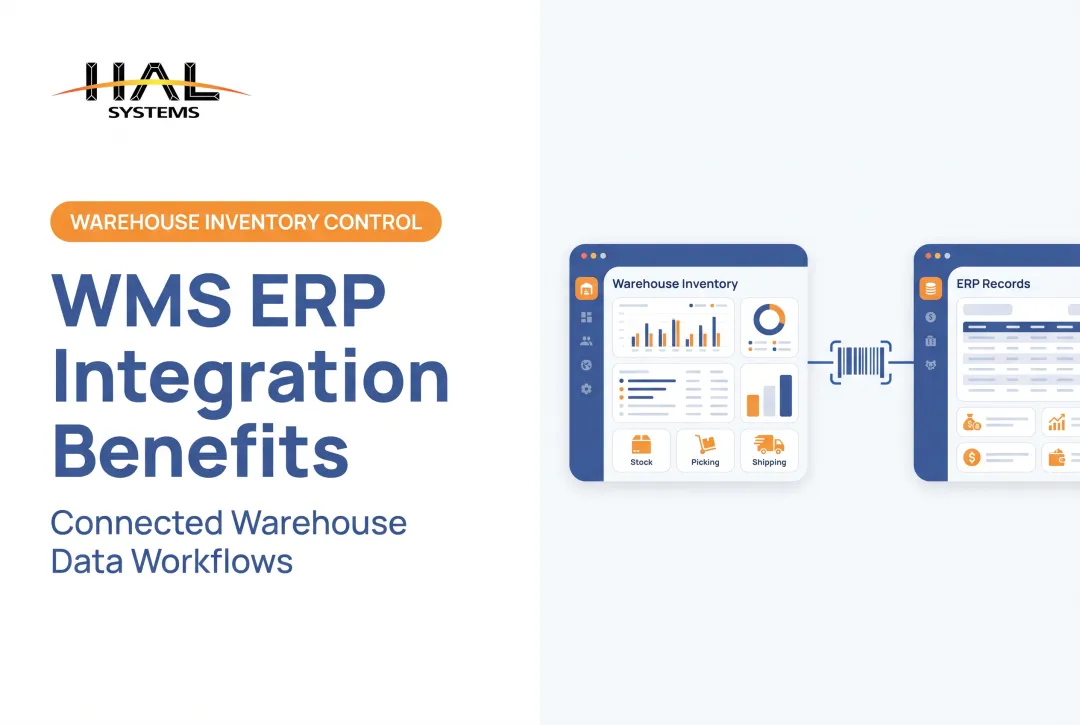
ERP barcode scanning integration closes that gap. It connects barcode capture, business rules, and ERP transactions so the system updates when the work happens. WERC's 2025 DC Measures survey tracks inventory-count accuracy and order-picking accuracy as core warehouse measures for exactly this reason.
This guide covers how the integration works, where it pays off, how to implement it, and how to choose a solution.
Key Takeaways
- A scanner alone automates nothing; device, software, integration method, master data, and ERP rules must work together.
- The best use cases capture movements at the point where they occur.
- Map workflows and data before choosing hardware or software.
- Configurable integration fits specialized processes and multiple locations.
What Is ERP Barcode Scanning Integration and How Does It Work?
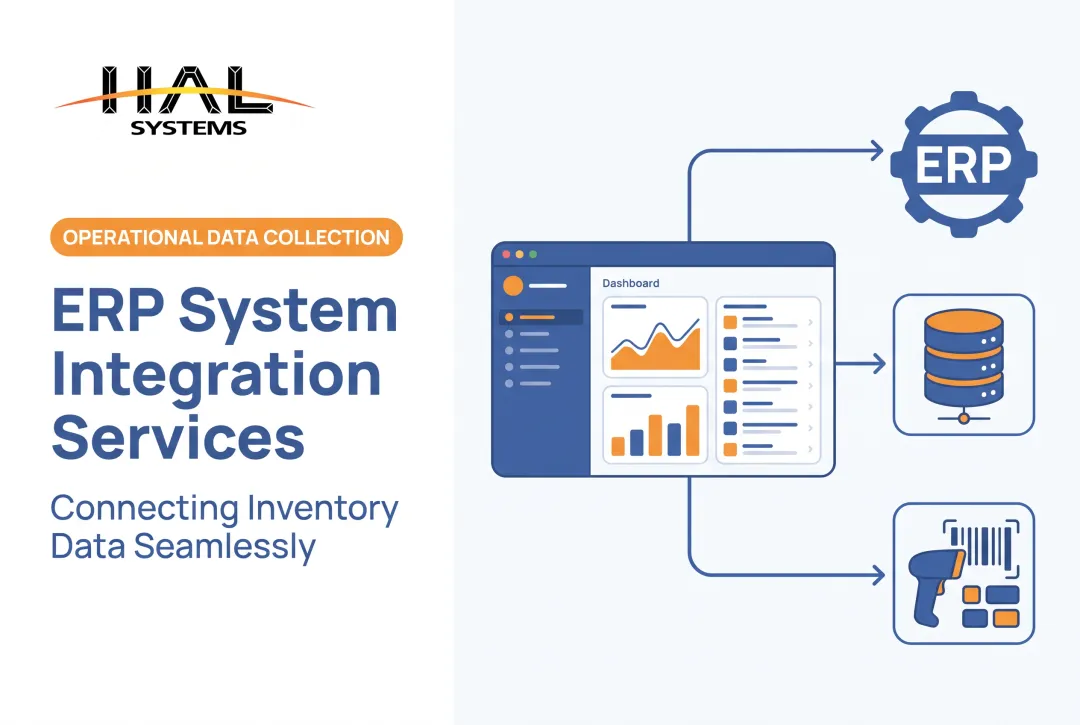
In plain terms, a barcode identifier is captured, validated against business data, and used to create or update an ERP transaction. ERP (Enterprise Resource Planning) software manages core business processes. The integration boundary is where identifiers, quantities, and locations meet ERP records.
Core components
- Barcode labels and symbologies
- Scanners or mobile computers
- Scanning software with business rules
- Integration layer or middleware
- ERP master data (items, units of measure, locations)
- User permissions
From scan to ERP action
- Identify the item or asset.
- Capture quantity and location.
- Validate against the purchase order, sales order, or work order.
- Post the transaction.
- Confirm to the user.
- Route exceptions (wrong item, over-receipt, unknown label) for resolution.

Dropping a barcode value into an ERP field is not integration. A meaningful transaction receives against a PO, moves stock between bins, confirms a pick, issues material to a work order, or checks out an asset.
Integration approaches
| Method | What to know |
|---|---|
| Native ERP functionality | Oracle NetSuite WMS documents scanning for receiving, put-away, picking, shipping, counting, and assembly builds |
| APIs (REST/OData) | Confirm each endpoint can actually post the transaction you need, with the right permissions |
| Transfer files | Bulk import suits batch updates, not instant scan-to-post |
| ODBC | Often read-oriented; NetSuite's SuiteAnalytics Connect, for example, should not be assumed to post transactions |
| Middleware | Translates between scanning software and the ERP |
The right choice depends on the ERP, transaction complexity, security needs, and whether updates must be real time.
Offline workflows
Connectivity fails in warehouses, yards, and job sites. A sound offline design captures scans locally, validates what it can, queues them, and synchronizes when the connection returns.
It also needs duplicate prevention and a conflict rule. AWS explains idempotency keys, which make a retried request safe so it doesn't post twice. Microsoft documents offline sync and conflict handling for Dynamics 365 Field Service mobile.
Where ERP Barcode Integration Delivers Value
Receiving and put-away
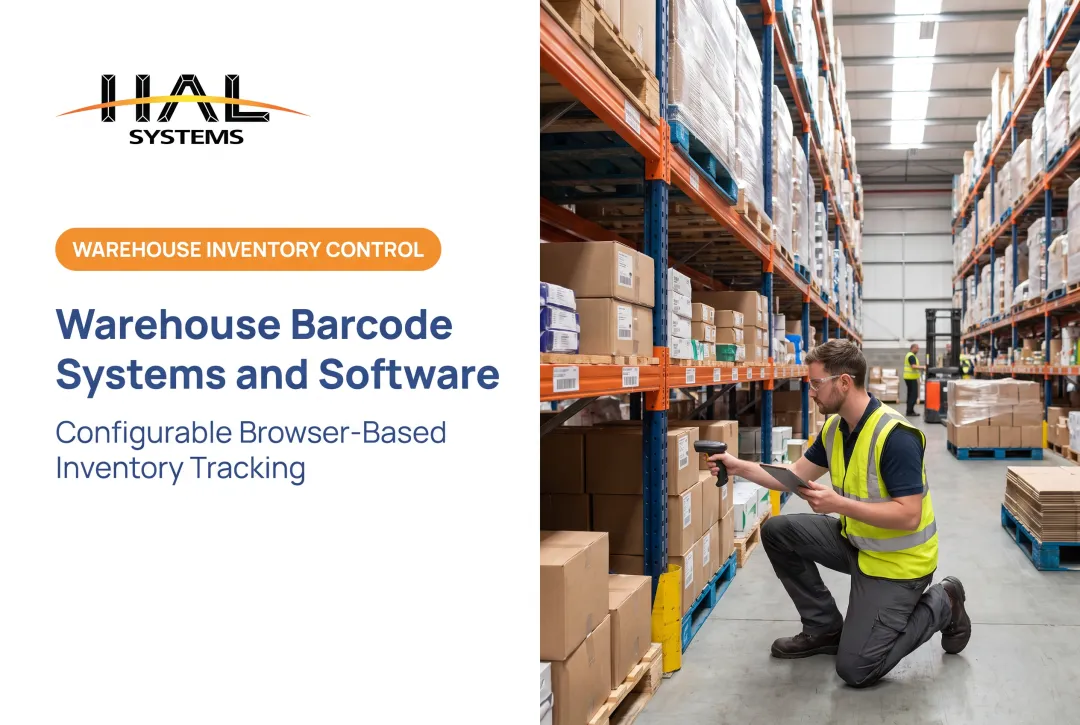
Workers scan the PO, item label, quantity, lot, serial number, and storage location. Inventory records are accurate from the start instead of being corrected later. Barcom's Coastal Construction Products case describes integrating Android barcode equipment with the existing ERP to speed up receiving and reduce errors.
Picking, packing, shipping, and cycle counting
Scans confirm the right item, order, quantity, and location while leaving a traceable record of every movement. Reconciliation shrinks because errors surface at the scan instead of at the dock door or the next count.
Manufacturing and work-in-process
Barcode transactions track raw materials, components, containers, work orders, labor steps, scrap, and finished goods between stockroom and floor. With scan-to-batch linking, a manufacturer can tie specific raw-material lots to finished-goods batches and trace a finished good back to its source during a recall.
Asset tracking and field operations
Check-in/check-out, transfers, inspections, and job-site assignment all run through scans. Rules can block checkout of equipment that is overdue for calibration or repair, or restrict it to certified operators.
For public-sector teams, 2 CFR 200.313 requires a physical inventory of covered equipment reconciled to property records at least every two years. It doesn't mandate barcodes, but scanning makes the audit trail easy to defend.
3PL, multi-location, and specialized operations
Third-party warehouses need:
- Client-separated stock
- Location-level visibility
- Returns handling
- Different rules per customer
Controlling inventory by owner and giving partners a portal view keeps those requirements manageable.
Business outcomes
One documented example: a NIST MEP case describes barcode capture integrated with Microsoft Dynamics GP, with reported project results of $122,500 in cost savings and $2 million in new sales. The case doesn't isolate scanning as the sole cause, so treat it as directional. Baseline your own accuracy, cycle time, and labor numbers before launch.

How to Implement ERP Barcode Scanning Integration
Start with process discovery
Document current receiving, storage, picking, production, shipping, counting, asset, and exception workflows. Mark where paper, duplicate entry, delays, or bad master data create risk.
Define the data and label model
Before any development, confirm:
- Item identifiers, units of measure, and lot and serial requirements
- Locations, work orders, purchase orders, customers, and assets
- Who owns labels: suppliers or internal departments
Then choose symbologies. GS1 guidance points to GS1-128, GS1 DataBar, and GS1 2D symbols for variable data such as serial numbers and expiry dates. Match the choice to data needs, label space, scanning environment, and trading-partner requirements. Print quality matters too. ISO/IEC 15416 and 15415 cover linear and 2D grading.
Map each scan to a transaction
For every scan, define:
- ERP transaction and required fields
- Validation logic, user roles, and approvals
- Error messages for failed or unexpected reads
Decide what happens when a barcode is missing, duplicated, damaged, or tied to unexpected data.
Select devices and software
Compare rugged handhelds, mobile computers, tablets, smartphones, fixed scanners, and printers against your environment:
- Scan volume and required throughput
- Temperature, dust, moisture, and drop resistance
- Wired or wireless connectivity needs
IEC 60529 IP ratings help compare ingress protection. A browser-based application can reduce device lock-in, since it runs on Windows, iOS, Android, or Linux without client installation.
Test under real conditions
Exercise the full path under stress, including:
- Damaged and poorly printed labels
- Duplicate scans and partial quantities
- Lot or serial mismatches
- Network outages and ERP downtime
- Returns, reversals, and several users at once
Pilot, then expand
Launch one contained workflow or location. Train users on exceptions as well as normal transactions. Expand only after the pilot is stable.
Track these measures against your baseline:
- Transaction accuracy and inventory adjustments
- Scan-to-posting time
- Exception frequency and rejected or duplicate transactions
- Offline-sync conflicts
- Order accuracy, adoption, and support requests

How to Evaluate an ERP Barcode Scanning Solution
Compatibility
Confirm the product works with your ERP, WMS, accounting, shipping, eCommerce, factory-automation, or asset systems. Require clear documentation for APIs, ODBC, transfer files, authentication, data formats, and error monitoring. Ask which transactions it can post, not just read.
Real-world usability
A demo proves little. Test the solution against real conditions:
- First-scan success rate
- Feedback after each scan
- Batch or multi-scan support
- Screen design and ergonomics
- Performance on small, angled, damaged, or low-contrast labels
Deployment, security, and ownership
- On-premises versus cloud hosting
- Offline operation and device management
- Permissions, audit trails, and encryption
- Backups, updates, and support coverage
- Licensing and total cost of ownership
For audit trails, NIST SP 800-53 describes record content such as event type, time, location, source, and outcome. On AWS, security is shared: AWS secures the cloud, and you secure your data, access, and configuration.
Configurable versus rigid workflows
A packaged workflow works until your process doesn't fit. Configurable platforms suit unusual processes, multiple industries, or needs that grow from inventory into warehouse, manufacturing, WIP, or asset functionality.
HAL Systems builds HAL Traxx for that situation. It is a configurable, browser-based platform that can serve as warehouse management, inventory management, asset tracking, or WIP manufacturing software.
In-house programmers can develop integrations using APIs, ODBC, transfer files, and other methods, with deployment on-premises or on Amazon Web Services. Compatibility depends on your ERP and transactions, so the right next step is an implementation conversation, not an assumption.
Common ERP Barcode Integration Risks and How to Reduce Them
Poor master data and inconsistent labels
Duplicate item numbers, wrong units of measure, missing locations, and varying supplier labels can sink a capable integration. Gartner's data quality research estimates poor data costs organizations at least $12.9 million a year on average. The figure is general rather than barcode-specific, yet the same principle applies. Reduce the risk before go-live by:
- Setting data governance rules for item masters and locations
- Standardizing label formats across suppliers and sites
- Cleansing duplicate and incomplete records
Connectivity, synchronization, and exceptions
Offline transactions, duplicate posting, ERP downtime, and failed messages all need a plan. Reduce the risk with:
- Transaction logs and reconciliation routines
- Alerts for failed or stuck messages
- Tested fallback workflows with written recovery steps
Adoption and ownership
Involve warehouse, production, field, finance, and IT from the start. Then lock in ownership and day-to-day controls:
- Build task-specific screens for each role
- Train teams on exception handling, not only happy-path scans
- Name a system owner and schedule regular process reviews after launch
- Use business rules and authorizations to limit what each user can post
Conclusion: Make Every Scan Part of the Business Process
ERP barcode scanning integration is more than a hardware upgrade. It connects physical activity to trusted ERP transactions at the point of work.
Start with one high-value workflow. Validate your data and integration behavior, then expand with an approach flexible enough to keep pace as operations change. If you want to talk through your ERP and workflows, contact HAL Systems at 770-927-0700 or sales@halsystems.com.
Frequently Asked Questions
What does ERP testing mean?
ERP testing verifies that workflows, data, integrations, permissions, reports, and exception handling work correctly. For barcode projects, that means testing receiving, inventory transfers, picking, and offline synchronization.
Is EEG the same as ERP?
No. EEG usually means electroencephalography, a medical test of brain activity. ERP here means Enterprise Resource Planning, and the two are unrelated.
What is ERP barcode scanning integration?
It is the connection between barcode capture software, business rules, and ERP transactions. It covers inventory, orders, production, and assets.
How does barcode scanning connect to an ERP system?
Common methods include native functionality, APIs, ODBC, transfer files, and middleware. The best fit depends on the ERP and the transactions you need to post.
What are the benefits of integrating barcode scanners with an ERP?
You get less manual entry, better transaction accuracy, and faster workflows. You also gain real-time or near-real-time visibility, traceability, and better operational reporting.