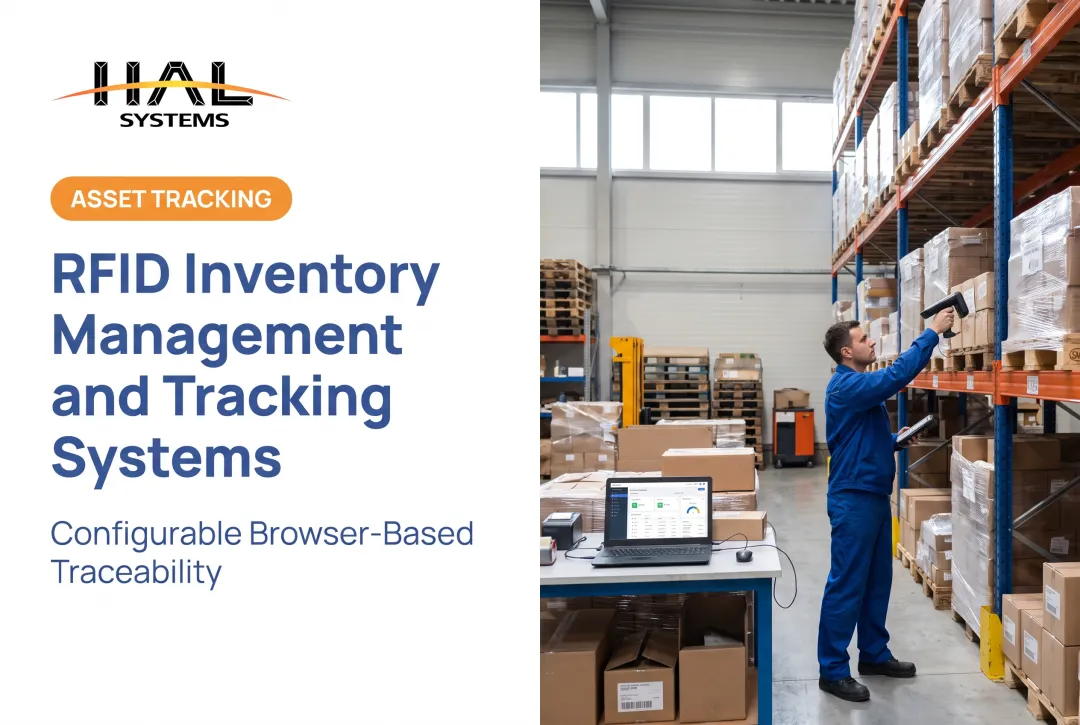
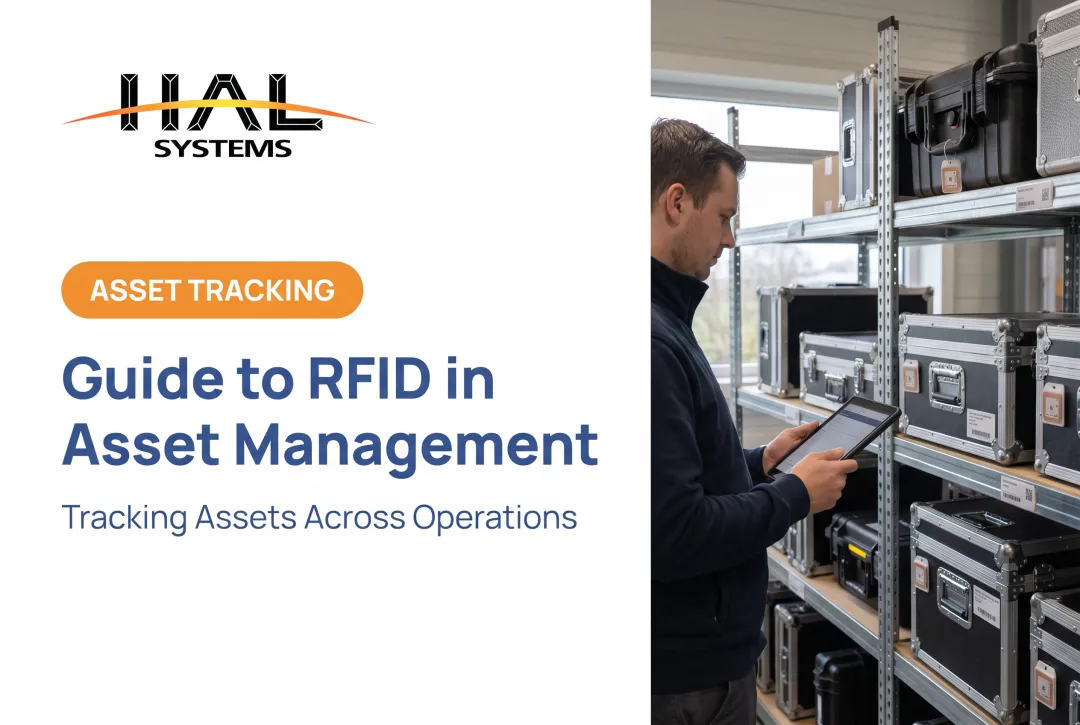
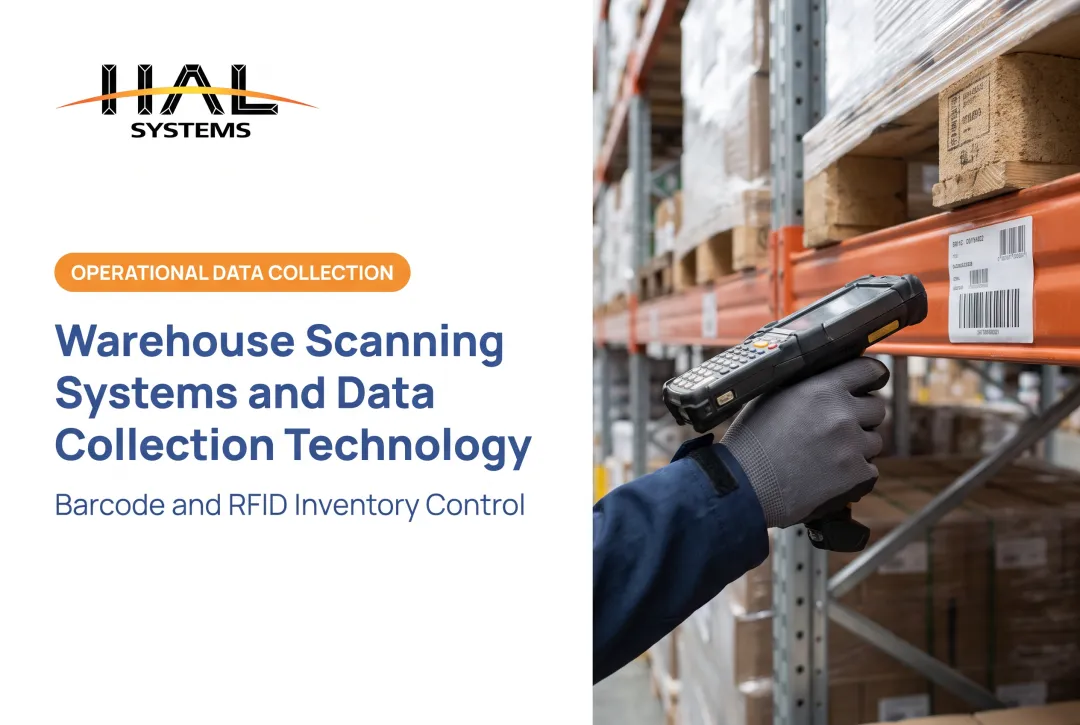
The demand is there. A Zebra warehouse survey found nearly 6 in 10 warehouse decision-makers planned to deploy RFID by 2028 (global figures, not US-only). Nearly 80% cited inaccurate inventory or out-of-stocks as a productivity challenge.
This guide covers how the pieces fit, how data reaches your existing systems, a phased rollout, and the technical, security, and cost issues US organizations should plan for.
Key Takeaways
- RFID integration links tags and readers to middleware, databases, ERP, and warehouse or asset software.
- Start with one business problem, clean master data, and a limited pilot.
- Read performance depends on materials, placement, interference, and workflow, not spec sheets alone.
- Use RFID where it pays off and keep barcodes where they're cheaper or more reliable.
What Is RFID and How Does an RFID System Work?
Radio-frequency identification lets a reader capture a tag's unique identifier over radio waves. AIM Global describes a basic system as an antenna, a transceiver with decoder, and a tag programmed with unique information.
Tag types
- Passive: no battery; powered by the reader's RF field and replies by backscatter. Cheapest, and the usual choice for inventory and tool tracking.
- Active: own power source and transmitter. Suits longer range or continuous location, at higher cost.
- Semi-passive (battery-assisted): battery runs the chip or sensors, but the tag still backscatters to the reader.
Choose by read range, asset value, environment, and whether you need continuous location. Most business inventory work uses passive UHF, which operates at 860-930 MHz.
The event sequence
- A tag enters the read zone and is detected.
- The reader captures the identifier.
- Software filters and interprets the event.
- The business system matches the ID to an item or asset record.
- The workflow updates inventory, status, location, or production data.
RFID versus barcodes
GS1 notes RFID can read multiple tagged products without line of sight, even through outer packaging. Barcodes still win for low-cost, single-item transactions and for environments hostile to radio signals. Many labels carry both.
How the RFID Integration Architecture Fits Together
A typical build has four layers:
- Identification hardware (tags, readers, antennas)
- Edge or middleware software
- Business applications and databases
- Reporting and analytics
Hardware components
- Tags, plus printers or encoders to write them
- Fixed readers and antennas for portals and zones
- Handheld readers and mobile computers
- Gateways and network connections
Tags, antennas, and reader placement need testing at your actual site. Metal racks, liquids, and dense packaging change results.
Software responsibilities
Middleware should handle:
- Device management and tag filtering
- Duplicate-event handling and business rules
- API or file exchange
- Error queues, user permissions, and audit logs
GS1 standards give a common vocabulary here. LLRP covers the reader-to-client interface, ALE describes filtering and consolidating reader data, and EPCIS shares visibility events in a common format.
Connect to systems you already run
Don't build an isolated RFID database. Send events into your ERP, WMS, inventory, accounting, shipping, eCommerce, manufacturing, or asset system, so one record stays the source of truth.
The key relationships to define:
- Tag ID to item or asset ID
- Item to SKU or serial number
- Asset to employee or location
- Scan event to transaction, status, and timestamp
GS1's Tag Data Standard defines identifier schemes such as SGTIN and GIAI. Linking them to your own SKU or asset master is an implementation decision, not automatic.
Where HAL Traxx fits
HAL Traxx from HAL Systems is a configurable, browser-based platform for inventory, warehouse, asset tracking, and work-in-process workflows. It accepts barcode, RFID, lookup, and manual entry.
HAL Systems' programmers build interfaces to ERP, factory automation, shipping, eCommerce, and accounting systems using APIs, ODBC, transfer files, and other methods. Confirm specific reader and tag compatibility with the vendor before committing to a design.
A Step-by-Step RFID System Integration Roadmap
- Define the objective and baseline. Pick one process, such as receiving, cycle counting, tool control, asset audits, shipping verification, or work-in-process tracking. Document current labor, error rates, delays, and reconciliation effort.
- Audit your environment. Review ERP or WMS capabilities, master data quality, serial-number conventions, network coverage, mobile devices, label printers, APIs, file exchanges, and who owns each system.
- Select hardware for the conditions. Account for metal, liquids, dense packaging, temperature, vibration, outdoor exposure, and tag attachment. Decide where handheld works and where fixed readers pay off.
- Design the data model first. Decide which events matter, how duplicate reads get filtered, how exceptions are handled, which system is the source of truth, and how reads become approved transactions.
- Run a limited pilot. Use one zone, product family, asset group, or production area. Test read accuracy, missed and false reads, duplicates, network drops, transaction timing, and reconciliation.
- Roll out with support. Train users, document exception procedures, monitor performance, schedule maintenance, and expand only when the pilot meets agreed operational and financial criteria.

Test tags properly
Tag performance can make or break the pilot. GS1's TIPP guidance (release 1.2, ratified May 2024) gives a methodology for grading tagged-item performance. The Auburn RFID Lab runs tag testing with real products and stresses baseline comparisons when judging pilots.
Use a control group so you can compare results against your current process. Pick your accuracy metric carefully: Auburn's SKU-level Exact Match scores each item against actual versus on-hand quantity, while aggregate measures can hide offsetting errors.
Common RFID Integration Challenges and How to Manage Them
Read reliability
Metal, liquids, machinery, nearby readers, poor tag placement, and wrong antenna orientation all hurt reads. NIST SP 800-98 notes that higher frequencies generally penetrate metal and liquids less well and recommends site surveys to find interference sources. Run an RF site survey and test tags on your own products rather than trusting generic range claims.

In the US, 47 CFR 15.247 covers the 902-928 MHz band among others. Compliance paths vary by device, so confirm with your hardware supplier.
Interoperability
Tags, readers, encoders, middleware, operating systems, and business applications must work together end to end. Favor:
- Standards-based components
- Documented interfaces
- Version control
- Full-chain testing
Data quality
Expect problems such as:
- Duplicate reads
- Stale item records
- Unmatched tag IDs
- Missing locations
- Duplicate master records
- Reads generated outside the intended workflow
Build reconciliation rules and an exception queue so bad reads never post silently.
Cost and scalability
Hardware is only part of the bill. Budget for:
- Tagging labor and supplies
- Infrastructure and site work
- Software configuration and integration development
- Training, support, and maintenance
- Replacement equipment
- Expansion to more sites or processes
GS1 US flags reader type, WMS software integration, and support and maintenance as key cost considerations.
Security and privacy
Plan for these controls from the start:
- Role-based access and credential management
- Encryption for sensitive data in transit or storage
- Network segmentation where appropriate
- Audit logs and vendor access controls
- Assessment of any personally identifiable information involved
NIST SP 800-98 is 2007 guidance, so treat it as a useful starting point rather than a current compliance rule.
Where RFID System Integration Creates Business Value
Warehouses and 3PLs
RFID can support receiving, put-away confirmation, cycle counting, location visibility, picking, and shipping verification. 3PLs also need client-separated inventory records.
HAL Traxx's warehousing application handles receipts, orders, deliveries, and shipping documents. Configurable rules accommodate different workflows per customer. Confirm RFID-specific steps during evaluation.
Manufacturing
Tagged materials, containers, tools, or molds can tie to production orders and routing steps, cutting manual traveler updates. An NXP case study of the SSMC fab reports an 18% gain in stocker efficiency from RFID on wafer lots and work in process. That is a vendor case from a semiconductor plant, so treat it as an example, not a forecast.
Assets in the field and institutions
Check-in/check-out, custody records, audits, and maintenance history matter to field service, construction, government, education, and healthcare teams. Sandia tested passive RFID for government property while keeping existing barcode data. HAL Traxx's Check In/Check Out records item condition and restricts checkout by calibration status or employee certification.
Measuring value
Pick indicators tied to the workflow:
- Inventory accuracy and count time
- Receiving or picking cycle time
- Manual data-entry volume
- Exception rates
- Asset recovery and order accuracy
- Production traceability
Compare by workflow
Don't replace barcodes wholesale. GS1 notes a barcode can stay on the label, and the Sandia pilot kept barcodes alongside RFID. Use RFID where bulk reads or no-line-of-sight capture clearly pay off, and keep barcodes where they're cheaper or more reliable.

Frequently Asked Questions
What is RFID and how does it work?
RFID identifies items with radio waves. A tag sends its unique ID to a reader through an antenna, and software matches that ID to a record to update inventory, assets, or workflows.
Is RFID obsolete?
No. IDTechEx estimated 50 billion passive tags sold in 2024, though RAIN Alliance reported a 2025 chip-shipment decline. Value depends on the application, environment, and alternatives such as barcodes, BLE, or RTLS.
What software is used for RFID integration?
Typical stacks combine middleware, device-management tools, inventory or warehouse systems, ERP, databases, and APIs. Configurable platforms such as HAL Traxx are worth evaluating for inventory, asset, warehouse, or manufacturing workflows.
How do you integrate RFID with an ERP or warehouse management system?
Map tag IDs to item or asset records, define event rules, and exchange data by API or file. Add security controls, pilot first, then reconcile and route exceptions to a queue.
What are the main challenges of RFID system integration?
RF interference, tag and reader selection, system compatibility, data quality, cost, user adoption, and cybersecurity. Controlled testing before rollout catches most of them.