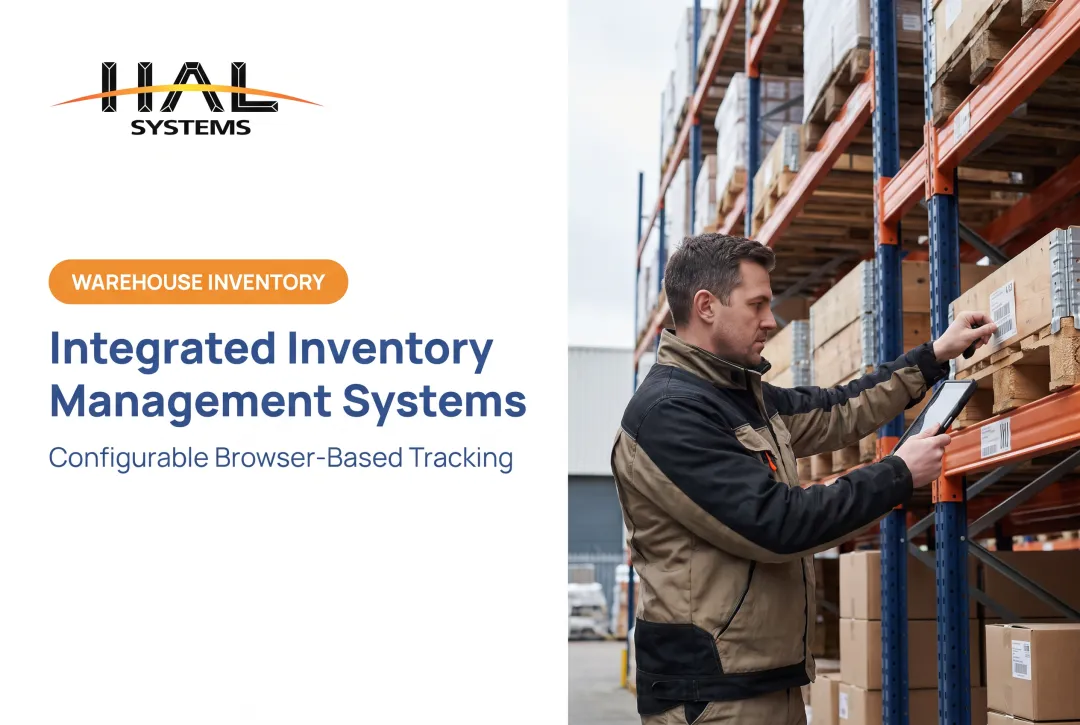
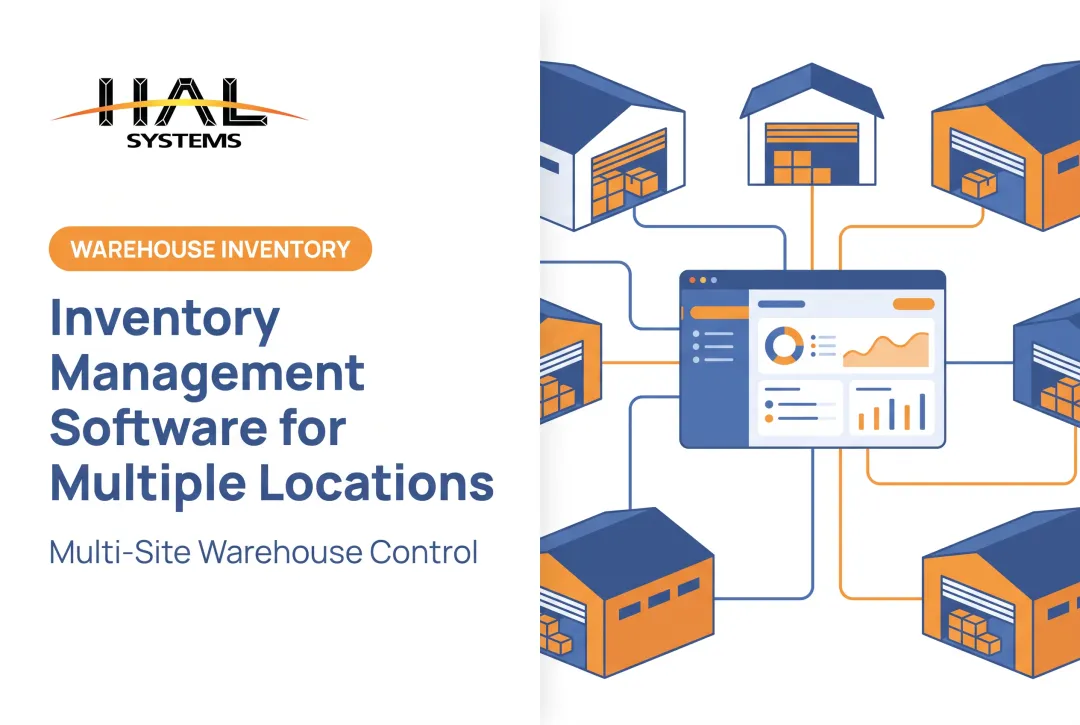
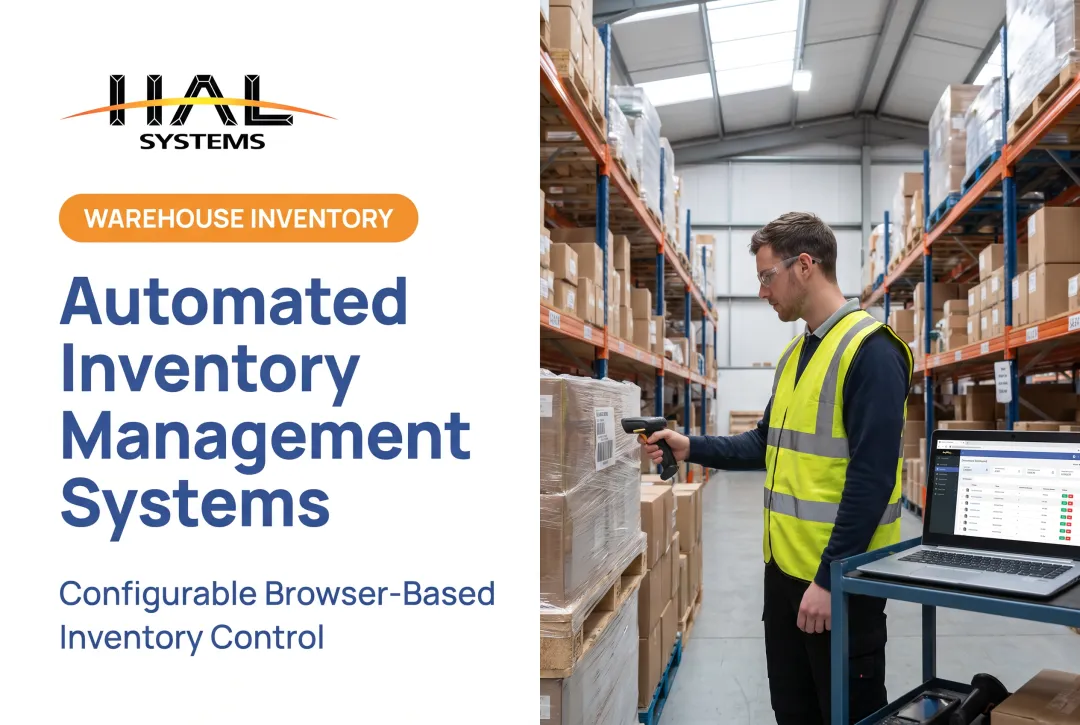
Introduction: Why Businesses Are Moving to Cloud-Based Inventory Management
Spreadsheets break down fast when a warehouse adds a second location, a production line starts tracking work-in-process, or a sales team needs to promise accurate delivery dates.
Stock counts go stale. Teams work from different versions of the truth. Nobody can see what's in transit, allocated, or sitting on a shelf until someone manually checks.
This isn't a rare problem. Among small-business software buyers researched by Capterra's 2026 report, 34% were still using manual tracking methods and 24% relied on spreadsheets for inventory.
This article covers what cloud-based inventory management software actually is, how it works, its real benefits and limitations, and how to evaluate options. The right system is the one that fits your workflows, integrations, and growth plans—not a bloated feature list.
Key Takeaways
- Cloud inventory software stores data in a provider-hosted environment, accessible from any connected device
- A shared, current inventory record benefits purchasing, warehouse, production, sales, and finance teams alike
- Barcode scanning, replenishment logic, reporting, and user permissions matter more than cloud hosting alone
- Evaluate internet dependency, migration effort, security documentation, and subscription costs before committing
- Vendor support and implementation quality often determine success more than the software itself
What Is a Cloud-Based Inventory Management System and How Does It Work?
A cloud-based inventory management system records, updates, and reports on inventory transactions using data hosted on the provider's infrastructure, not on a company server or single desktop.
The NIST cloud computing definition describes this as network access to shared, configurable computing resources managed largely by someone other than you. In practice, your team logs into a browser or mobile app, and the data lives somewhere else entirely.
Inventory Management vs. WMS, ERP, and MES
These terms get used interchangeably, but they're not the same thing:
- Inventory management tracks stock quantities, locations, movements, and availability
- WMS (warehouse management system) optimizes warehouse-specific workflows like slotting and pick paths
- ERP (enterprise resource planning) connects inventory to broader financial and operational systems
- MES (manufacturing execution system) monitors plant-floor activity and work-in-process in real time
Modern platforms, including HAL Traxx, often combine several of these capabilities rather than forcing a business into a single rigid category.
From Receiving to Reporting: The Core Workflow
Behind every inventory system sits a transaction history: receipts, issues, transfers, adjustments, allocations, returns, and cycle counts. A typical flow looks like this:
- Receive goods against a purchase order and verify quantities
- Store items in assigned bin or rack locations
- Pick or issue materials for an order or production job
- Ship or consume inventory, updating the record automatically
- Replenish stock based on reorder rules
- Report on accuracy, turnover, and exceptions
HAL Traxx automates this cycle for both warehousing and manufacturing, using real-time dashboards to show order status, work-in-process, and delivery activity as transactions happen rather than at day's end.

Access, Administration, and Security in the Cloud
Cloud deployment adds browser or mobile access, role-based permissions, automatic backups, and audit trails. Security depends heavily on configuration.
NIST's access-control guidance for cloud systems notes that unencrypted data can be readable by cloud administrators. Review encryption settings and permission structures with any vendor rather than assuming they're handled by default.
Benefits and Essential Features of Cloud Inventory Software
Real-Time Visibility and Barcode Scanning
"Real-time" visibility shows on-hand, allocated, inbound, and in-transit inventory, but the actual update speed depends on your integrations and workflow design, not the cloud label itself. A system updates only as fast as the data feeding it.
Barcode scanning is where much of the accuracy improvement happens in practice. HAL Traxx accepts barcode, RFID, lookup, or manual entry. Automatic identification technology (AIDC) commonly cuts the direct labor needed for inventory transactions by 25% to 65%, while largely eliminating the rework caused by mistyped manual entries.
HAL Traxx also supports delivery confirmation by scanning directly from a vehicle, closing the loop between warehouse and transport.
Replenishment and Reporting That Earn Their Keep
Replenishment features like reorder points, min/max levels, safety stock, and supplier lead times help flag when to order, but they support inventory planning rather than replace it. Someone still needs to validate seasonal swings and supplier reliability.
Reporting is what drives operational decisions. Relevant KPIs vary by business:
- Distributors: inventory accuracy, stockouts, order accuracy
- Manufacturers: cycle-count variance, WIP aging, carrying value
- 3PLs: fulfillment performance, client-level inventory turnover
A CAPS Research benchmark cited by ISM's 2024 report found average inventory accuracy at 91%, with lower-performing companies at just 67%. Treat that figure as a useful reference point, not a universal target.

Scalability and Integrations as the Real Differentiators
As a business adds users, SKUs, warehouses, or legal entities, the software shouldn't require a platform migration. HAL Traxx is built from configurable software blocks that can be added, removed, or rearranged without custom code, letting features scale alongside the business.
Integrations matter just as much. HAL Traxx connects to ERP, accounting, eCommerce, shipping, and factory automation systems through APIs, ODBC, or transfer files, cutting the duplicate data entry that undermines inventory accuracy in the first place.
Advantages, Limitations, and Inventory System Types
Cloud deployment offers real operational advantages, along with trade-offs worth planning for.
Advantages include:
- Remote access from any location
- Shared data source across sites
- Provider-managed updates
- Lower local IT infrastructure costs
Limitations to weigh:
- Connectivity interruptions can pause transaction entry; most browser-based systems, including HAL Traxx, can fall back to Ethernet, Wi-Fi, or cellular
- Vendor dependency means your data lives on someone else's infrastructure
- Migration from legacy systems takes real planning time
- Recurring subscription fees replace one-time purchase costs
- Some platforms limit customization without developer involvement
The Four System Types, and Why They Overlap
| Type | What It Describes |
|---|---|
| Manual | Paper records, spreadsheets, or basic files |
| Periodic | Inventory updated through scheduled physical counts |
| Perpetual | Inventory updated continuously as transactions occur |
| Cloud-based | Hosting and access model, which may or may not run perpetual tracking |
These categories aren't mutually exclusive. A cloud-based platform can run perpetual tracking, updating the second a barcode scans. But a cloud system configured around periodic counts won't give you continuous visibility just because it's hosted online. The hosting model and the recordkeeping cadence are two separate decisions.
Who Uses Cloud-Based Inventory Management?
Fit depends more on transaction complexity than company size.
- Small and mid-sized distributors running one or more warehouses need barcode receiving, bin-location tracking, cycle counting, and customer availability checks
- Discrete manufacturers track raw materials, components, and job orders through production, with HAL Traxx managing work-in-process against bills of materials and lot or batch traceability for recalls
- Field service, construction, and institutional teams track tools and equipment across crews, vehicles, and job sites with HAL Traxx Check-In/Check-Out, including condition and authorization tracking
- 3PLs and public warehouses require client-separated inventory records, ownership tracking by owner, and workflows that flex by customer contract
A very small catalog, single location, and low transaction volume may not justify a full cloud system. If there's no integration need and no audit-ready traceability requirement, a simpler tool can still do the job.

How to Choose and Implement a Cloud-Based Inventory Management System
Build Your Requirements List First
Document these details before you watch a single demo:
- Locations and item types
- Transaction volumes and user counts
- Barcode hardware and approval rules
- Required integrations
Vague requirements lead to mismatched software.
Test Real Workflows, Not Scripted Demos
Push vendors to run your actual processes:
- Receiving, put-away, picking, cycle counts, and returns
- Harder cases: kits, serialized items, lot control, partial receipts, and customer-owned stock
Assess Technical and Commercial Fit
Ask vendors about:
- Deployment options, API access, and offline procedures
- Backup practices and full subscription structure
- Standard configuration versus custom development
- Data ownership and portability terms in writing
Implement in Phases
- Clean your data - standardize item masters, SKUs, locations, and supplier records before migration
- Assign ownership - name an internal project lead and train each user group
- Pilot one workflow or location - compare system records against physical counts before expanding
- Measure post-launch - track inventory accuracy, receiving time, and stockout frequency, and set your own baselines rather than borrowing unverified industry numbers
How HAL Systems and HAL Traxx Can Support Configurable Inventory Operations
HAL Systems has built configurable business software since 1983 from its Atlanta, Georgia-area base, working across manufacturing, warehousing, food and beverage, healthcare, field service, education, and government operations.
HAL Traxx isn't a single fixed product. It's a set of configurable software blocks that can be assembled into:
- Inventory management for warehousing or manufacturing
- Asset tracking with check-in/check-out and condition records
- Work-in-process manufacturing control tied to bills of materials
- Track-and-trace systems maintaining a full audit trail from raw material to customer delivery
That configurability extends to deployment. HAL Traxx runs either on-premises or hosted in the cloud through Amazon Web Services. Base that choice on your internal IT resources, connectivity reliability, and control requirements.
Beyond software, HAL Systems' team applies Lean and Six Sigma process experience to identify inefficient workflows before configuring the system around them.
If your inventory, warehouse, asset, or manufacturing workflows don't fit an off-the-shelf mold, contact HAL Systems to discuss whether HAL Traxx matches your operation and where it needs to grow next.
Frequently Asked Questions
What is a cloud-based inventory management system?
It's software that records and tracks inventory transactions using data hosted on a provider's infrastructure instead of a local server. Approved users access it through a browser or mobile device, often with integrations to accounting, ERP, or shipping systems.
What are the four types of inventory management systems?
Manual, periodic, perpetual, and cloud-based. Manual and periodic rely on scheduled counts or paper records, while perpetual updates continuously. Cloud-based describes the hosting model and can support perpetual tracking.
What are SKUs and KPIs?
A SKU (stock-keeping unit) is a unique identifier for a specific item or variation, like size or color. A KPI (key performance indicator) measures performance, such as inventory turnover or order accuracy.
Is cloud-based inventory management secure?
Security depends on the provider's controls and your own configuration, including encryption, access permissions, multi-factor authentication, and audit logging. Review vendor documentation like SOC 2 reports rather than assuming security by default.
How do I choose a cloud-based inventory management system?
Start by mapping your real workflows and required integrations, then test the software against your actual data, not a demo script. Confirm deployment, security, and support terms, and compare total cost against scalability needs.