Introduction
Your warehouse team logs a shipment. Three hours later, finance still shows the order as "pending" because nobody re-entered the data into accounting. Sound familiar?
This is the daily reality for businesses running ERP, warehouse, accounting, manufacturing, and eCommerce systems that don't talk to each other. Employees re-key the same information multiple times, and records drift out of sync.
The cost adds up fast. A 2025 Parseur-commissioned survey of 500 US-based professionals found that manual data entry costs companies an average of $28,500 per employee annually.
Staff spend over nine hours a week on repetitive data transfers, according to Parseur's survey findings.
ERP system integration services address this problem directly. They cover the planning, development, deployment, and support needed to connect your ERP with the other applications your business depends on. This guide walks through integration benefits, connection methods, common use cases, implementation steps, risks, and how to choose a provider.
Key Takeaways
- Disconnected systems force duplicate data entry, delaying order fulfillment and inflating labor costs
- Integration preserves specialized software while syncing only the data that matters most
- API, ODBC, file-based, and middleware approaches each suit different scale and budget needs
- A phased implementation roadmap reduces disruption to warehouse, production, and finance teams
- Provider selection should weigh industry experience as heavily as technical capability
What Are ERP Integration Services and Why Do They Matter?
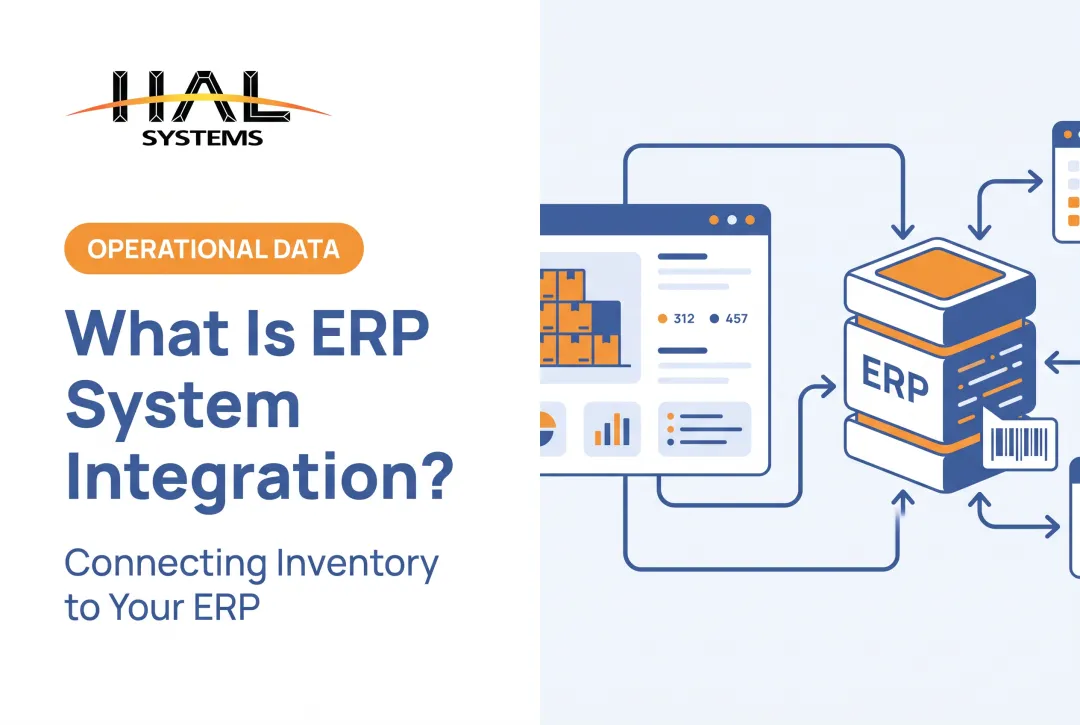
ERP integration creates controlled data exchange between your ERP and the applications surrounding it, such as CRM, warehouse management, accounting, eCommerce, shipping, manufacturing, or asset-tracking platforms. Instead of staff manually copying data between systems, integration automates the handoff.
The Cost of Disconnected Systems
When systems don't communicate, the operational symptoms show up everywhere:
- Duplicate data entry across sales, warehouse, and accounting teams
- Delayed inventory updates that lead to overselling or stockouts
- Order-processing bottlenecks as staff wait on manual confirmations
- Limited visibility for managers trying to track orders or production status
Connecting these systems reduces manual work, cuts transfer errors, and keeps records consistent across departments. Reporting improves because data arrives in one place instead of scattered spreadsheets.
Integration Doesn't Mean Replacement
Integration doesn't require ripping out your specialized software. You can keep a warehouse system built for your exact picking process or a manufacturing tool your floor staff already knows. The work focuses on syncing only the data and workflows that create real operational value.
HAL Traxx follows this model. It interfaces with ERP, factory automation, shipping carrier, eCommerce, and accounting systems through APIs, ODBC, or transfer files, rather than forcing a wholesale platform swap.
A Practical Example: Order-to-Fulfillment
Consider a typical order moving through an integrated environment:
- An order enters through sales or an eCommerce storefront
- Inventory availability is checked against the warehouse system
- A pick, pack, or production task is triggered automatically
- Shipment confirmation flows back to the ERP
- Accounting records update invoicing and payment status
Each handoff happens without a person re-typing the same order number three different times.

ERP Integration Methods and Architecture Options
There's no single "best" way to connect systems. The right method depends on your systems, data volume, and internal expertise.
Comparing Connection Methods
| Method | Best suited for | Limitations to evaluate |
|---|---|---|
| API-based integration | Real-time or event-driven data transfer between modern systems | Requires documented, stable APIs on both ends |
| Native connectors | Fast setup between pre-paired applications | Limited to the pairs the vendor supports |
| ODBC/database connectivity | Direct access to relational data stores | Lower-level interface; requires DBMS-specific drivers |
| File-based/transfer-file | Legacy systems without modern APIs | Typically batch-based, not real-time |
| Webhooks | Triggering actions the moment an event occurs | Needs a receiving endpoint to process notifications |
| Middleware/iPaaS | Multiple systems needing transformation and routing | Adds a platform layer to manage and monitor |
APIs connect two or more software systems to transfer data, according to Postman's integration guide. That makes them well suited to workflows needing immediate updates, like checking live stock availability.
Point-to-Point vs. Middleware
Point-to-point integration links two systems directly. It works fine for a handful of simple connections. The trouble starts as you add more systems. Each new connection becomes its own maintenance burden, and the web of direct links gets harder to manage over time.
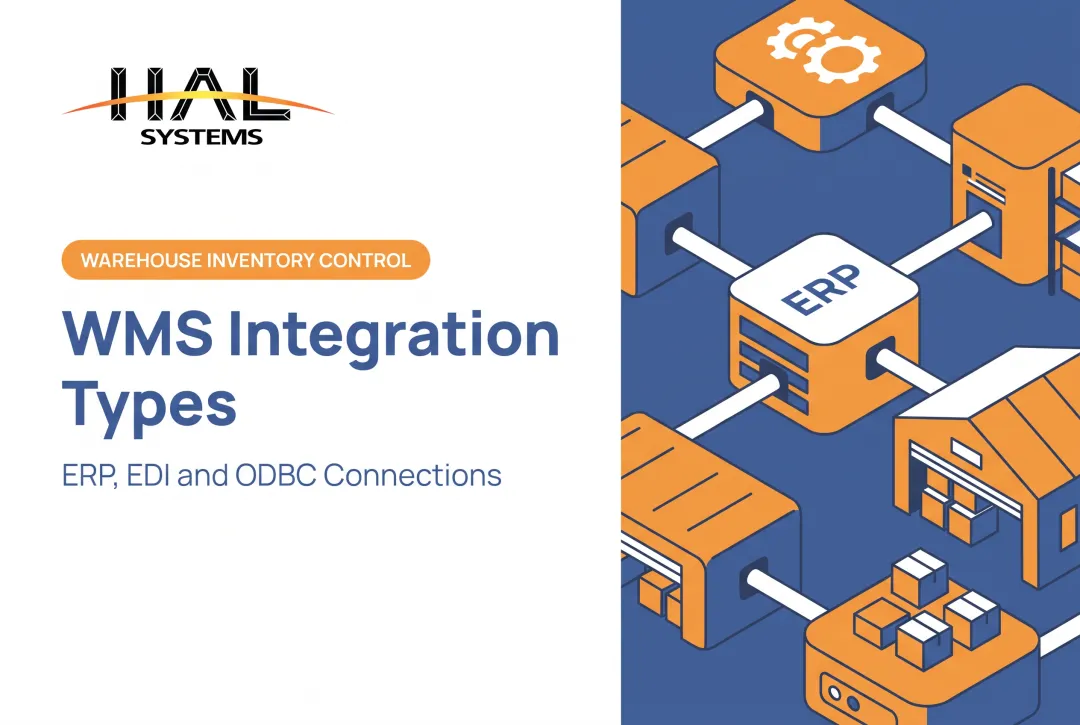
Middleware, enterprise service bus, and iPaaS platforms solve this by acting as an intermediary layer. They transform, route, and monitor data between multiple systems from one central point. Neither approach is universally superior; a distributor connecting three systems may not need the overhead that a manufacturer connecting ten systems would.

Choosing Your Approach
Weigh these factors before committing to a method:
- Number of systems involved and how that number might grow
- Legacy system compatibility and available API documentation
- Data volume and whether you need real-time or scheduled sync
- Internal technical expertise versus reliance on an outside team
- Security and access-control requirements
- Budget and future expansion plans
Before building any synchronization rules, designate a system of record for customers, products, inventory, pricing, orders, assets, and financial information.
Skip this step and you get conflicting ownership. For example, both your eCommerce platform and your ERP may try to own product pricing, which overwrites updates and creates duplicate records nobody trusts.
Systems and Workflows Commonly Integrated With ERP
ERP integration touches nearly every department. Here's where it typically delivers the most value.
CRM and Sales
Syncing customer records, quotes, pricing, sales orders, and invoices connects customer-facing activity directly to fulfillment and finance. Sales reps see real inventory and order status without calling the warehouse.
Warehouse, Inventory, and 3PL
Receiving, putaway, picking, packing, and cycle counts benefit from barcode-driven workflows, especially for distributors and contract warehouses managing client-separated inventory.
HAL Traxx's warehousing application automates receipts, orders, and deliveries while controlling third-party inventory by owner, which matters for 3PLs juggling multiple clients' stock under one roof.
Manufacturing and Shop Floor
ERP can exchange raw-material, bill-of-material, work-order, and work-in-process data with shop-floor and manufacturing execution systems. HAL Traxx's manufacturing application interfaces with existing purchase orders, work orders, and sales orders, with real-time dashboards showing order status as production moves forward.
eCommerce, Shipping, Payment, and Accounting
Product data, stock availability, tracking numbers, and payment status need to move between storefront, carrier, and accounting systems. Warehouse interfaces can connect to carriers like UPS and FedEx and to marketplaces like Amazon and eBay, with shipment confirmation flowing to the ERP for invoicing.
Asset, Field Service, and Public-Sector Inventory
Tool and equipment check-in/check-out, maintenance records, and tagged fixed-asset audits serve a different need entirely. HAL Traxx's check-in/check-out application:
- Records item condition using images at checkout and return
- Restricts checkout based on calibration or repair status
- Limits equipment access to certified employees
- Tracks current location and time spent checked out
Government teams use similar workflows to manage emergency-response equipment readiness and control the delivery and calibration of voting machines.
ERP Integration Implementation Roadmap and Challenges
A structured rollout prevents the scramble that comes from connecting everything at once.
- Assess and prioritize. Document current applications, processes, data owners, and pain points. Rank workflows by operational impact rather than trying to connect every system simultaneously.
- Design data flows and mappings. Define source and destination systems, field relationships, transformation rules, sync frequency, and who owns master data.
- Build, test, and validate. Run unit, integration, user-acceptance, security, and exception testing against realistic scenarios, including failed API responses and inventory adjustments.
- Deploy and manage change. Roll out in phases with backups, cutover procedures, and user training to limit disruption to warehouse, production, sales, and finance teams.
- Monitor and improve. Track integration logs, alerts, retry rules, and reconciliation reports; review API changes and performance regularly.
That last step matters more than most teams expect. A construction firm integrating NetSuite and Procore through Boomi saved 66 hours per month by replacing a slow, error-prone manual process with near real-time synchronization, according to Avicado's case study.

Common Risks to Watch For
- Inconsistent data formats between source and destination systems
- Legacy systems without modern API support
- Authentication and access-control gaps
- Synchronization failures and unplanned downtime
- Unclear requirements that lead to scope creep
- Integrations that can't scale as transaction volume grows
Before automating anything, run a Lean or Six Sigma review of the underlying process. HAL Systems identifies unnecessary handoffs and waste first, then builds software around the improved workflow rather than automating a broken one.
How to Choose an ERP Integration Services Provider
Not every integration partner understands your operational reality. Use this checklist when evaluating options:
- Direct experience with your ERP and the applications you need connected
- Comfort with API, ODBC, and file-based integration methods
- A clear data-mapping and system-of-record process
- Documented security practices and access controls
- Testing methodology covering normal and exception scenarios
- Monitoring, documentation, training, and post-launch support
Industry experience matters as much as technical skill. A provider working with distributors, manufacturers, 3PLs, field service organizations, and public-sector asset teams understands operational requirements, not just how to build a technical connection. That context shapes smarter decisions about sync frequency, data ownership, and exception handling.
HAL Systems has supported business software applications since 1983. In-house programmers build integrations using APIs, ODBC, transfer files, and other methods.
Configurable HAL Traxx software deploys on AWS cloud or on-premises. The company pairs that work with Lean and Six Sigma process optimization and ongoing technical support from the team that built the solution.
Conclusion
Successful ERP integration connects people, processes, and data, not just software endpoints. The strongest strategies tie integration priorities to measurable workflow improvements while addressing data ownership, security, and scalability from the start.
If disconnected systems are costing your team hours every week, review your current setup. Contact HAL Systems to discuss what integration priorities make sense for your operation.
Frequently Asked Questions
What is API integration with ERP systems?
API integration uses documented software interfaces to retrieve, create, or update ERP data from another application. It typically supports real-time or event-driven workflows, such as instantly updating inventory when an order is placed.
What is SaaS-based ERP software?
SaaS ERP is hosted by a provider and accessed online for a recurring fee; on-premises ERP runs in your own data center. Integration still hinges on authentication, connectivity, and how much data control you keep.
What are the top ERP systems?
There's no universal "best" ERP. The right choice depends on your business size, industry, processes, deployment preference, and budget. Gartner's midmarket guidance recommends evaluating vendors on fit and flexibility rather than rankings.
Is SAP ERP a SaaS or PaaS?
It depends on the specific product. SAP S/4HANA Cloud Public Edition is offered as SaaS, while SAP Business Technology Platform is a separate PaaS offering. Always verify the architecture of the specific SAP product you're evaluating.
What are the 5 stages of API integration?
A typical process covers requirements and system assessment, authentication and API design, data mapping and development, testing and deployment, then monitoring and maintenance. Use this as a practical framework rather than a fixed standard.