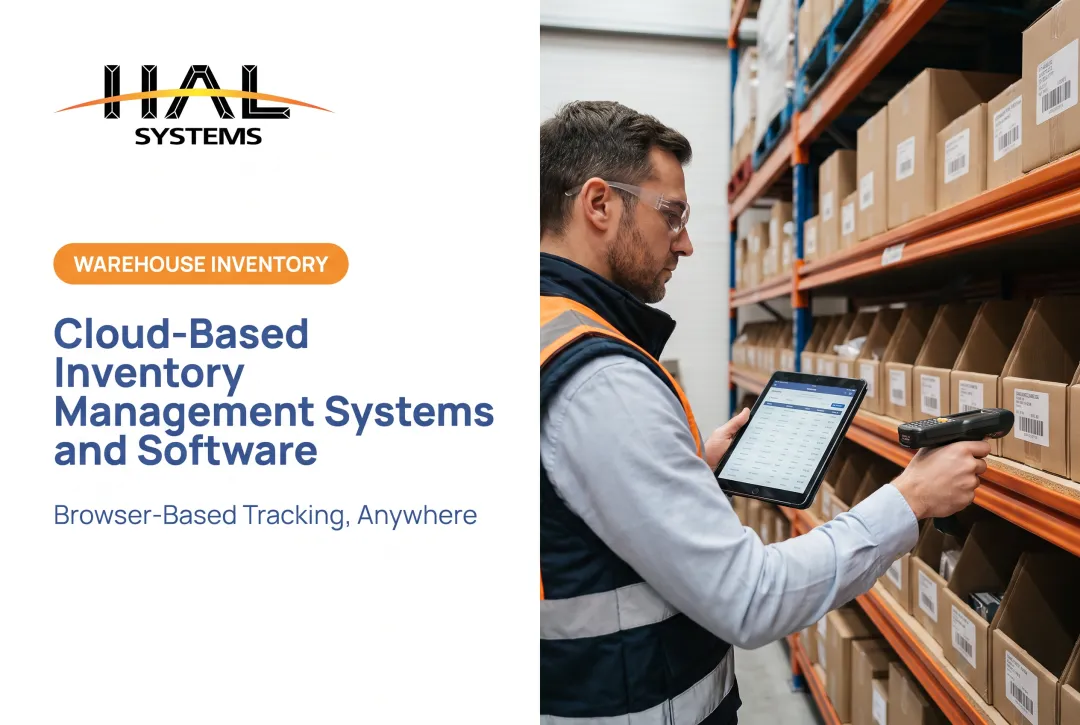
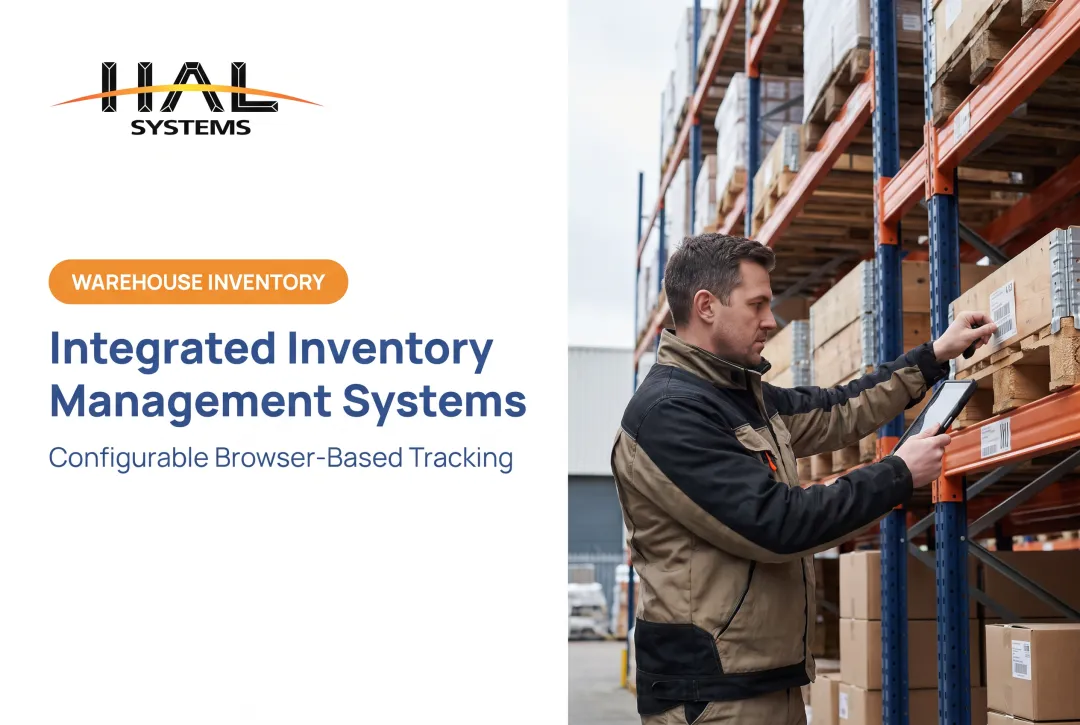
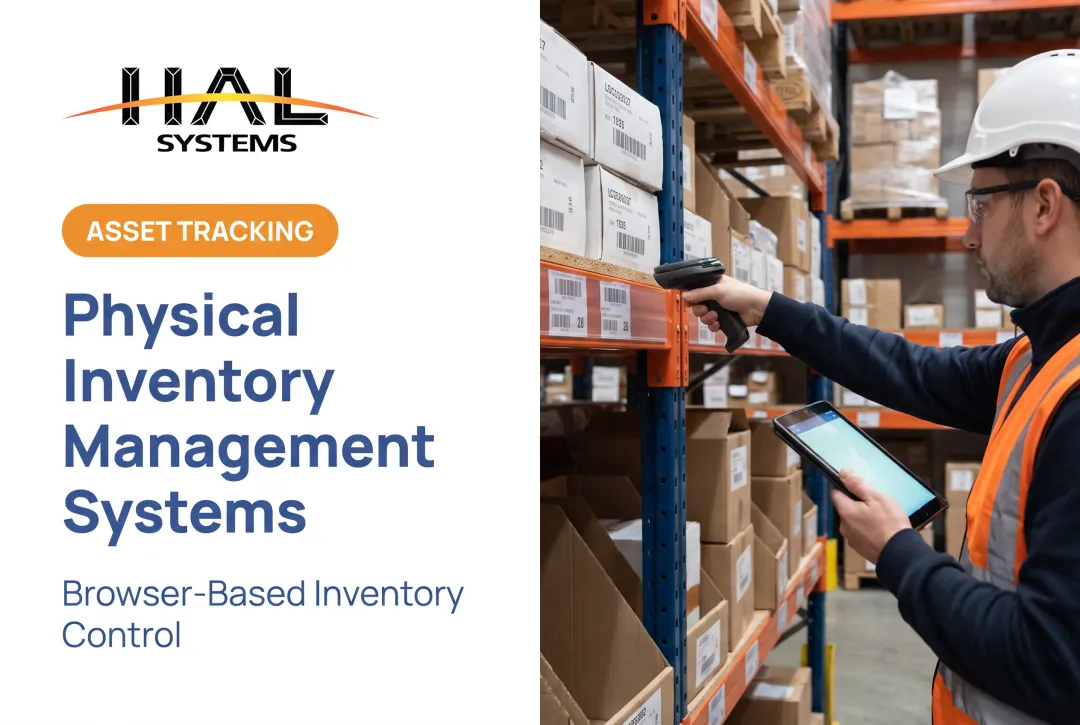
Manual picking is still common: Modern Materials Handling's 2024 operations survey found 44% of warehouses still rely on paper-based picking, though that's down from 56% the year before.
Automated inventory management replaces that guesswork with software, barcode or RFID capture, workflow rules, and system integrations. The goal isn't a fully robotic warehouse — it's accurate, real-time knowledge of what you have and where it is.
This guide covers what these systems do, how they work, their core benefits, must-have features, and a practical path for selecting and rolling one out.
Key Takeaways
- Automation updates inventory records from real transactions like receiving, picking, issuing, and shipping
- The right system fits your inventory type, workflows, locations, and budget, not a generic template
- Barcode-driven software can tighten control without requiring robotics or automated conveyance
- Clean item, supplier, location, and transaction data must come before implementation, not after
What Is an Automated Inventory Management System and How Does It Work?
An automated inventory management system is software, often paired with barcode scanners, RFID readers, or mobile devices, that records and updates inventory data with minimal manual entry. Instead of someone typing counts into a spreadsheet after the fact, a scan or system event captures the transaction as it happens.
These systems can manage far more than finished goods sitting on a shelf. Depending on configuration, they track:
- Raw materials and components awaiting production
- Work-in-process moving through manufacturing steps
- Tools, equipment, and fixed assets checked out to employees or job sites
- Consumables and supplies
- Customer-owned or consigned stock held at your facility
Inventory automation is separate from warehouse robotics. The software coordinates data and workflow logic, while robotics physically moves or handles goods. Many organizations run barcode-driven software without any robotics at all, and that's often the right call for mid-size operations.
How the Inventory Automation Workflow Operates
A typical transaction flow looks like this: a purchase order triggers inbound receiving, items get put away, then picked for production or shipment, and eventually adjusted, transferred, or reconciled during a count.
Each step generates a data capture event: a barcode scan, an RFID read, a mobile entry, or an API call from another system. That event updates the item's quantity, location, status, lot or serial number, or asset assignment in real time.
Business rules can act on that data automatically. For example, a system might:
- Flag low stock once quantity drops below a reorder point
- Generate a transfer request when one location is short and another has surplus
- Route an approval step before a purchase order is issued
- Trigger an alert when a lot is nearing its expiration date
Dashboards then turn all of this into visibility: stock availability by location, movement history, aging inventory, turnover rates, open orders, and discrepancies waiting for resolution.

How Automation Connects With the Rest of the Business
Inventory data rarely lives in isolation. It needs to reach your ERP, accounting software, ecommerce platform, shipping carrier, or manufacturing systems — and come back from them too. That's done through APIs, ODBC connections, EDI, or transfer files, depending on what the connected system supports.
Consider a distributor shipping an order. A single pick-and-ship scan can simultaneously:
- Reduce on-hand quantity in the inventory system
- Generate a shipping confirmation for invoicing
- Update the customer-facing order status
- Feed a sales order record back into the ERP
HAL Traxx, HAL Systems' configurable tracking platform, handles this kind of interconnected workflow through APIs, ODBC, and transfer files that connect with ERP, accounting, factory automation, and shipping systems. The platform also accepts barcode, RFID, lookup, or manual entry in any combination, so organizations aren't forced into a single capture method across every workflow.
Benefits of Automated Inventory Management Systems
The case for automation comes down to fewer blind spots and less manual labor spent chasing them down.
Real-time visibility lets teams confirm stock availability across multiple warehouses without walking the floor or calling another location. That matters when a customer needs an answer now, or when production is waiting on a component.
Reduced data-entry risk comes from barcode and RFID capture replacing manual typing. Research on RFID-enabled visibility found inventory record accuracy improving from an average of 63% to 95% in a GS1 US and Auburn study. That's a case-study result, not a guarantee, but it shows the gap manual processes can create.
Less administrative drag comes from automating receiving, picking, issuing, and cycle counts. Employees spend less time on repetitive recordkeeping and more on exceptions, quality checks, and actual customer or production needs.
Better purchasing decisions follow when stock levels sit alongside usage history, lead times, and open orders in one place, rather than reconstructed from memory or a dozen spreadsheet tabs.
Scalability matters as organizations add SKUs, warehouses, customers, or production steps. A system built to handle one location poorly often becomes the bottleneck once a second or third site comes online.
None of this guarantees a specific percentage reduction in stockouts or excess stock. Those outcomes depend on process discipline. Better data still consistently supports better decisions.
Benefits by Business Type
- Distributors and 3PLs: Location-level stock visibility, client-separated inventory records, and streamlined receiving, picking, and cycle counting. HAL Traxx, for instance, lets 3PL operators set business rules by contract or partner agreement, keeping each client's stock properly segregated.
- Discrete manufacturers: Tracking raw materials, components, and work-in-process against a bill of materials as items move through production. HAL Traxx's manufacturing module interfaces directly with purchase orders, work orders, and sales orders for this purpose.
- Field service, construction, and public-sector teams: Check-in/check-out tracking, custody records, and barcode audits that create a defensible history for tools, equipment, and fixed assets — critical when an annual asset audit is coming.
Essential Features to Look For in an Automated Inventory Management System
Before comparing vendors, document your actual requirements: inventory types, transaction volume, number of locations and users, required integrations, and the specific manual problems you're trying to solve. Feature lists mean little without that context.
Real-time inventory and location tracking should cover quantity-on-hand, available versus allocated stock, bin or location, lot, serial number, expiration date, and asset assignment , not just a single "total quantity" figure.
Barcode, RFID, or mobile data capture is the mechanism behind that tracking. Barcode scanning requires line-of-sight and one scan per item; RFID can be read without direct line-of-sight and can capture multiple tags nearly simultaneously, according to a GS1 US comparison. Barcode hardware is generally cheaper to deploy; RFID tagging and readers cost more but reduce manual scanning steps.

The right choice depends on item volume, environment, and traceability requirements, not just upfront price.
Receiving, picking, transfers, and cycle counts need guided workflows with an audit trail , not freeform entry that anyone can override. Look for structured steps covering put-away, picking, transfers, discrepancy resolution, returns, and adjustments.
Replenishment and purchasing support should include reorder points, min/max levels, safety stock, and supplier lead times. Distinguish rule-based reordering (trigger at X, order Y) from advanced forecasting that factors in seasonality or demand trends. Many mid-size operations only need the former.
Integrations and configurable workflows round out the list:
- Connections to ERP, accounting, ecommerce, shipping, and manufacturing systems via API, ODBC, or transfer files
- Configurable forms, statuses, and permissions by job role
- Exception reports and operational dashboards
How HAL Traxx May Fit Configurable Inventory Operations
HAL Traxx is HAL Systems' configurable platform, built from software blocks that function as inventory management, warehouse management, asset tracking, or work-in-process manufacturing tools , individually or combined. Organizations use only the blocks relevant to their operation, and can add functionality later without migrating to a new platform.
It deploys on-premises or on Amazon Web Services cloud hosting, with browser-based access and support for barcode, RFID, or manual input. Integrations run through APIs, ODBC, or transfer files to connect with ERP, factory automation, shipping, and accounting systems.
This fits a range of operations: distributors running one or more warehouses, manufacturers tracking materials through work-in-process, 3PLs managing inventory for multiple clients, or organizations tracking tools and fixed assets. Not every configuration includes every feature . The platform is built so you add modules as your operation requires them.

Choosing and Implementing the Right System
Options range from spreadsheets to standalone inventory software, full WMS platforms, ERP inventory modules, and configurable systems. The right fit depends on operational complexity, location count, integration needs, and growth plans, not which option has the longest feature list.
Vendor-evaluation checklist:
- Barcode and mobile device support
- Lot and serial number traceability
- Role-based permissions and audit history
- Integration methods (API, ODBC, EDI, file transfer)
- Deployment options and data ownership terms
- Support, training, and customization availability
- Upgrade path and total cost of ownership
Preparing for Implementation
Clean data has to come first. Before go-live, organizations typically need to:
- Cleanse item and SKU records, including units of measure
- Confirm supplier details and lead times
- Finalize location and bin structures
- Reconcile opening balances and open purchase orders
- Document customer-owned stock and required lot/serial data
Rolling Out in Phases
A phased approach reduces risk:
- Map current workflows
- Configure the system
- Connect priority integrations
- Test representative transactions
- Train each user group
- Run a controlled pilot
- Reconcile results, then expand
Common risks include:
- Resistance to change
- Unreliable master data
- Poor barcode labeling
- Unclear process ownership
Governance, training, and ongoing support (rather than a single go-live event) tend to separate successful rollouts from stalled ones.
Before launch, define success measures:
- Inventory record accuracy
- Receiving and picking exceptions
- Count variance
- Stockout frequency
- Time spent on manual reconciliation
Establish your own baseline first; there's no universal industry benchmark that applies evenly across inventory types and operations.
Conclusion
Automated inventory management is an operating method built on daily discipline, not a one-time software buy. Clean master data, disciplined scanning, clear workflows, and useful reporting are what actually make it valuable day to day.
The core decision is choosing a system that matches your current processes while leaving room for more locations, products, integrations, or customers down the road.
If you're evaluating configurable inventory, warehouse, asset, or work-in-process software, HAL Systems can walk through HAL Traxx, deployment options, integration requirements, and what implementation and support would look like for your operation. Reach out at 770-927-0700 or sales@halsystems.com.
Frequently Asked Questions
What is an automated inventory management system?
It's software, often combined with barcode scanning, RFID, or mobile devices, that tracks inventory movements, updates records, and supports replenishment with minimal manual data entry. Integrations with ERP or accounting systems typically extend its reach across the business.
How does an automated inventory management system work?
Transactions like receiving, picking, shipping, transfers, or asset check-outs update a central inventory record as they happen. Based on that data, the system can trigger alerts, replenishment workflows, or generate reports automatically.
What are the main benefits of automated inventory management?
Benefits include improved record accuracy, better stock visibility, less manual admin work, clearer replenishment decisions, and lot or serial traceability. Gains depend on process discipline and how consistently teams use the system.
What features should an automated inventory management system include?
Look for barcode or RFID capture, multi-location tracking, guided receiving and picking, cycle counting, and lot or serial traceability. Also prioritize replenishment tools, integrations, role-based permissions, and reporting with audit history.
Is automated inventory management suitable for small and mid-size businesses?
Suitability depends on process complexity, number of locations, inventory types, and growth plans rather than company size alone. Configurable, scalable platforms can support businesses that have outgrown spreadsheets without requiring an enterprise-scale deployment.