Pressure to close those gaps keeps growing. Operations handle more channels, more partners, and more compliance rules with fewer manual handoffs. In Modern Materials Handling's 2024 survey, 93% of respondents used some type of WMS software, so the next question is how well that system connects to everything else.
This article defines WMS integration, walks through three major integration types, compares their trade-offs, and shows how to choose.
Key Takeaways
- WMS integration lets the warehouse system exchange data with business software, sales channels, partners, and equipment.
- Three types cover most needs: business systems, commerce and trading partners, and warehouse floor and transportation.
- APIs, EDI, flat files, ODBC, and middleware are methods, not types.
- Choose by workflow goal, data ownership, scale, and who maintains it afterward.
What Is WMS Integration?
WMS integration connects a warehouse management system to another application, database, hardware system, or trading partner so relevant data moves between them.
Common flows include:
- Sales orders entering the WMS
- Inventory and order-status updates returning to ERP or eCommerce systems
- Shipment details going to carriers
- Receiving and production data moving between warehouse and manufacturing systems
Category vs. method
Keep two ideas apart. A category describes what is connected: ERP, eCommerce, carriers, barcode devices. A method describes how: APIs, EDI messages, transfer files, ODBC, or middleware.
Common methods:
- API: rules that let applications share data and functions.
- EDI: electronic transmission of standardized business documents. AS2, SFTP, and VANs are transport options, not EDI itself.
- Flat files: CSV, XML, or TXT files exchanged through shared folders or SFTP.
- ODBC: a standard interface for connecting to data sources and running SQL.
- Middleware: software that connects applications across a network.
Integration is a workflow project more than a technical one. It coordinates receiving, inventory control, picking, production, shipping, asset tracking, and billing.

Why Is WMS Integration Important in Warehouse Operations?
Connected systems cut duplicate entry, keep inventory numbers consistent, speed order processing, and improve shipment visibility. IBM notes that integration eliminates manual rekeying and accelerates processing; without it, staff must enter EDI data into ERP systems by hand.
Disconnected systems create predictable problems:
- Staff re-key orders
- Teams argue over conflicting inventory counts
- Shipment updates arrive late
- Billable warehouse activity goes unrecorded
- Reports live in spreadsheets
Value differs by operation:
- Distributors: synchronized orders and stock levels
- Manufacturers: material and work-in-process updates
- 3PLs: client-separated inventory and billing data
- Field service teams: asset movement records
One caution: integration does not fix a poor process. Data standards, ownership rules, validation, exception handling, and user adoption need attention too.
Types of WMS Integrations
WMS integrations fall into three categories based on what they connect. Most implementations use several at once. The right mix depends on the problem you need to solve, how often data moves, and how much automation you need.
Type 1: Business System Integrations
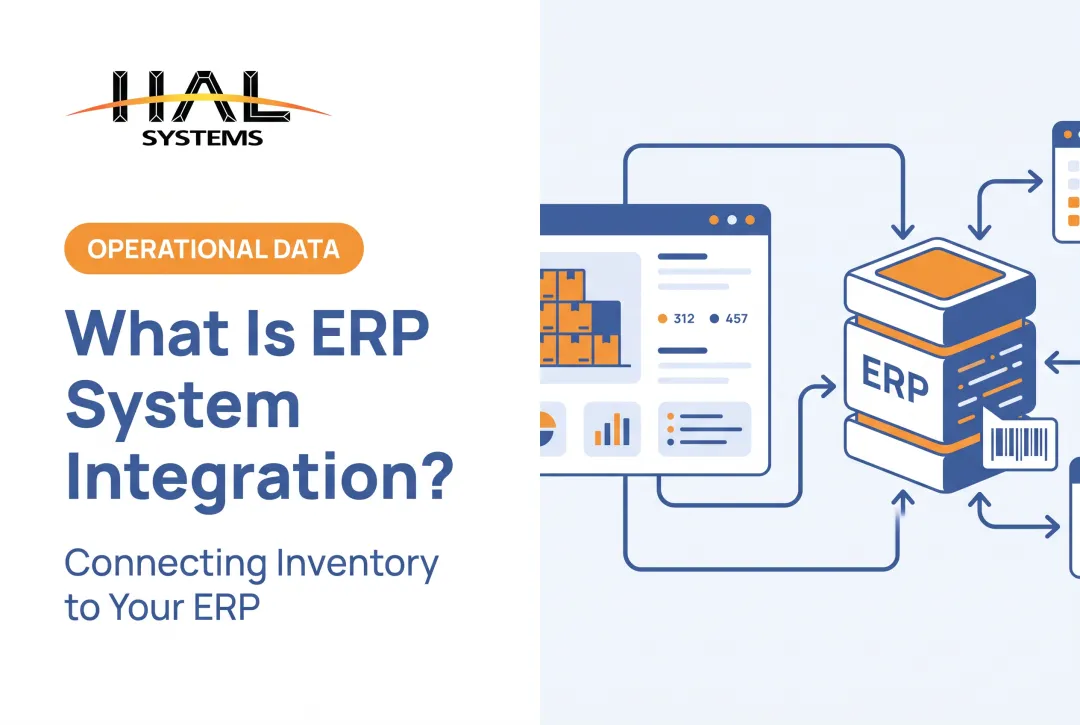
These connect the WMS to ERP, accounting, order management, CRM, manufacturing, or reporting systems. Orders, item masters, inventory balances, purchase activity, invoices, and fulfillment updates flow between them.
Best for: distributors, manufacturers, and 3PLs that need one operational view across warehouse, finance, and production.
A typical ERP flow passes purchase orders for receiving, sales orders for picking, and shipping confirmations for invoicing. Microsoft's external ERP guidance describes the same pattern: the ERP sends the order, workers register receipt or picking, and the ERP reads the result for invoicing.
Trade-offs:
- Master-data ownership must be settled for items, customers, orders, locations, and inventory
- Field mapping takes effort, and a missing mapping can make messages fail
- Update schedules differ between systems
- Duplicate records creep in without clear rules
Type 2: Commerce and Trading-Partner Integrations
These connect the WMS to eCommerce stores, marketplaces, retailers, suppliers, and other partners through APIs, EDI, portals, or structured files.
Best for: omnichannel sellers, wholesalers, retailers, and 3PLs coordinating external transactions.
Typical X12 documents include the 850 purchase order, 856 ship notice, 810 invoice, and 945 warehouse shipping advice. Marketplaces such as Walmart also publish APIs for listings, inventory, and orders.
Trade-offs:
- Each partner has its own formats, labeling, and routing rules
- Transactions need acknowledgments
- Marketplace requirements change
- Failed or rejected messages need ongoing monitoring
- Systems can drift out of sync if another system acts on stale quantities
Type 3: Warehouse-Floor and Transportation Integrations
These connect the WMS to scanners, mobile computers, printers, scales, conveyors, automated storage and retrieval systems (AS/RS), and other material-handling equipment, shipping systems, carriers, or transportation management systems.
Best for: operations where digital instructions must drive physical work: receiving, putaway, picking, packing, cycle counting, label printing, and carrier selection.
Oracle's WMS documentation, for example, lists carrier web-service integrations with FedEx and UPS and APIs for material-handling equipment and voice systems.
Trade-offs:
- Device compatibility varies
- Network reliability matters, and diagnostics should check connectivity and response times
- Equipment interfaces are often specific to the hardware
- Real-time response and safety rules leave little room for lag or errors
- Fallback procedures are needed when hardware or connectivity fails

How to Choose the Right Type of WMS Integration
Start with the workflow and the outcome you want to improve. Do not start with the most advanced connection method or the longest list of supported systems.
Map the process and define the objective
Name the process: order entry, receiving, WIP tracking, inventory sync, asset check-out, shipping, billing, or reporting. Then document:
- Systems and people involved
- Data created at each step
- Direction and frequency of data flow
- Cost of missing or delayed information
Evaluate data ownership and compatibility
Decide which system owns item, customer, supplier, location, order, inventory, asset, shipment, and financial records. Then check identifiers, units of measure, status codes, lot or serial requirements, and validation rules on both sides.
Select the connection method
| Method | Fit and trade-off |
|---|---|
| API | Flexible and near real-time; needs development, mapping, and maintenance |
| EDI | Standard partner documents; transport is a separate decision |
| Flat file/SFTP | Simple and reliable; slower, needs monitoring and error handling |
| ODBC | Standard database access; confirm the WMS actually supports it |
| Middleware/iPaaS | Connects many systems; suits larger environments |
Then decide between a pre-built connector, a configured integration, or custom development. IBM notes that native connectors reduce coding but still need configuration, and that vendor lock-in is a possible concern.
Ask who maintains mappings, credentials, updates, and exceptions after launch. If you use APIs, NIST SP 800-228 recommends encrypting traffic, authorizing callers, and validating requests against schemas.
Consider scale, deployment, and flexibility
Count warehouses, users, partners, channels, devices, and transactions, plus future facilities. Confirm cloud or on-premises support, role-based access, audit history, and phased rollout.
Configurable platforms fit well when you need several connection options without a full custom build. HAL Traxx from HAL Systems, for example, interfaces with ERP, accounting, eCommerce, shipping, and factory automation through APIs, ODBC, or transfer files, and supports on-premises or cloud deployment. HAL Systems' in-house programmers build the interfaces.
Measure success and plan implementation
Set a baseline before you start. WERC's 2025 best-in-class benchmarks, summarized by Yale's metrics guide, give useful targets:
- Inventory count accuracy: 99.5% or higher
- Order-picking accuracy: 99.68% or higher
- Dock-to-stock time: under 3.5 hours
These are top-20% figures, not averages, and integration alone does not produce them. Start with a focused pilot:

- Begin with one well-defined workflow
- Test normal and exception cases
- Train users and validate reconciliation
- Set up support before expanding
Before finalizing
- Don't pick an option because it is familiar or labeled "real-time." Test it against your data, volumes, partner rules, and exceptions.
- Confirm ownership duties, licensing and development costs, cybersecurity needs, downtime procedures, vendor support, documentation, and the effort to add systems later.
Conclusion
WMS integration links warehouse execution to the systems, channels, partners, and equipment that depend on accurate data. Business-system, commerce and trading-partner, and warehouse-floor integrations solve different problems, and most operations need more than one.
Map workflows, settle data ownership, pick a method that fits, and plan for maintenance. That sequence produces warehouse operations that are more reliable and easier to adapt.
Frequently Asked Questions
What is WMS integration?
It is the connection between a WMS and other software, hardware, databases, or trading partners. The link exchanges operational data and coordinates warehouse processes.
What are the most common types of WMS integrations?
Business-system integrations (ERP, accounting), commerce and trading-partner integrations (eCommerce, EDI), and warehouse-floor integrations (scanners, carriers, transportation, automation).
What is the difference between API and EDI integration?
An API lets applications exchange data through defined services. EDI uses standardized business documents between trading partners. They work at different layers and often coexist.
Does a small business need WMS integration?
It helps when disconnected systems cause manual work, inventory discrepancies, order delays, or reporting gaps. Start with the one integration that fits your scale.
How do I choose the right WMS integration?
Start with the process goal, then review data flows, compatibility, update frequency, technical resources, maintenance, scalability, and total cost of ownership.
Can a WMS integrate with ERP, eCommerce, shipping, and warehouse hardware?
Many can. Verify supported methods, data fields, hardware compatibility, implementation requirements, and ongoing support before you commit.