Introduction
Stock records live in too many places. A spreadsheet here, a QuickBooks module there, a stack of paper receiving forms in a drawer, a warehouse tool that nobody else can log into. None of them talk to each other.
Capterra's research on inventory software buyers found 24% still relied on spreadsheets and 34% used manual methods when they started shopping for software. Most weren't shopping for novelty. Inefficiency and missing functionality pushed them to search.
The right inventory management software or tracker answers four questions instantly: what's available, where it is, how it's moving, and when you need to act. This guide compares basic trackers, barcode-enabled systems, full inventory platforms, warehouse management systems (WMS), asset tracking tools, and integrated ERP or MRP solutions. Use it to match the tool to your actual operation.
Key Takeaways
- Your inventory type, SKU volume, location count, and workflow complexity determine the right system, not feature lists.
- Barcode scanning, real-time updates, location control, and audit trails matter more than a long feature checklist.
- Spreadsheets work for simple operations, but distributors, manufacturers, 3PLs, and asset teams usually outgrow them.
- Weigh implementation, training, support, and scalability alongside the sticker price.
What Inventory Management Software and Trackers Do
Inventory tracking records stock quantities, locations, status, ownership, and movement as goods move through receiving, storage, production, fulfillment, returns, transfers, and disposal. That's the foundation.
A tracker is narrower. It records and displays stock data: what you have, where it sits.
Inventory management software does more. It layers purchasing, replenishment, forecasting, production support, order fulfillment, and workflow automation on top of that data. Think of a tracker as the speedometer and management software as the whole dashboard.
Different organizations need to track different things:
- Distributors and wholesalers manage finished goods across one or more stocking locations.
- Manufacturers track raw materials, components, work-in-process, and finished goods simultaneously.
- Field-service and construction teams manage tools, vehicles, equipment, and serialized assets across crews and job sites.
- 3PLs and public warehouses need client-separated inventory, since the same warehouse might hold stock for a dozen different owners.
- Schools, agencies, and municipalities track tagged fixed assets for compliance and annual audits.
This data isn't just for recordkeeping. It drives real decisions:
- When to reorder and how to allocate stock across orders
- When to run a cycle count and how to plan production
- Whether you can promise a ship date
- Who's accountable for a missing asset
A system that can't answer those questions in real time isn't doing its job, no matter how polished the interface looks.
How to Choose the Right Inventory Management Software
Start with an honest assessment of your operation, not a vendor's feature page. Document the basics before you compare products:
- SKU count and transaction volume
- Inventory types and number of storage locations
- User count and sales or service channels
- Realistic growth over the next few years
Match Complexity to Your Use Case
- Low-volume operations with few users and simple movements can often get by with spreadsheets or a basic tracker.
- Teams needing faster receiving, picking, and counting benefit from barcode-enabled inventory software.
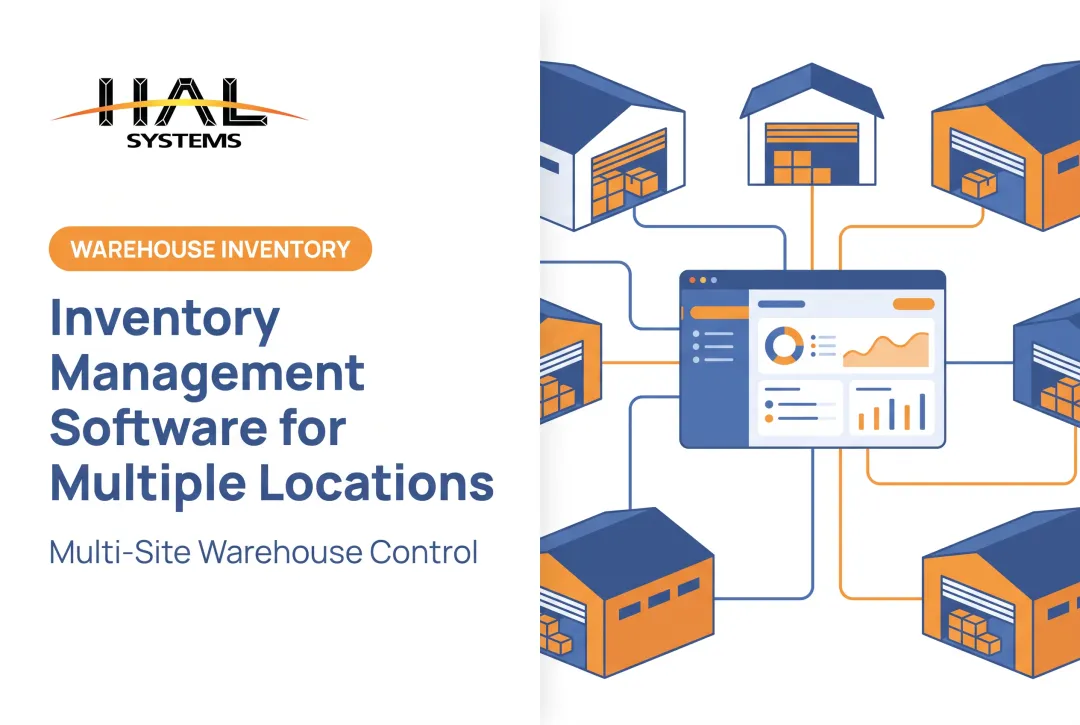
- Multi-warehouse operations with bin-level control and directed picking need WMS capabilities.
- Manufacturers connecting inventory to purchasing, bills of material, and production need MRP or ERP functionality.
- Tool and equipment accountability calls for asset tracking features like check-in/check-out and maintenance records.
Before you review vendors, list the integrations you need:
- Accounting and ERP
- E-commerce, shipping, and point-of-sale
- Factory automation and purchasing
- Customer portals and barcode hardware
A platform that can't connect to your existing accounting system creates double entry, which defeats the purpose.
A 2026 Modern Materials Handling survey of warehouse and materials-handling operations found total cost of ownership (32%) and compatibility with existing systems (31%) were the top challenges respondents reported with software, ahead of user acceptance and integration difficulty. That lines up with what we'd expect: the sticker price rarely tells the whole story.

Total cost of ownership should include more than the license fee. Factor in:
- Implementation and data cleanup
- Scanners, printers, and training
- Integrations, customization, and support
- Cost of adding users or locations later
Build a simple vendor scorecard covering workflow fit, usability, reporting, and implementation support. Then ask for a demo using your own receiving, counting, or production scenarios instead of a generic script.
Essential Features of Inventory Management Software and Trackers
Six capabilities separate a system that genuinely works from one that just looks good in a sales demo.
Real-time visibility. Every receipt, issue, transfer, count adjustment, shipment, return, and production transaction should update item, location, quantity, and status immediately.
Check whether the system distinguishes available, allocated, damaged, quarantined, in-transit, and work-in-process inventory, not just a single "quantity on hand" number.
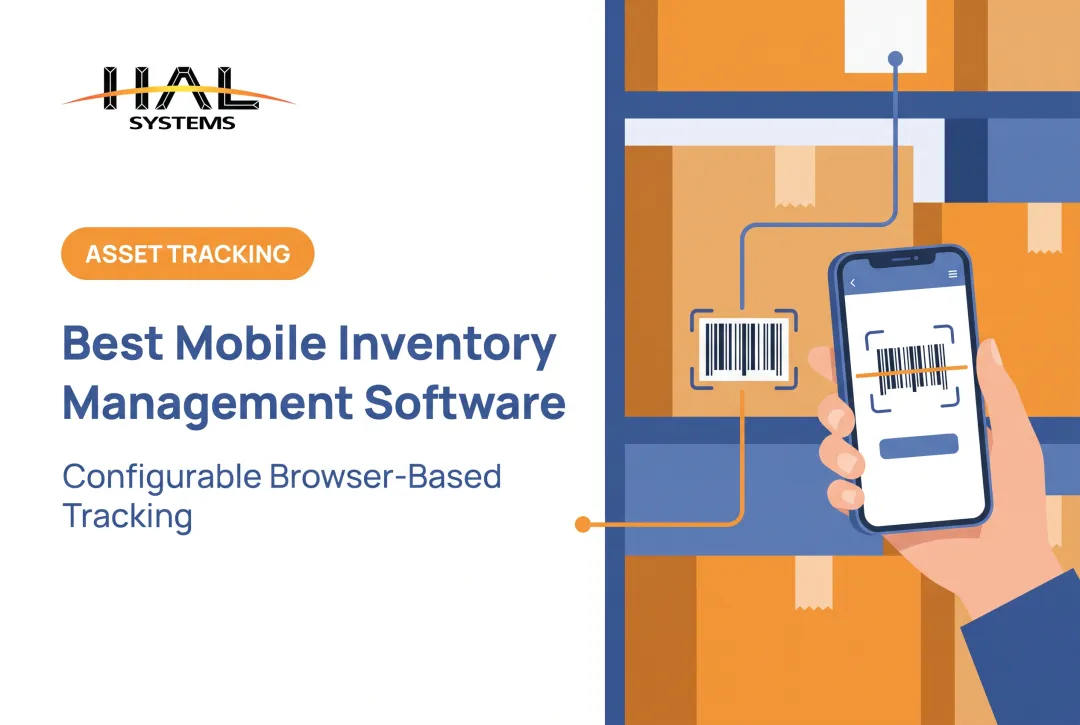
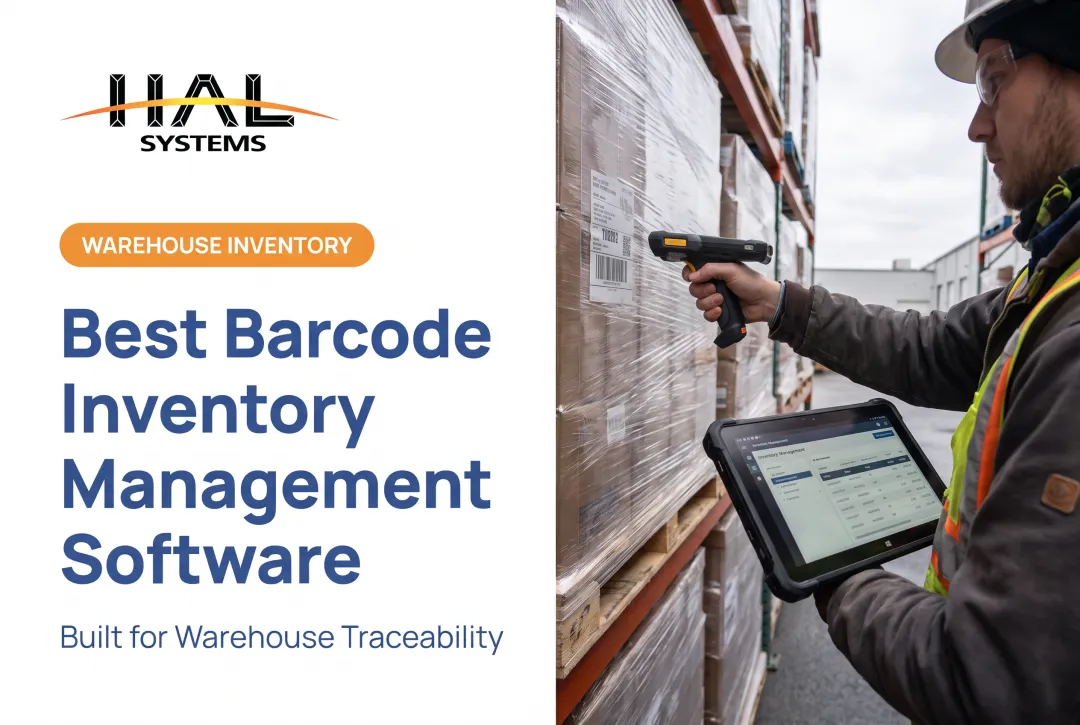
Barcode, QR code, and mobile capture. Scanning cuts manual keying during receiving, put-away, picking, cycle counting, shipping, and asset check-out. Confirm compatibility with your scanners, mobile computers, and label stock before you commit.
SKU, lot, serial, and location control. Unique identifiers, consistent units of measure, bin records, lot traceability, serial numbers, and expiration tracking support recalls, warranty claims, and accurate fulfillment.
If your business handles food, FDA's traceability rule requires covered entities to make certain records available within 24 hours of a request. That timeline is nearly impossible without digital lot tracking.
Reordering and planning. Look for reorder points, min/max levels, safety stock, supplier lead times, and purchase order workflows. Manufacturers also need bills of material, material issue transactions, and WIP visibility.
Reporting and audit trails. Prioritize reports on:
- Stock on hand and movement history
- Discrepancies and slow-moving stock
- Cycle-count results and inventory valuation inputs
- Timestamped user activity for shrinkage investigations
Integration and scalability. APIs, ODBC connections, or transfer files reduce duplicate entry between inventory, ERP, accounting, and shipping systems. Configurable fields and permissions help with unusual processes, but heavy customization can make upgrades and support painful down the road.

How to Implement an Inventory Tracking System
Software alone doesn't fix bad data. A rushed rollout on top of messy records just digitizes the mess.
- Audit your current state. Reconcile physical quantities, locations, item records, units of measure, inactive stock, and duplicate SKUs before configuring anything.
- Design the future workflow. Map the full path from purchase or receipt through storage, production or allocation, picking, shipping, returns, transfers, counts, and disposal.
- Set data standards. Define SKU naming conventions, barcode formats, location labels, lot and serial rules, and who approves exceptions.
- Pilot before you expand. Test scanners, labels, integrations, permissions, and reports in one representative location or process first.
- Train by role. Warehouse, production, purchasing, accounting, field, and management users need role-specific training so each group records transactions at the point of activity.
- Measure and refine. Track inventory accuracy, stockout frequency, fulfillment reliability, count variances, and user adoption against your own baseline numbers.

HAL Systems' implementation approach reflects this reality. Most operations the company works with still run mostly manual recordkeeping. Existing IT systems often cover only pieces of the process, and none of them talk to each other.
The team identifies which legacy processes are genuinely inefficient versus which ones are actually working fine, then configures the software around what matters rather than forcing a one-size-fits-all template onto the business.
HAL Traxx as a Configurable Inventory Management Option
Most off-the-shelf trackers assume your workflow looks like everyone else's. HAL Traxx, built by HAL Systems, takes a different approach: it's a configurable platform assembled from software blocks that can be added, removed, or rearranged without custom code.
That matters because a lot of small and mid-size operations don't fit a rigid template. HAL Traxx can function as a warehouse management system, asset tracking solution, inventory management platform, or work-in-process manufacturing tool, individually or combined, which makes it a fit for:
- Distributors running one or more stocking locations
- Manufacturers tracking raw materials, components, and WIP
- Field-service and construction teams managing tools and equipment
- 3PLs juggling different rules for different clients
- Schools, agencies, and municipalities auditing fixed assets
On the technical side, HAL Traxx accepts barcode, RFID, lookup, and manual data entry. It interfaces with ERP, factory automation, shipping, e-commerce, and accounting systems through APIs, ODBC, or transfer files.
Deployment is on-premises or through Amazon Web Services cloud hosting, with browser-based access that works across devices.
HAL Systems has built and supported this kind of software since 1983, pairing it with implementation, system integration, Lean and Six Sigma process consulting, and 24/7 technical support from the people who actually built the product.

No single system fits every operation, though, so it's worth walking through your own receiving, counting, or asset-tracking scenario in a consultation before assuming any platform, including this one, is the right match.
Frequently Asked Questions
What is the best way to track inventory?
It depends on your inventory complexity, number of locations, transaction volume, and traceability needs. Spreadsheets work for simple, low-volume operations, barcode systems handle moderate complexity, and integrated inventory software suits multi-location or multi-channel businesses.
What is the best inventory tracking app?
Compare mobile scanning, offline access, item and location controls, integrations, reporting, security, and scalability against your actual workflows. The "best" app is the one that matches your specific transaction volume and process requirements, not the one with the highest star rating.
What is a good web-based inventory management system?
A good web-based system provides centralized access from any location, current stock visibility, role-based permissions, regular backups, and integrations with your other business systems. The right deployment model (cloud or on-premises) depends on your IT capacity and security requirements.
What is a good basic inventory tracking system?
A spreadsheet or simple tracker works fine for a single location with low transaction volume and few SKUs. Multiple locations, frequent discrepancies, or traceability requirements are signs you need dedicated software instead.
What is it called when you keep track of inventory?
This is typically called inventory tracking or inventory control. Broader inventory management includes tracking plus planning, replenishment, purchasing, forecasting, and the process decisions built on top of that data.