Introduction
Where is that torque wrench? Who signed out the laptop? When was the forklift last inspected?
Teams running on spreadsheets, paper logs, and disconnected software often can't answer these questions quickly, and audits tend to expose the gaps. The GAO's 2026 audit report found DoD components identifying more than $16 billion of previously untracked assets.
An asset management system is the combination of people, processes, policies, data, and software used to control assets throughout their lifecycle. This guide covers asset types, system categories, lifecycle workflows, benefits, essential features, and selection criteria for US organizations.
Key Takeaways
- A good system records what you own, where it is, who has it, and its condition.
- It can cover equipment, tools, vehicles, inventory, IT hardware, software, and cloud services.
- The best fit depends on asset types, workflows, sites, integrations, budget, and growth.
- Tagging standards, clear ownership, and ongoing data upkeep matter as much as the software.
What Is an Asset Management System?
An asset management system gives you one source of truth for each asset's identity, location, status, condition, custody, cost, maintenance, and history. ISO 55001:2024 frames it as a management system covering decision-making, risk, information, and lifecycle operations.
System vs. software
The software enables tracking, automation, reporting, and integration. The system also includes governance, responsibilities, procedures, and data standards. Software without those is just a database.
Core asset data
Typical fields include:
- Asset ID, category, and serial number
- Location and assigned user or department
- Purchase date, cost, and warranty
- Condition and maintenance history
- Retirement or disposal status
Some environments add mandatory fields. For equipment bought with federal awards, 2 CFR 200.313 requires funding source, title holder, acquisition cost, location, use, and condition, plus a physical inventory reconciled at least every two years. That rule covers federal-award equipment, not every business asset.
Asset vs. inventory management
Inventory management focuses on stock quantities and movement. Asset management adds ownership, accountability, condition, utilization, maintenance, and lifecycle history. A box of screws is inventory; the torque wrench that tightens them is an asset.
The lifecycle
A system supports the full asset lifecycle:
- Planning and purchasing
- Receiving, tagging, and deployment
- Use, maintenance, and transfer
- Audit, replacement, and disposal
ISO 55001 describes similar stages: acquisition, utilization, maintenance, renewal, and disposal.
Types of Assets and Asset Management Systems
Asset categories
- Fixed assets: machinery, vehicles, furniture
- Operational assets: tools and portable equipment
- Inventory and consumables: stock held for sale or use
- Work-in-process (WIP): materials moving through production
- Digital assets: IT hardware, software, licenses, cloud services
NIST's cybersecurity framework (CSF 2.0) takes a broad view, listing hardware, software, services, systems, data, and facilities in its inventory scope.
System categories
| Category | Main focus |
|---|---|
| Fixed asset tracking | Registers, physical counts, disposition |
| IT asset management | Devices, licenses, cloud services |
| CMMS | Preventive maintenance and work orders |
| EAM | Inspection, maintenance, and repair in asset-intensive industries |
| Warehouse/inventory management | Locations, receiving, picking, counts |
| Field equipment tracking | Check-in/check-out across crews and sites |
The CMMS/EAM boundary is blurry. Gartner notes the terms are sometimes used interchangeably, with CMMS generally smaller-scale.
Match the system to the use case
- Distributors: warehouse locations and barcode transactions
- Manufacturers: material and WIP visibility
- Field service firms: tool and equipment custody across trucks and job sites
- Public-sector teams: audit-ready records and annual tagged-asset inventories
How Does an Asset Management System Work?
An asset management system ties each physical item to a digital record, then moves that record through receiving, custody, maintenance, and disposal. Clean master data and consistent identifiers make every later workflow reliable.
Start with clean data
Inventory what you have, remove duplicates, reconcile records, assign categories, and set a naming and ID standard. Skipping this step carries bad data into the new system.
Link physical items to records
Barcodes, QR codes, RFID, and serial numbers tie each asset to its digital record. Choose the identifier scheme separately from the physical label technology.
GS1's Global Individual Asset Identifier covers items like computers, vehicles, and spare parts, while QR codes (ISO/IEC 18004) and RFID act as carriers. Scanning then speeds receiving, transfers, cycle counts, check-in/check-out, and audits.
Core lifecycle workflows
- Procure and receive the asset
- Tag it and assign custody
- Track location changes
- Schedule inspections, maintenance, and repairs
- Update status as condition changes
- Replace, retire, or dispose of it
Integrations, access, and reporting
Connecting asset records to ERP, accounting, warehouse, shipping, eCommerce, factory automation, or HR systems cuts duplicate entry. Decide which system owns custody, maintenance, and financial capitalization. At the GSA, for example, operations maintain property-control records while finance maintains capitalized-property records.
Mobile access lets frontline staff update records on the spot. Permissions, audit trails, and alerts keep changes accountable, and dashboards show managers current status. NIST SP 800-53 covers event-logging and least-privilege controls that support the same accountability model.
Example: a manufacturer's component
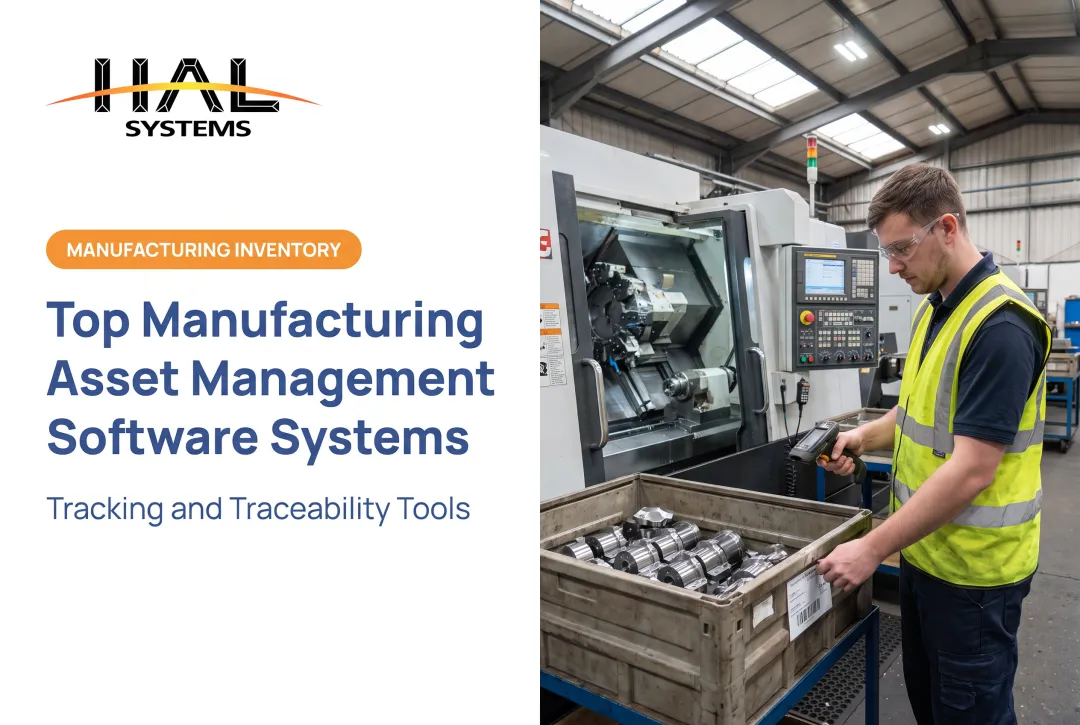
A manufacturer receives a serialized component and scans it at the dock. The system tags it, assigns it to a work order, and tracks it through each production step.
At the end, it records either the finished assembly it went into or its final location. If the supplier shipped it damaged, a photo attached at receiving documents that condition. Every handoff leaves a trail.

Benefits of an Asset Management System
Visibility and accountability
Centralized records show where assets are, who holds them, what condition they're in, and whether they're available.
Check-out rules can go further. HAL Traxx, for example, can block check-out of tools overdue for calibration or repair, or limit equipment to certified employees.
Fewer errors and wasted purchases
Barcode-enabled workflows and standard records cut:
- Manual entry and duplicate records
- Misplaced assets
- Transfer errors between systems
Teams stop buying a second pressure gauge because nobody can find the first.
A note on the evidence: a GS1 US/Auburn RFID study reported 99.9% order accuracy with EPC/RFID versus 31% with UPC, but that measured retail order reconciliation, not fixed-asset registers.
Reliability and uptime
Maintenance schedules, inspection records, and service histories support replacement planning and longer useful life. A NIST maintenance study found manufacturers relying more on preventive and predictive maintenance reported 52.7% less unplanned downtime than more reactive peers. That is an association between practices, not proof software caused it.

Budgeting and audits
Accurate lifecycle, ownership, cost, and disposal records support budgets, audits, regulatory requirements, and purchasing decisions. You can see what is aging out before it fails.
How to Choose the Right Asset Management System
1. Assess your requirements
Document what you need to track and how teams will use the system:
- Asset categories and physical locations
- User groups, permissions, and mobile or offline needs
- Barcode or RFID hardware requirements
- Audit, maintenance, and inspection workflows
- Reporting, integrations, and deployment preferences
- Expected growth over the next few years
2. Confirm essential capabilities
- Configurable asset records
- Barcode or QR scanning
- Location and custody tracking, with check-in/check-out
- Maintenance and inspection workflows
- Alerts and audit trails
- Role-based permissions
- Dashboards, reporting, and data export
3. Compare deployment and integration
Weigh cloud against on-premises, plus APIs, ODBC or file-based transfers, and compatibility with your ERP and accounting systems. NIST SP 800-210 notes access-control needs differ across IaaS, PaaS, and SaaS, so neither model is universally better. Ask about security, backups, and multi-site support.
4. Evaluate usability and support
Review how the vendor will support you after purchase:
- Configuration flexibility as workflows change
- Training, documentation, and technical support
- Data migration assistance
Before migrating, map existing IDs and fields, flag duplicates, and reconcile a physical sample to the register.
Where HAL Traxx fits
HAL Systems, an Atlanta-area developer operating since 1983, builds HAL Traxx for organizations that need configurable asset tracking alongside warehouse management, inventory management, or work-in-process manufacturing. It maps to the criteria above with:
- Barcode, RFID, lookup, and manual entry, alone or combined
- Check-in/check-out with condition photos and authorization rules
- Integration with ERP, accounting, shipping, eCommerce, and factory automation systems via API, ODBC, or transfer files
- On-premises installation or Amazon Web Services hosting
- Upfront licenses with annual support, or annual SaaS
- Functionality that can be added without moving to a new platform
- Lean and Six Sigma process consulting from HAL Systems
5. Test with real workflows
Don't settle for a generic product tour. Ask each shortlisted vendor to demonstrate receiving, tagging, transferring, maintaining, auditing, reporting, and retiring one of your assets.

Conclusion: Building a Practical Asset Management System
An effective system combines accurate data, clear ownership, repeatable lifecycle processes, suitable technology, and regular review. Software helps, but only if the process behind it is sound.
Start by writing down your current asset problems. Rank the workflows that carry the most risk or manual work, then judge every system against those requirements.
Frequently Asked Questions
What is the best asset management system?
No system is best for everyone. The right choice depends on asset types, organization size, workflows, integrations, deployment needs, usability, support, and budget.
What are the different types of assets?
Common types are fixed assets, operational equipment, inventory and consumables, work-in-process materials, IT hardware, software, cloud services, and other digital or intangible assets.
What are some examples of IT assets?
Examples include laptops, desktops, mobile devices, servers, networking equipment, printers, operating systems, software licenses, SaaS subscriptions, cloud storage, and virtual machines.
How does an asset management system work?
Assets are identified, recorded, tagged, and assigned, then monitored, maintained, audited, transferred, and retired. Connected workflows and reports keep records current at each step.
What features should an asset management system include?
Look for centralized records, barcode or QR scanning, location and custody tracking, lifecycle workflows, maintenance tools, integrations, permissions, mobile access, alerts, reporting, and configurable fields.
How do I choose an asset management system?
Define use cases, review current processes, and identify required integrations and deployment options. Then test realistic workflows, evaluate implementation support, and compare total cost and scalability.