Many operations still run on paper travelers, clipboard counts, and manual re-entry into accounting software. That approach creates delayed visibility, inventory discrepancies, mispicks, and audit trails nobody wants to defend during a customer complaint or financial review.
This guide breaks down the hardware and software behind modern scanning systems, compares the main data-collection technologies, walks through common warehouse workflows, and offers implementation guidance for growing operations deciding what to buy and why.
Key Takeaways
- Treat scanning as a full system: labels, devices, connectivity, software, workflows, and trained users
- Device choice depends on scan distance, barcode type, environment, transaction volume, and budget
- Extend coverage past inventory to locations, pallets, assets, tools, work-in-process, and returns
- Baseline inventory accuracy, order accuracy, transaction time, and adoption before and after rollout
Warehouse Scanning Systems: Components and Data Flow
A warehouse scanning system captures an identifier, checks it against business rules, records the transaction, and updates every connected record. That sounds simple. Getting all four steps to work together reliably is where most projects succeed or fail.
The Core Building Blocks
Four components have to work in concert:
- Identifiers: barcodes, QR codes, RFID tags, or other machine-readable labels assigned to products, locations, pallets, containers, assets, or work orders
- Capture devices: handhelds, wearables, vehicle-mounted units, fixed-position readers, or vision systems
- Connectivity: wired or wireless networks that move transactions to inventory, ERP, asset, or accounting software
- Applications and databases: the layer that applies rules, updates quantities and locations, and logs who did what and when
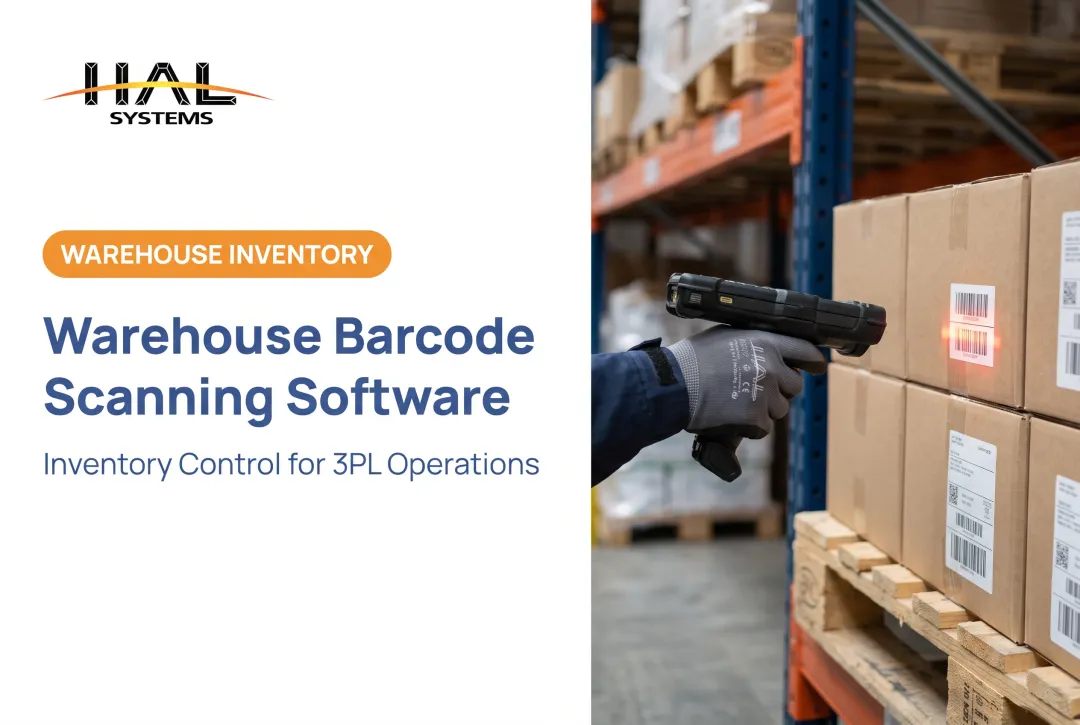
A typical receiving transaction shows how this plays out. An operator scans the shipment identifier, and the system confirms the expected item and quantity against the purchase order. Any mismatch gets flagged as an exception, and the result syncs to the central inventory record in near real time.

Capture Is Not the Same as Quality
Scanning something doesn't guarantee the data behind it is correct. Duplicate identifiers, damaged labels, outdated master data, missed scans, and poorly defined exception rules can quietly undermine an otherwise capable system.
That distinction matters because near-real-time data only has value if it's accurate. Good capture supports faster replenishment, tighter cycle counts, smarter order prioritization, and management reports leadership can actually trust.
The same scanning foundation looks different depending on the business:
- A distributor confirms receipts against purchase orders
- A manufacturer scans raw materials into work-in-process and finished goods out the door
- A 3PL segments the same transactions by client so each customer sees only their own inventory
HAL Systems builds this kind of segmented visibility into HAL Traxx Inventory Control – Warehousing, which automates receipts, orders, deliveries, and delivery confirmation while giving business partners a web-based portal for client-specific inventory visibility.
Warehouse Scanner and Data Collection Technology Types
No single device handles every warehouse task well. Most facilities mix several technology types across different zones and workflows.
Handheld and Rugged Mobile Computers
These remain the workhorse of most warehouses:
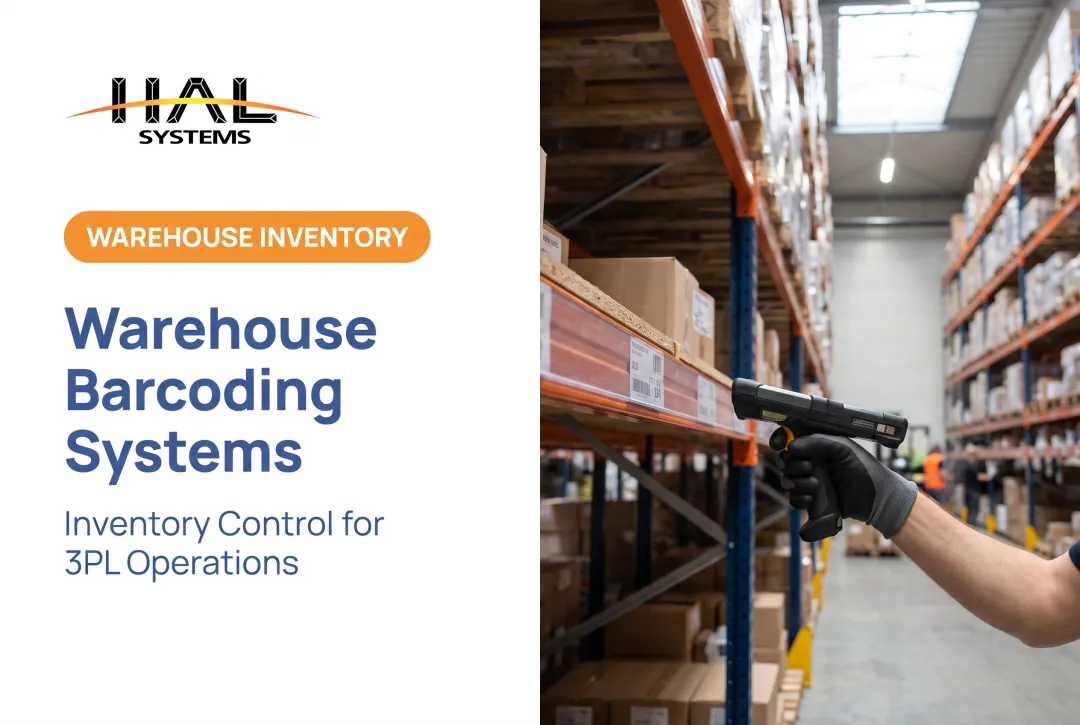
- Close-range handheld scanners for standard item and carton scanning
- 1D and 2D imagers that read both linear barcodes and denser symbols like QR codes and GS1 DataMatrix
- Rugged mobile computers built for drops, dust, and temperature swings
- Vehicle-mounted and long-range units for scanning rack or pallet labels from a forklift
Selection comes down to scan distance, symbology support, battery life, drop resistance, and connectivity. Range varies enormously by device. Zebra's RS6100 wearable scanner, for example, is rated for 1D/2D capture from close range up to 40 feet, a spec that won't apply to a standard handheld model.
Wearable, Voice, and Smartphone Devices
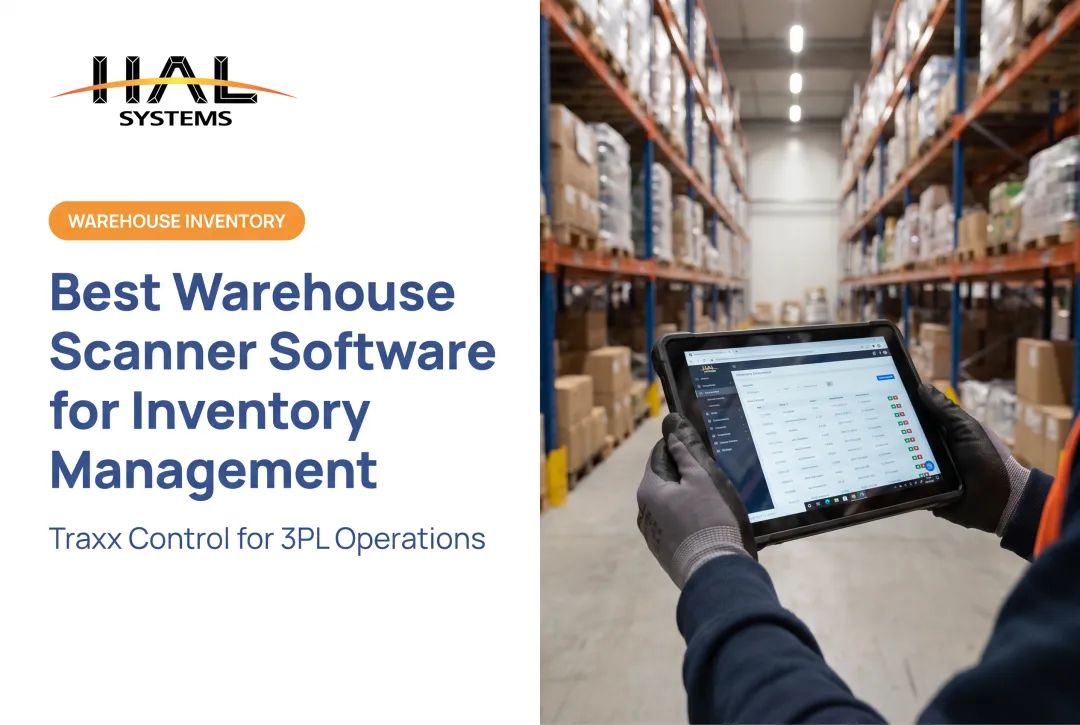
Ring scanners, wrist-mounted devices, and voice headsets free up hands for picking and packing. Smartphones and rugged tablets give workers access to instructions and reports without a dedicated device.
Voice-directed picking is gaining real traction. Industry survey data shows voice adoption climbing from 21% to 39% year over year, with many warehouses planning to add it within two years. Adoption numbers are useful context, but they're not a promise of productivity gains for every operation — pilot it in your own facility before committing.
How Scanning Systems Support Warehouse Workflows
Scanning touches nearly every movement in a warehouse. Here's how it plays out across the main operational stages.
Receiving, Putaway, and Inventory Control
Scanning purchase orders, item codes, lots, and serial numbers at receiving validates inbound goods and gives inventory records an accurate starting point. Directed putaway confirms the right location, flags discrepancies, and can generate labels on the fly when supplier data is incomplete.
From there, location scans, replenishment tasks, and cycle counts maintain perpetual inventory visibility: no more waiting for a once-a-year physical count to find out what's actually on the shelf.
Lot, date, expiration, and status tracking matter here too, especially in regulated or perishable categories. HAL Traxx Inventory Control enforces lot and date rules directly in business logic, including rules as specific as keeping ice cream in freezer locations only or blocking unapproved raw materials from reaching production.
Picking, Packing, and Shipping
Scanning at pick verifies the worker, order, location, item, and quantity before packaging, catching wrong-item and wrong-quantity errors before they leave the building. Whether an operation runs single-order, batch, zone, or wave picking, the software should match the existing process rather than forcing a redesign.
On the outbound side, scanning verifies shipments, integrates with carrier systems, and confirms delivery. HAL Traxx creates bill-of-lading documents automatically and supports delivery confirmation scanned directly from the delivery vehicle, closing the loop between warehouse and customer.
Assets, Equipment, and Work-in-Process
Scanning isn't limited to sellable inventory. Tools, forklifts, containers, and raw materials moving through production all benefit from the same accountability trail. HAL Traxx's asset tracking covers tools, equipment, furnishings, and reusable containers. Its manufacturing application tracks serialized components as they move through production, which is useful for field-service teams, multi-client warehouses, and institutional asset programs that need a defensible audit record.
Scan-generated data also gives managers a window into bottlenecks, recurring exceptions, and productivity trends, the raw material for Lean or Six Sigma improvement work.

Planning, Software, and Integration
Buying hardware before mapping your workflows is how projects stall. Start with the process, not the device catalog.
Assess Before You Buy
Map every workflow (receiving, putaway, picking, packing, shipping, returns, and counting) and document transaction volumes, existing labels, storage conditions, and current sources of bad data.
Bring in warehouse staff, supervisors, IT, finance, and any clients who need separate inventory visibility.
From there, build a requirements document covering must-haves: 1D or 2D scanning, RFID, offline operation, lot or serial control, reporting, and integration needs. Then pilot in one zone before a full rollout.
Test real labels, damaged packaging, network interruptions, and peak volume, not just ideal conditions. GS1's own pilot guidance recommends scoping the use case and checking scanner compatibility before scaling anything.

Software and Integration Decisions
Hardware is only half the system. The software receiving those scans has to validate, store, and report the data correctly, which means a few decisions upfront:
- Integration method: APIs, ODBC, transfer files, or EDI, depending on what your ERP, accounting, or shipping system supports
- Data ownership: define which system owns item, location, order, and quantity data to avoid conflicting updates
- Deployment model: cloud hosting reduces IT overhead and speeds deployment; on-premises gives more direct control over security and data access
HAL Systems' in-house programmers build these interfaces using APIs, ODBC connections, or transfer files to connect HAL Traxx with ERP, factory automation, shipping, and accounting systems. That eliminates the duplicate manual entry that creates errors in the first place.
Software is available as an upfront license with annual support, or as SaaS billed annually. You can deploy on-premises or through AWS cloud hosting, depending on connectivity and IT resources.
HAL Traxx and Configurable Warehouse Data Collection
HAL Traxx is built as a configurable software layer, not a fixed, out-of-the-box package. It takes barcode, RFID, or manual-entry scan events and turns them into inventory, location, asset, and production transactions.
Rather than forcing every warehouse into the same process, HAL Traxx is assembled from configurable building blocks that can function as:
- A warehouse management system
- An asset tracking solution
- An inventory management platform
- A work-in-process manufacturing tool
- Any combination of the above
This matters most for small and mid-size distributors, manufacturers, 3PLs, field-service organizations, and institutional asset teams whose workflows don't fit a rigid template. A 3PL managing separate client inventories, a manufacturer tracking serialized WIP, and a distributor running cycle counts can all run on the same configurable foundation, adjusted to their own rules rather than someone else's assumptions.
HAL Traxx connects to ERP, factory automation, shipping, and accounting systems through APIs, ODBC, or transfer files, and deploys either on-premises or through AWS cloud hosting. Which option fits depends on your connectivity, IT capacity, and security requirements. Evaluate each choice against your own environment rather than assuming one is universally better.
If you're weighing a warehouse, inventory, asset, or WIP data-collection project, it's worth a conversation with HAL Systems or an authorized reseller to see where a configurable approach fits.
Conclusion
A warehouse scanning system is an operational information system, not just a barcode reader. Identifiers, devices, software, integrations, workflows, data quality, and user adoption all have to work together. Miss one, and the whole system underperforms.
Put it in place without disrupting day-to-day work:
- Start with the highest-impact workflow in your operation
- Establish baseline metrics before you change anything
- Pilot the solution in one zone
- Expand once you've proven it works
If your warehouse, manufacturing, or asset-tracking needs don't fit a rigid, one-size-fits-all system, a configurable platform like HAL Traxx is worth evaluating as your operation grows.
Frequently Asked Questions
What scanners are used in warehouses?
Warehouses typically use handheld and rugged mobile computers, wearable or ring scanners, vehicle-mounted and long-range scanners, fixed-position scanners, RFID readers, and smartphones or tablets. Larger operations sometimes add vision-based or automated capture systems for high-volume tasks.
What does a scanner do in a warehouse?
A scanner captures a barcode, QR code, RFID tag, or other identifier and sends that transaction to software, which updates the related item, location, quantity, asset, order, or shipment record. Those software updates keep inventory, orders, and shipments accurate in real time.
How do I choose the right warehouse scanning system?
Match the technology to your workflow requirements, barcode or tag types, scan distance, environment, and transaction volume. Then weigh connectivity, software integration, device ergonomics, scalability, and total cost of ownership before buying hardware.
Can warehouse scanners integrate with an existing WMS or ERP?
Integration depends on available APIs, ODBC connections, transfer files, and data ownership rules between systems. Involve IT and operations early so hardware decisions match what your existing software can actually support.
Are barcode scanners or RFID systems better for warehouses?
Barcode scanning requires line of sight and reads one item at a time, while RFID can read multiple tagged items without individual aiming. The better fit depends on your use case, tag environment, required speed, and infrastructure budget. Neither technology wins universally.